Smart-UPS 2200/3000 VA 230 VAC Tower User Manual 11
Configuration
Low Battery
Warning
2 minutes
PowerChute
software
interface
provides
automatic,
unattended
shutdown when
approximately
two minutes of
battery operated
run time
remains.
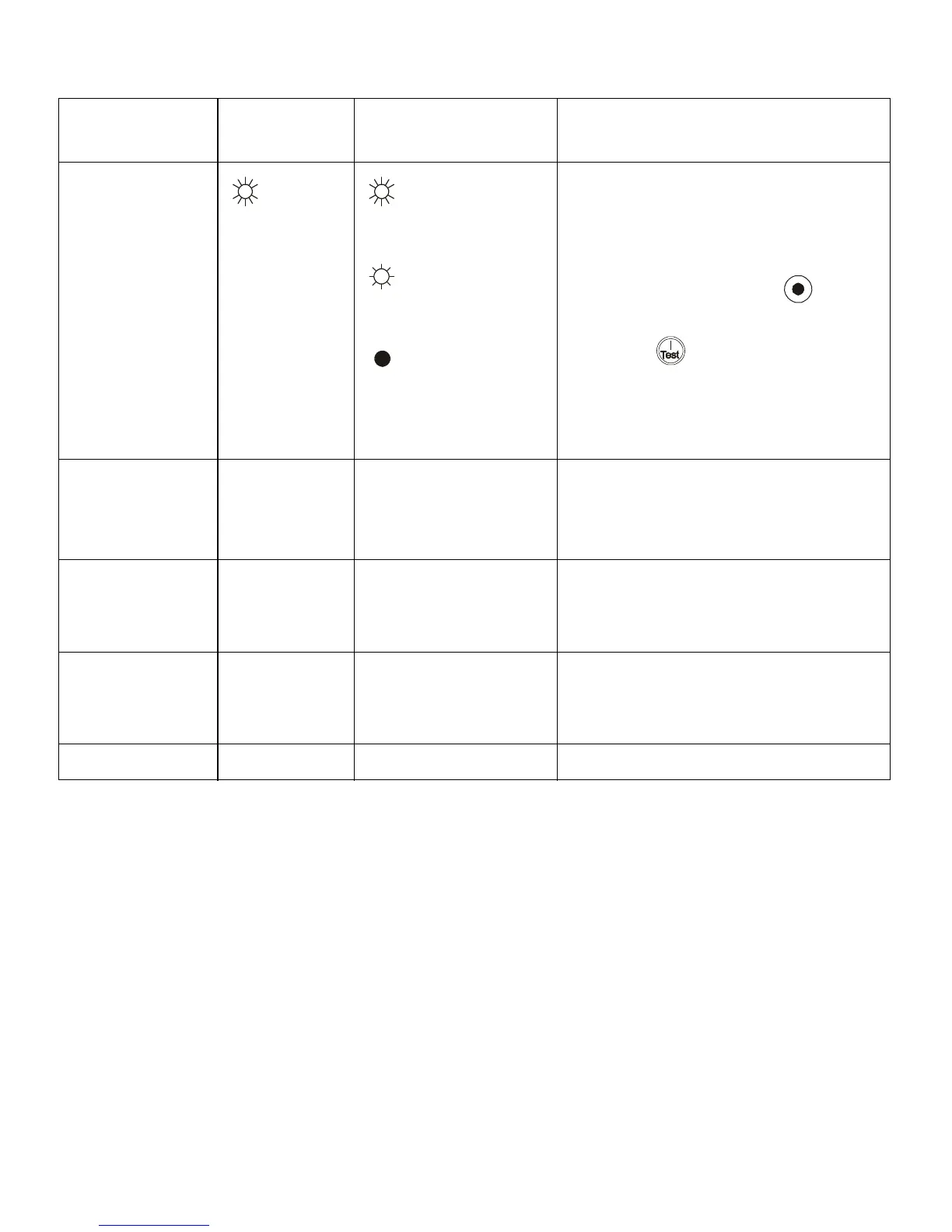
Brightly
illuminated:
low battery warning level
of about 2 minutes
Dimly illuminated:
low battery warning
level of about
5 minutes
No illumination:
low battery warning
level is about 8 minutes
The low-battery warning beeps are
continuous when two minutes of run time
remain.
To change the default interval setting, use a
pointed object such as a pen to press the
VOLTAGE SENSITIVIY switch (rear
panel), while
pressing the button, (front display).
Change the low battery warning interval
setting to the time that the operating system
or system software requires to safely shut
down.
Synchronized
Turn-on Delay
0 seconds • 0 s
•60 s
• 120 s
• 180 s
• 240 s
• 300 s
• 360 s
• 420 s
Specify the time the UPS will wait after the
return of utility power before start up, (to
avoid branch circuit overload).
High Transfer Point 253 VAC • 253 VAC
• 257 VAC
• 261 VAC
• 265 VAC
To avoid unnecessary use of the battery
where utility voltage is chronically high, set
the high transfer point higher if the connected
equipment can tolerate this condition.
Low Transfer Point 208 VAC • 196 VAC
• 200 VAC
• 204 VAC
• 208 VAC
To avoid unnecessary use of the battery
where utility voltage is chronically low, set
the low transfer point lower if the connected
equipment can tolerate this condition.
Output Voltage 230 VAC • 220 VAC • 240 VAC Sets the output voltage of the UPS.
Function
Factory
Default
User Selectable Choices Description



 To Next Page