3.8 Applying Power and Initial Checkout
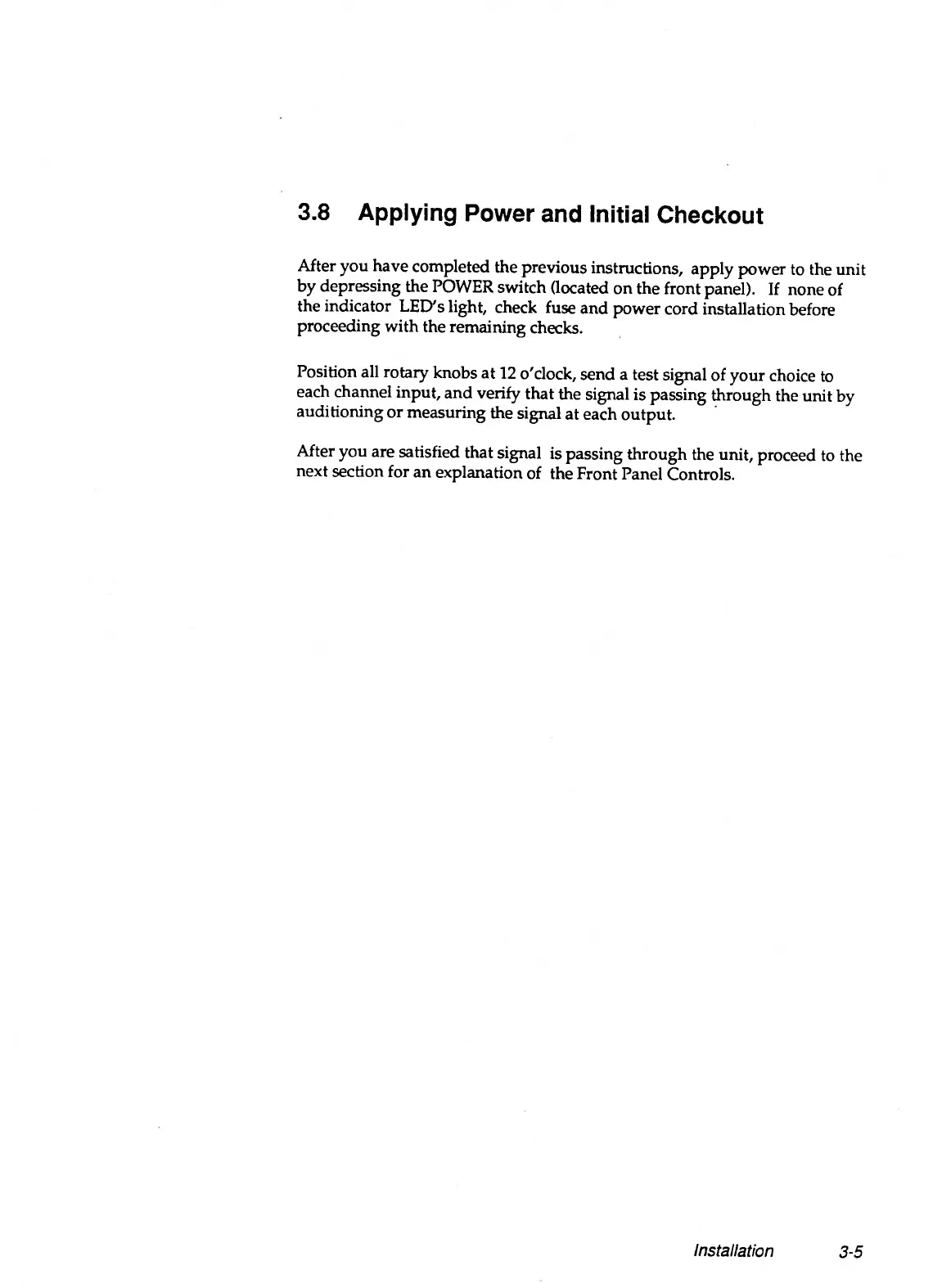
After you have completed the previous instructions, apply power to the unit
by depressing the POWER switch (located on the front panel). If none of
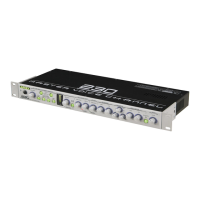
the indicator LED's light, check fuse and power cord installation before
proceeding with the remaining checks.
Position all rotary knobs at 12 o'clock, send a test signal of your choice to
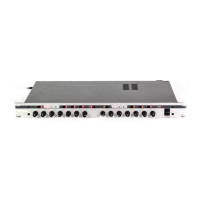
each channel input, and verify that the signal is passing through the unit by
auditioning or measuring the signal at each output.
After you are satisfied that signal is passing through the unit, proceed to the
next section for an explanation of the Front Panel Controls.
Installation
3-5


 To Next Page