4.6 HARMONICS Control
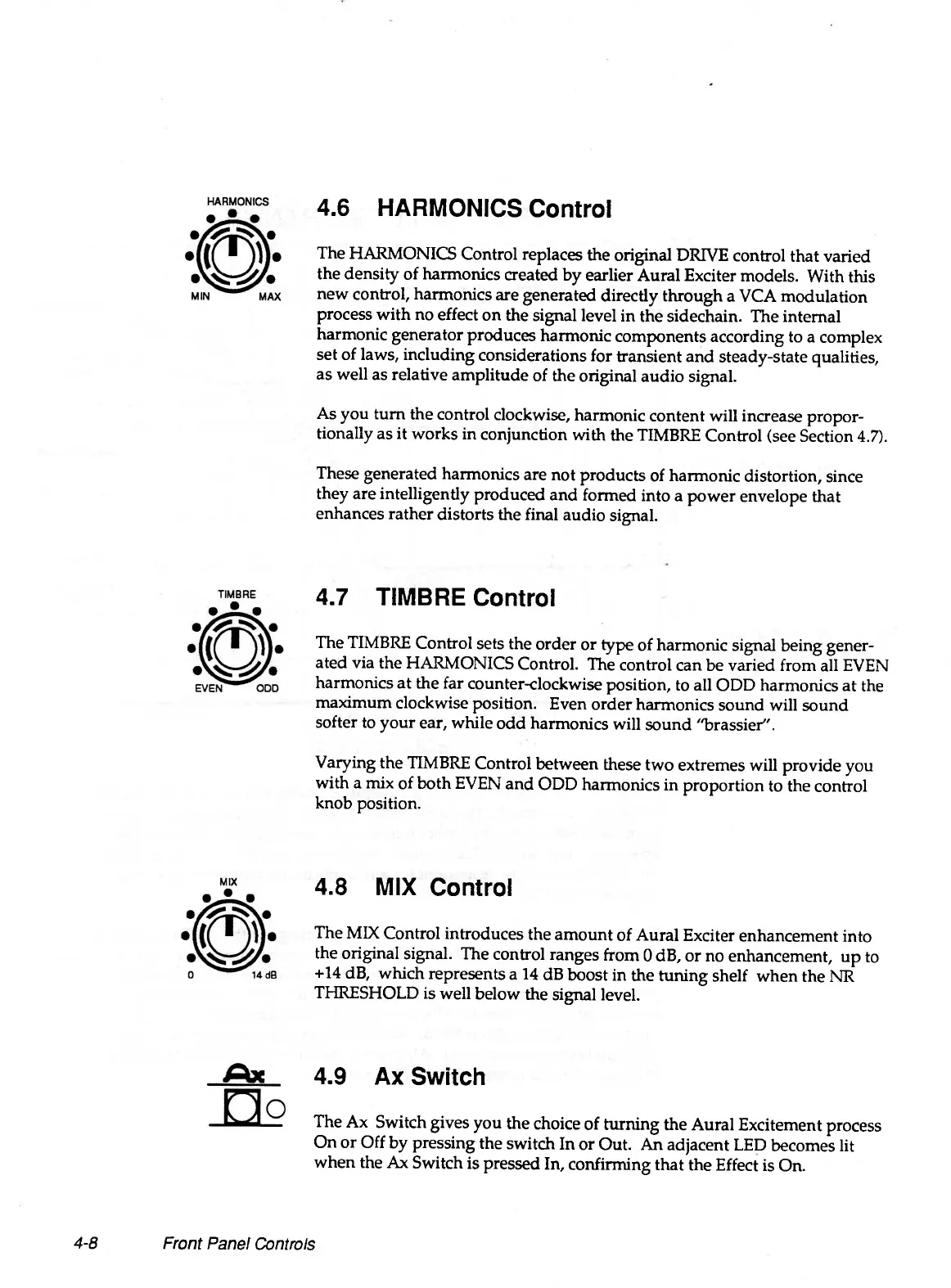
The HARMONICS Control replaces the original DRIVE control that varied
the density of harmonics created by earlier Aural Exciter models. With this
new control, harmonics are generated directly through a VCA modulation
process with no effect on the signal level in the sidechain. The internal
harmonic generator produces harmonic components according to a complex
set of laws, including considerations for transient and steady-state qualities,
as well as relative amplitude of the original audio signal.
As you turn the control clockwise, harmonic content will increase propor
tionally as it works in conjunction with the TIMBRE Control (see Section 4.7).
These generated harmonics are not products of harmonic distortion, since
they are intelligently produced and formed into a power envelope that
enhances rather distorts the final audio signal.
4.7 TIMBRE Control
The TIMBRE Control sets the order or type of harmonic signal being gener
ated via the HARMONICS Control. The control can be varied from all EVEN
harmonics at the far counter-clockwise position, to all ODD harmonics at the
maximum clockwise position. Even order harmonics sound will sound
softer to your ear, while odd harmonics will sound "brassier".
Varying the TIMBRE Control between these two extremes will provide you
with a mix of both EVEN and ODD harmonics in proportion to the control
knob position.
4.8 MIX Control
The MIX Control introduces the amount of Aural Exciter enhancement into
the original signal. The control ranges from 0 dB, or no enhancement, up to
+14 dB, which represents a 14 dB boost in the tuning shelf when the NR
THRESHOLD is well below the signal level.
4.9 Ax Switch
The Ax Switch gives you the choice of turning the Aural Excitement process
On or Off by pressing the switch In or Out. An adjacent LED becomes lit
when the Ax Switch is pressed In, confirming that the Effect is On.
4-8
Front Panel Controls


 To Next Page