Apogee ONE | User’s Guide for Windows
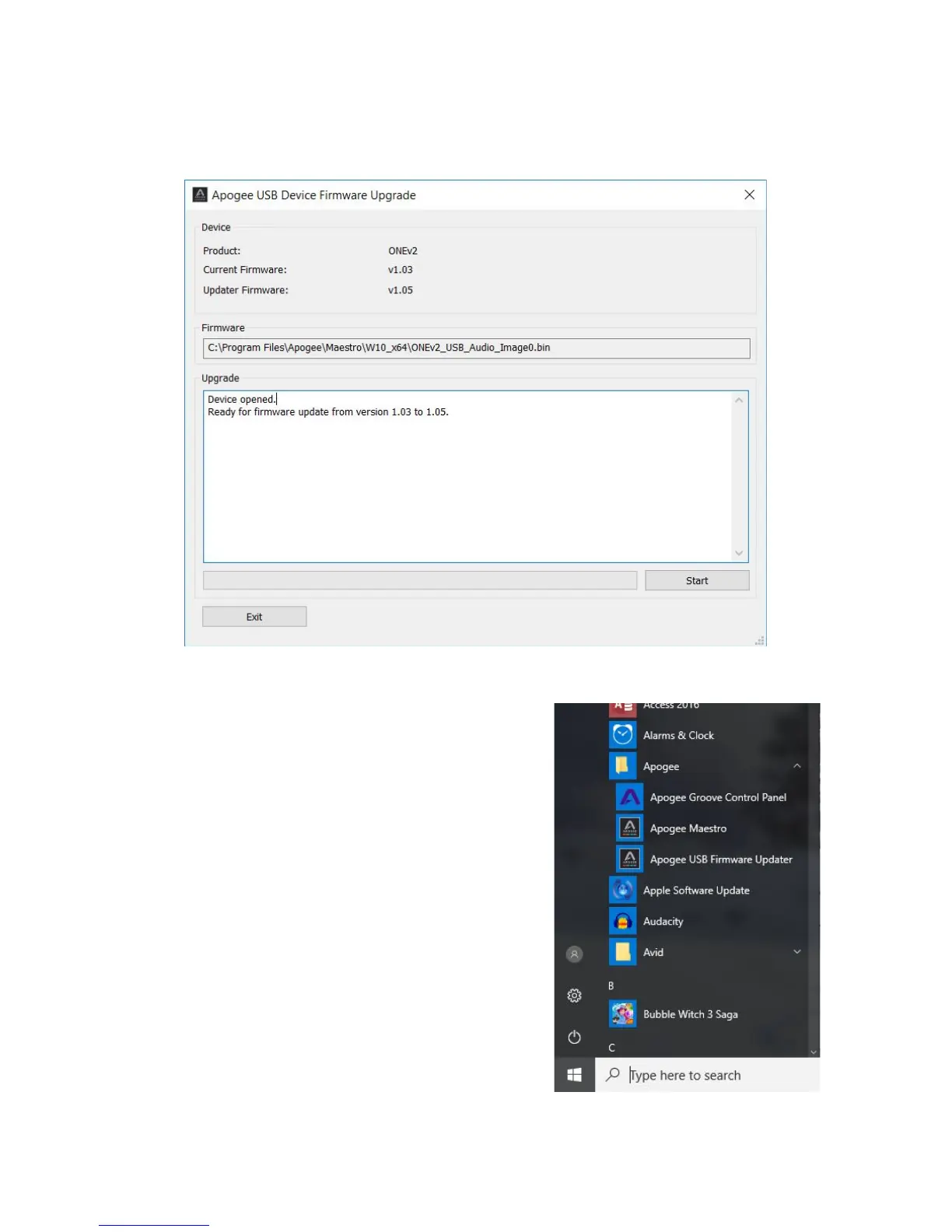
5. Immediately following the software installation, the firmware updater will launch and verify that
the Apogee interface’s firmware is up-to-date. Click Start if an update is required, otherwise
click Exit to close the Firmware Updater app.
6. Once installation is complete, Apogee Maestro
software and the Apogee USB Firmware Updater may
be opened via the Windows Start menu.
Page 11



 To Next Page