Apogee ONE | User’s Guide for Windows
Output level
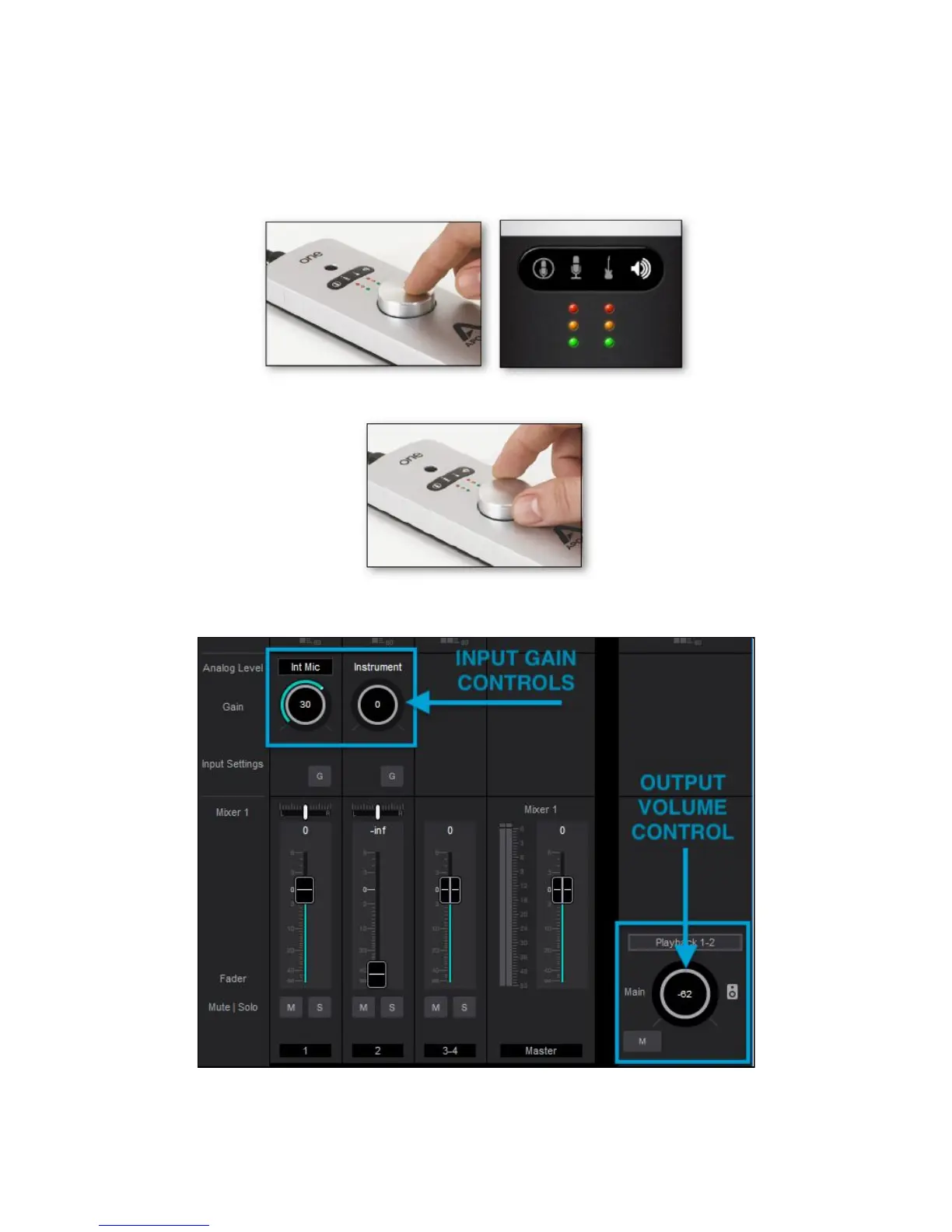
To change the output volume (i.e. the headphones jack volume):
1. Push the Controller Knob until the Speaker icon is lit on ONE’s display.
2. Turn the controller knob to the desired listening level.
The controller knob operates in parallel with any software output controls.
Page 16



 To Next Page