Apogee ONE | User’s Guide for Windows
Adjusting Input & Output Levels
Input level
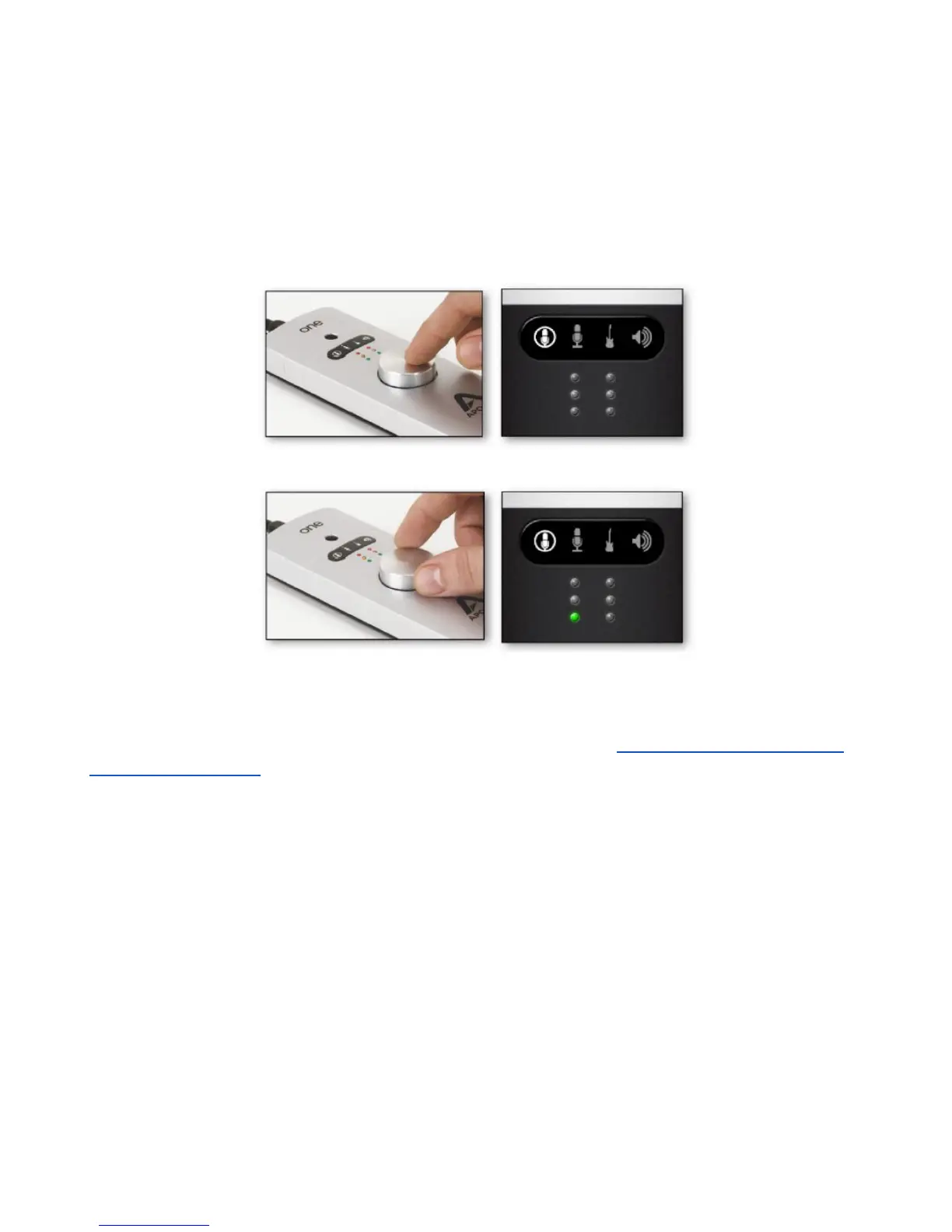
To change the input level (i.e the preamp gain of microphones and instruments):
1. Push the Controller Knob until the built-in microphone, external microphone or instrument icon
is lit on the display.
2. Turn the Controller Knob until the desired recording level is obtained.
The controller knob operates in parallel with Maestro’s input controls.
Note: You will not hear your input until you enable software monitoring from a recording application or
engage the low latency mixer in Apogee's Maestro control panel (see How to set up a session using
the Low Latency Mixer for more info).
Page 15



 To Next Page