16
Inverter working status
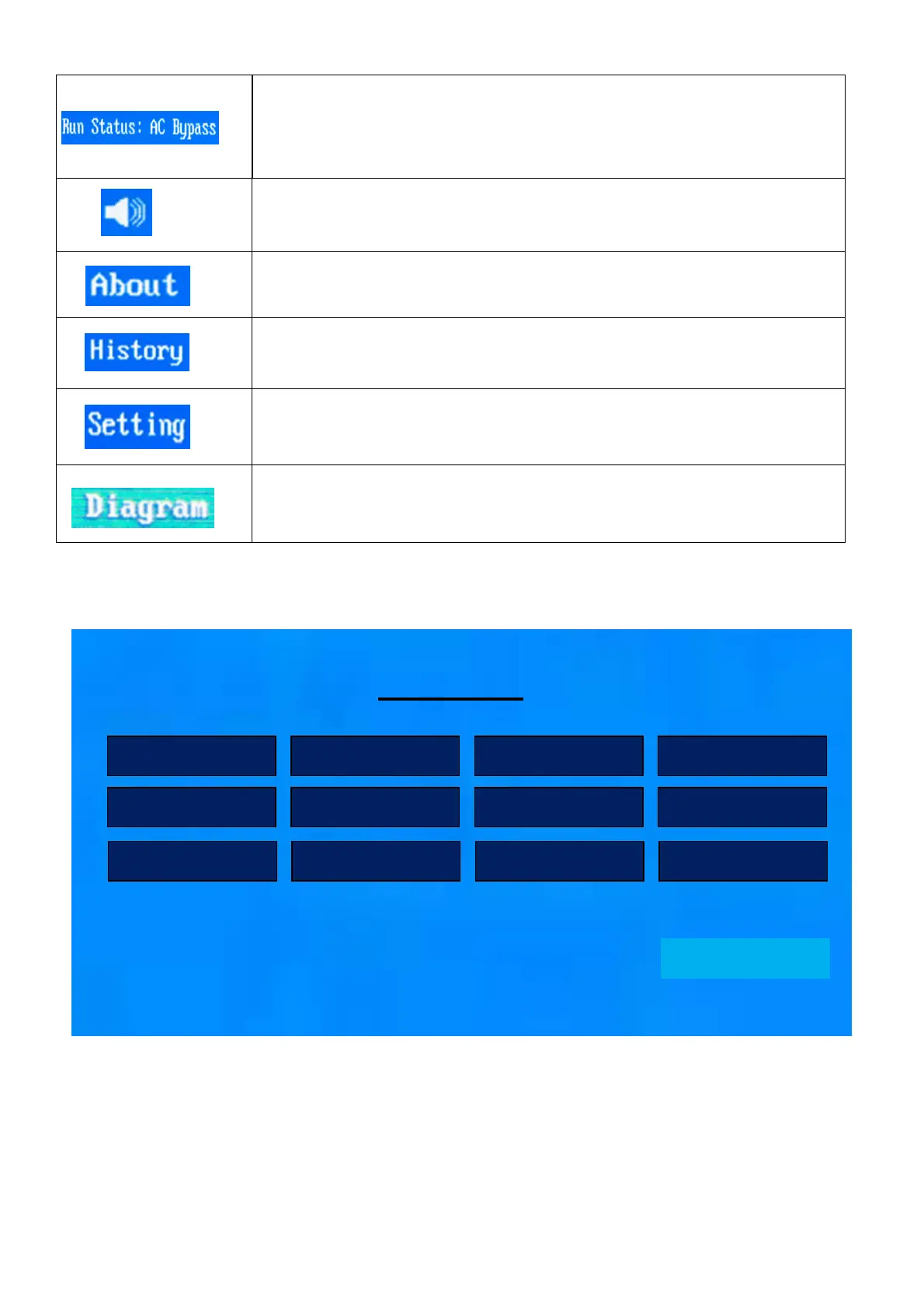
Battery mode run status: Bat inv
Utility mode run status: AC Bypass
PV +Utility mode run status: PV+AC
Volume icon
LCD Version
,
Inverter Version
,
Mppt Version
,
Machine Type
This button includes generation,event,help
language,working mode,input,output ,
battery,charge , PV ,parallel,date and time ,Grid ,peak valley ,
and other
work state diagram
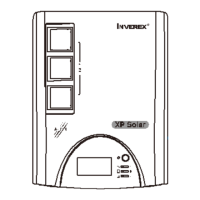
5.4 LCD Setting
After press function button, the unit will enter setting mode. Set password: 1155
Setting
Language Work Mode Input Output
Battery Charge PV Parallel
Date&Time Grid Res. Other
Exit


 To Next Page