19
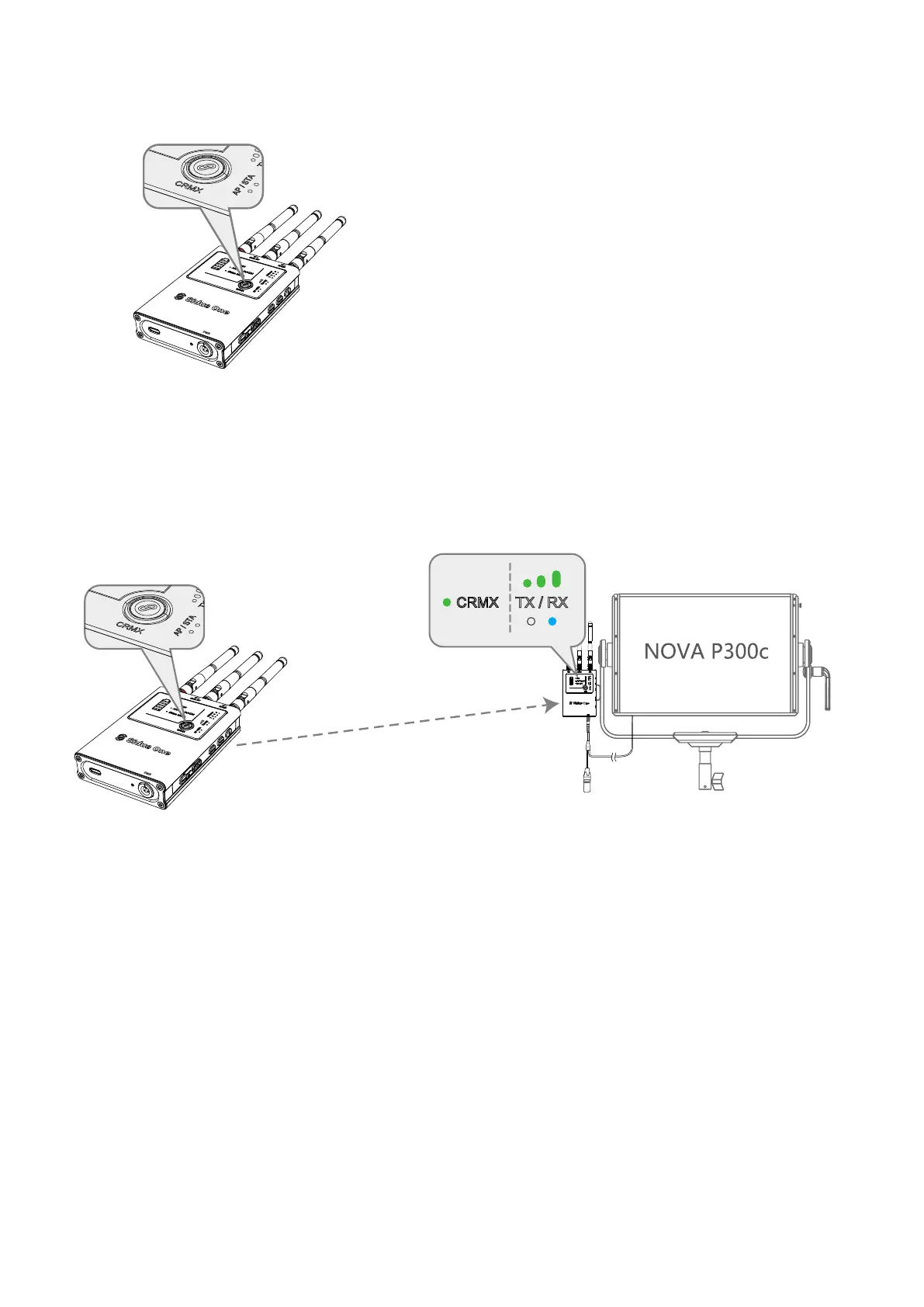
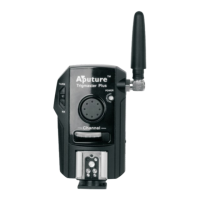
(4) On the CRMX Transmitter, tap the CRMX button to send the link signal to the Sidus One Receiver.
The CRMX Status Light will flash rapidly on both devices. Once the Sidus One RX is linked, its CRMX
Status Light will remain solid while in range of the TX and data is present.
(3) If the CRMX Status light on the Sidus One is blinking rapidly, it is still linked to a previous transmitter.
Press and hold the CRMX Link button for 3 seconds to Unlink from the previous transmitter.
Connection through CRMX
① Tap CRMX Linking button
② CRMX Status light will flash while connecting.
It will remain solid once it is linked if DMX data
is present.
DMX512
CRMX Link and
Strength Indicator


 To Next Page