23
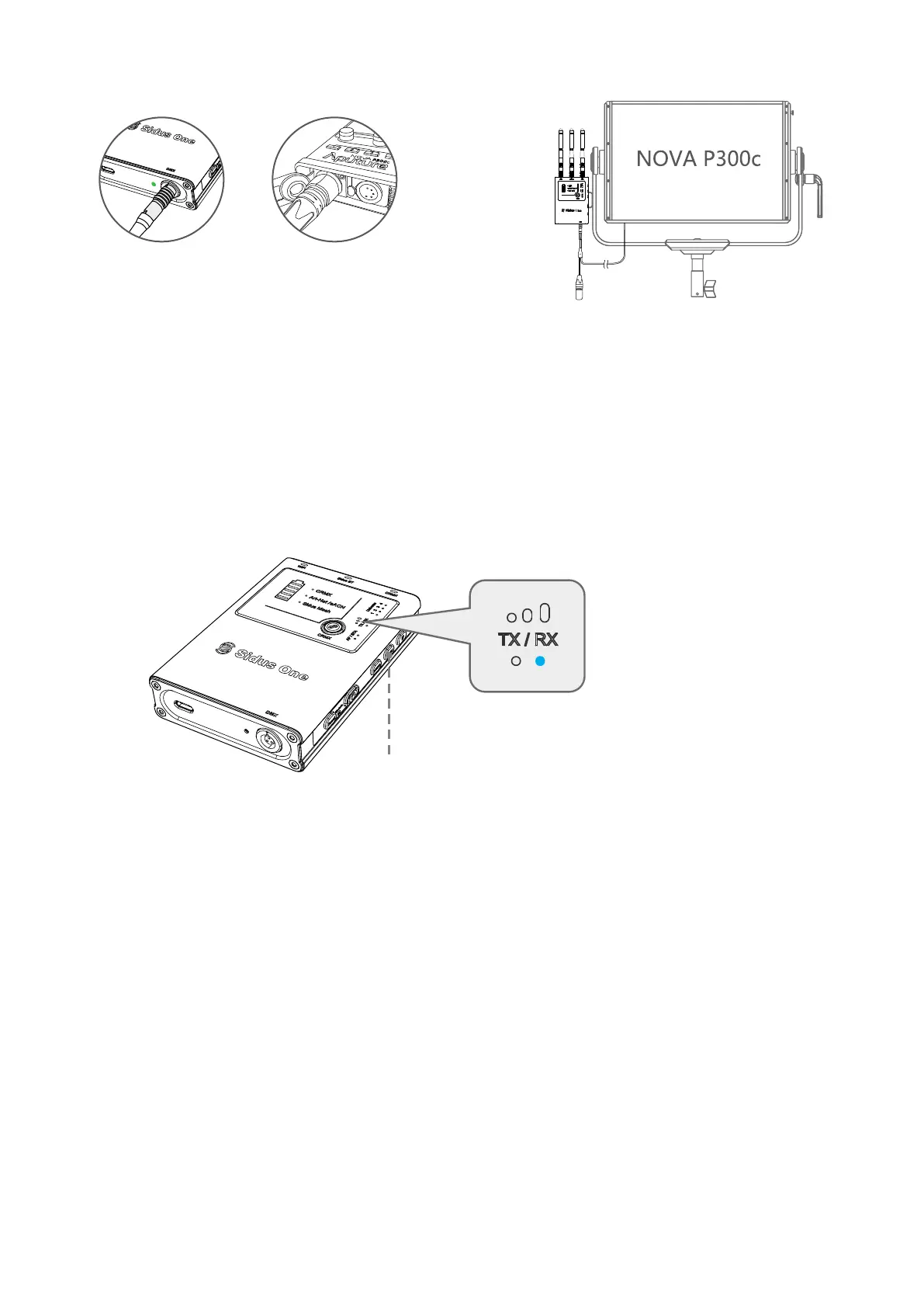
3.4.3 Wired DMX OUT
3.5 Sidus BT Master Node to Sidus BT Compatible Fixtures
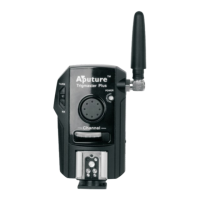
(1) Tap TX/RX key to set the equipment to RX mode
Press and Hold to switch between TX/RX mode
*Note: When used with Aputure fixtures that utilize a USB Port for DMX, an Aputure Active DMX Adapter
must be used on the Light. If the product is amaran, an amaran DMX Adapter must be used on the light.
Sidus One does not receive or transmit data via its USB-C port.
② Plug the 5 Pin Female
Out cable into a Light's
DMX IN port.
① Insert DMX IN/OUT Adapter
into the DMX Port on the bottom
of the Sidus One.
DMX512


 To Next Page