EasyManua.ls Logo

ARCA DYNAMIC - User Manual

ARCA DYNAMIC
28 pages
Print Icon
To Next Page IconTo Next Page
Loading...
DYNAMIC
Vers. D 10/2011
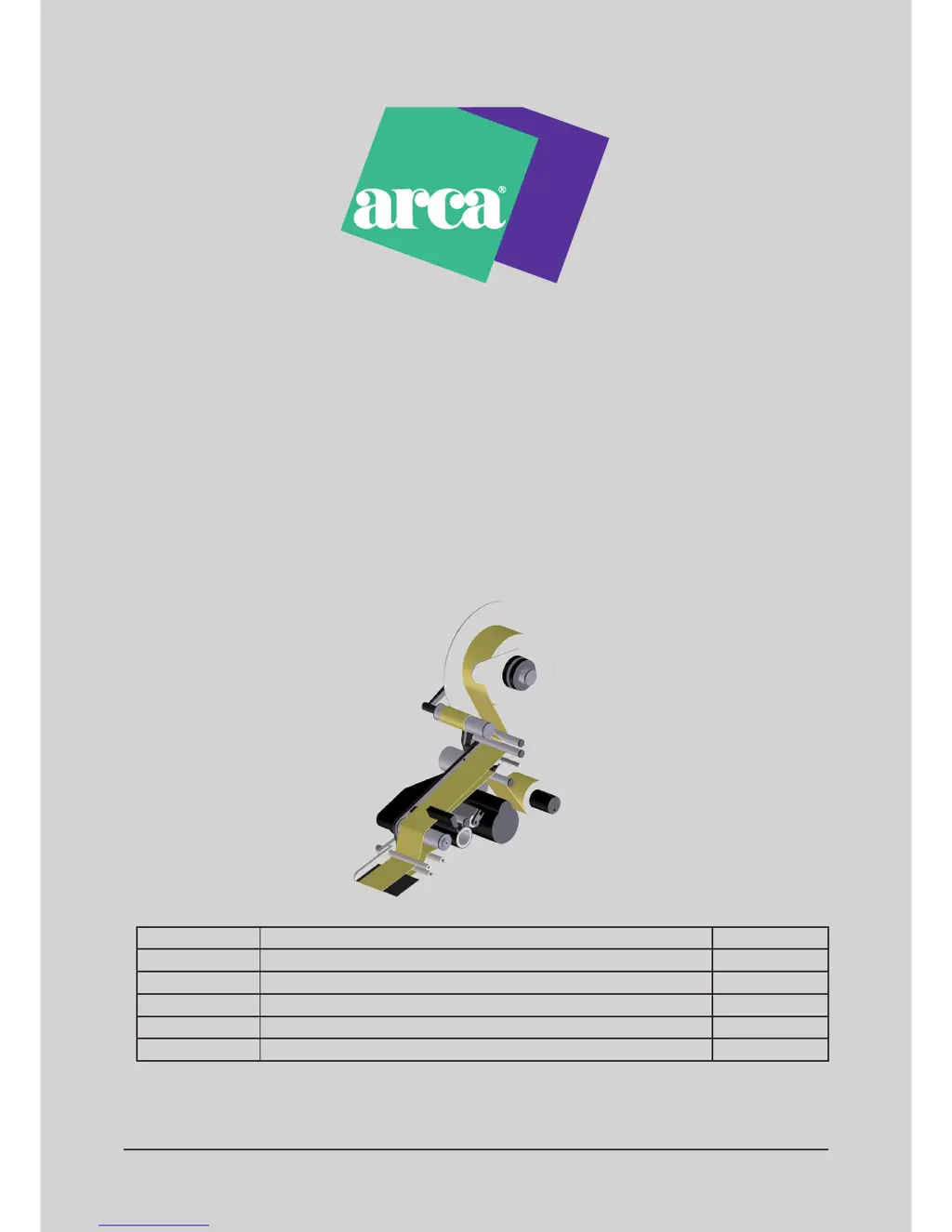
Labelling machine
User s Manual
Rev. Description Date
D New control unit with graphic display 10/2011

Questions and Answers

Summary

1. Introduction

1.1. Personnel authorised for assistance

Information on authorized personnel for machine assistance and maintenance.

1.2. Communications with ARCA Etichette S.p.A Customers Care Service

How to contact customer service for problem-solving and required information.

2. General information

2.1. Machine description

Details on the labelling machine's features, modularity, and components.

2.2. foreseen use of the labelling machine

Specifies the intended applications and operational purpose of the labelling machine with label reels.

2.3. Identification data of the labelling machine

Details on identifying the machine via its identification plate, including model and production year.

2.4. Identification data of the control unit

Information on identifying the control unit via its identification plate, including code number and voltage.

2.5. General safety prescriptions

Essential safety rules and operator level definitions for machine use and maintenance.

2.6. Security systems

Overview of the active and passive security devices that prevent dangerous situations.

2.7. Glossary

Definitions of commonly used technical terms related to the labelling machine's operation.

3. Adjustments

3.1. Setting the label on the product

Describes how to center the machine on the product for accurate label application.

3.2. Micro-switch adjustment

Instructions for adjusting the micro-switch for proper label positioning and detection.

3.4. Adjustment of the transport roller pressure

Steps to adjust the transport roller pressure for correct label feeding and application.

3.5. Adjustment of the mechanical sensor for end of roll

How to adjust the end-of-roll sensor to provide timely warnings when label supply is low.

3.6 Label roller replacement

Detailed procedure for replacing the label roller, including required dimensions and adapters.

3.7. Paper path

Instructions for ensuring the correct path of the label paper through the machine's components.

3.7.2 Paper path with Concorde peeler

Illustrates the label paper path configuration with a "Concorde" peeler.

3.7.3 Paper path with Hot print unit

Shows the label paper path when the machine is equipped with a Hot print unit.

3.8 Take up roller

Procedure for blocking paper on the take-up roller and manually creating paper tension.

4. Cleaning of the labeller

4.1. Cleaning

General instructions for periodic cleaning of the labelling machine to ensure correct functioning.

4.1.1. Cleaning of the photocells

Specific procedure for cleaning the photocells, emphasizing no solvents or metal objects.

4.1.2. Cleaning of the knurled and rubber rollers

Steps to clean the knurled and rubber rollers, including safety precautions like disconnecting power.

4.2. Extraordinary maintenance

States that extraordinary maintenance must be performed by authorized personnel only.

5. Labelling machine troubleshooting

5.1. Troubleshooting

A guide to common defects, their causes, and solutions for the labelling machine.

ARCA DYNAMIC Specifications

General IconGeneral
Print Resolution180 dpi
Max Print Width12 mm
Print TechnologyThermal transfer
DisplayLCD
KeyboardQWERTY
Label Width12 mm
Power SupplyAC adapter