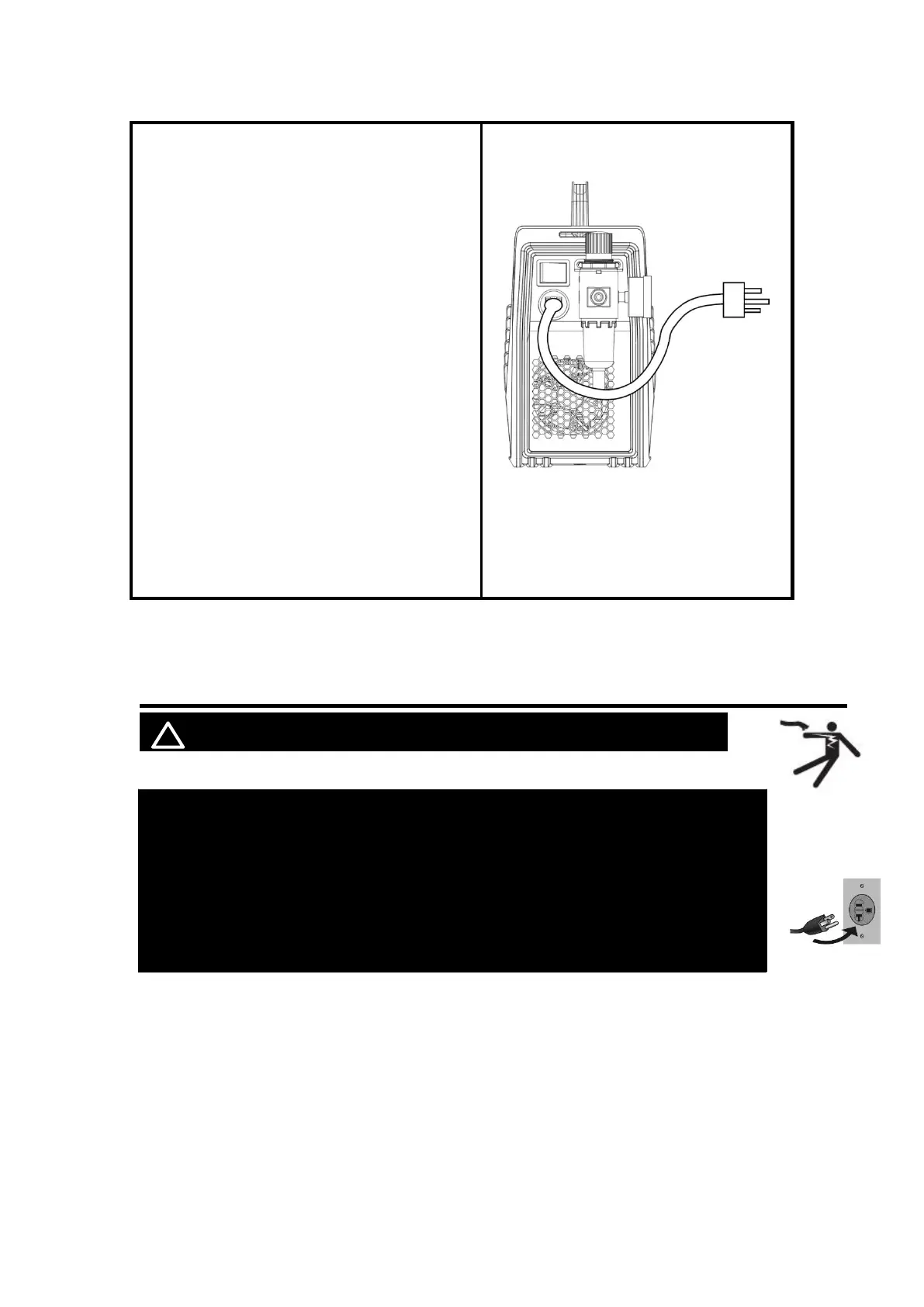
4.
Connection of input power
The CUT55 PRO operates in 240V or 120V
power supply. Plug the Power Cord into a
properly grounded. Set Cutting Gun down on
nonconductive, nonflammable surface away
from any grounded objects. And then then turn
the Power Switch ON. The fan should start.
The Digital screen should turn on.
NOTICE:
Adjust the Voltage Switch to match the outlet
voltage:
For 120VAC, attach the provided adapter to
the Power Cord.
For 240VAC, do not use the adapter.
Plug the Power Cord into a properly grounded
and rated receptacle matching the plug and
selected voltage.
Need to be connected to circuits with 50A and
above circuit breakers
5. OPERATION
NOTICE:
To prevent serious injury from fire or electric shock:
1.DO NOT touch anything, especially not the ground clamp, with the
gun or cutting wire or an arc will be ignited.
2. DO NOT touch plasma cutter Components while it is plugged in.



 To Next Page