5.2 Operation method
! WARINING BEWARE OF ELECTRIC SHOCK!
1. Confirm that cut55 has been
installed and operated correctly, refer
to sections 4 and 5
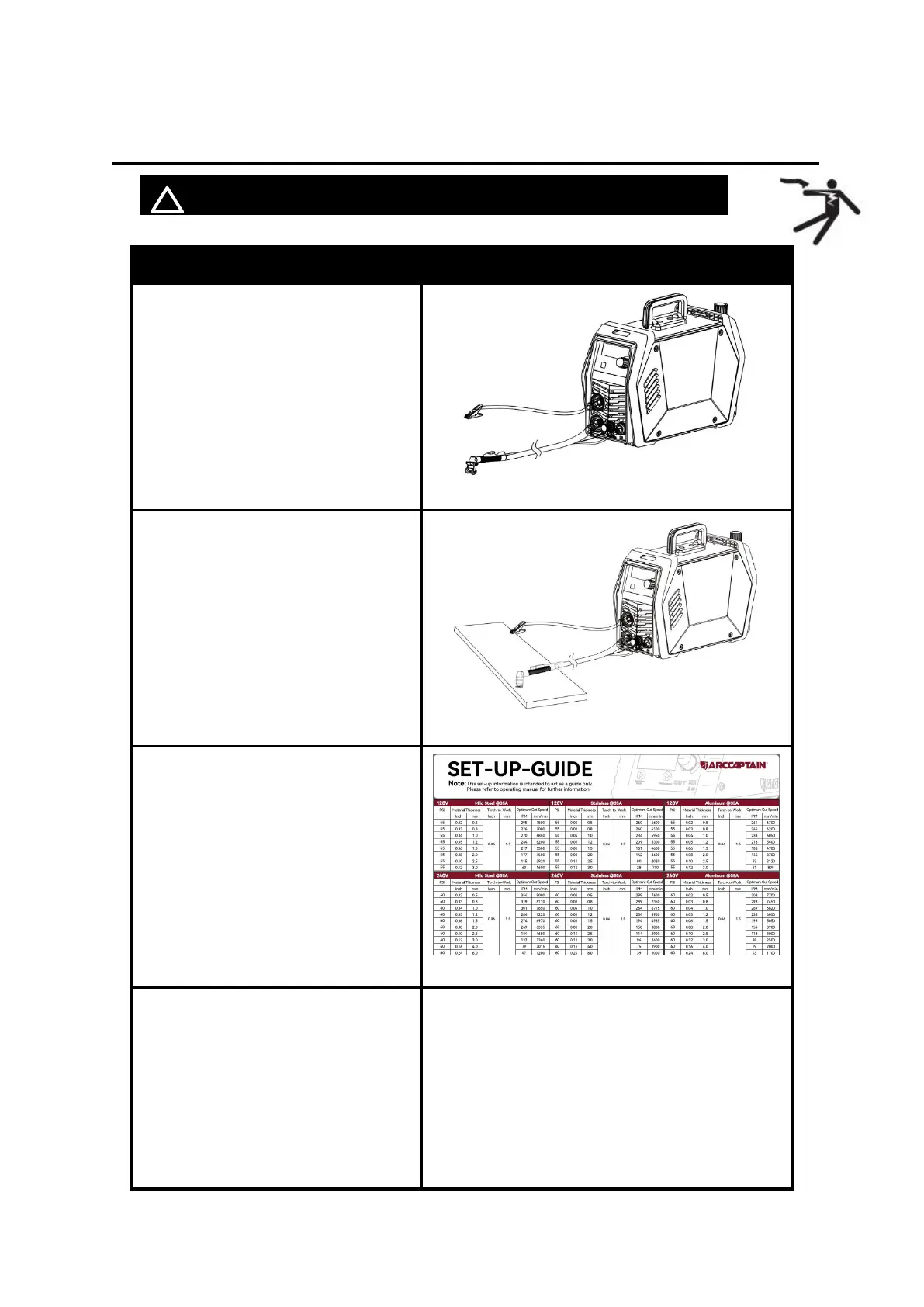
2. Clamp the Ground clamp onto the
workpiece, The Ground clamp must
be securely connected to the
workpiece.
Figure 15 Clamp the Ground clamp
3. Set the output current control knob
at maximum position for higher
cutting speed and less dross
formation. Reduce the current, if
desired to reduce the cut width,
heat affected zone or travel speed
as required.
4. You can refer to Appendix 1 to set
cutting parameters
Figure 16 refer to Appendix 1
2T (2 touch) mode:
Press the trigger to start the cutting current
Release trigger to stop the cutting current.
4T (4 touch) mode:
Press trigger to start cutting
Release trigger during cutting.
Press and release trigger to shut cutting
current off.



 To Next Page