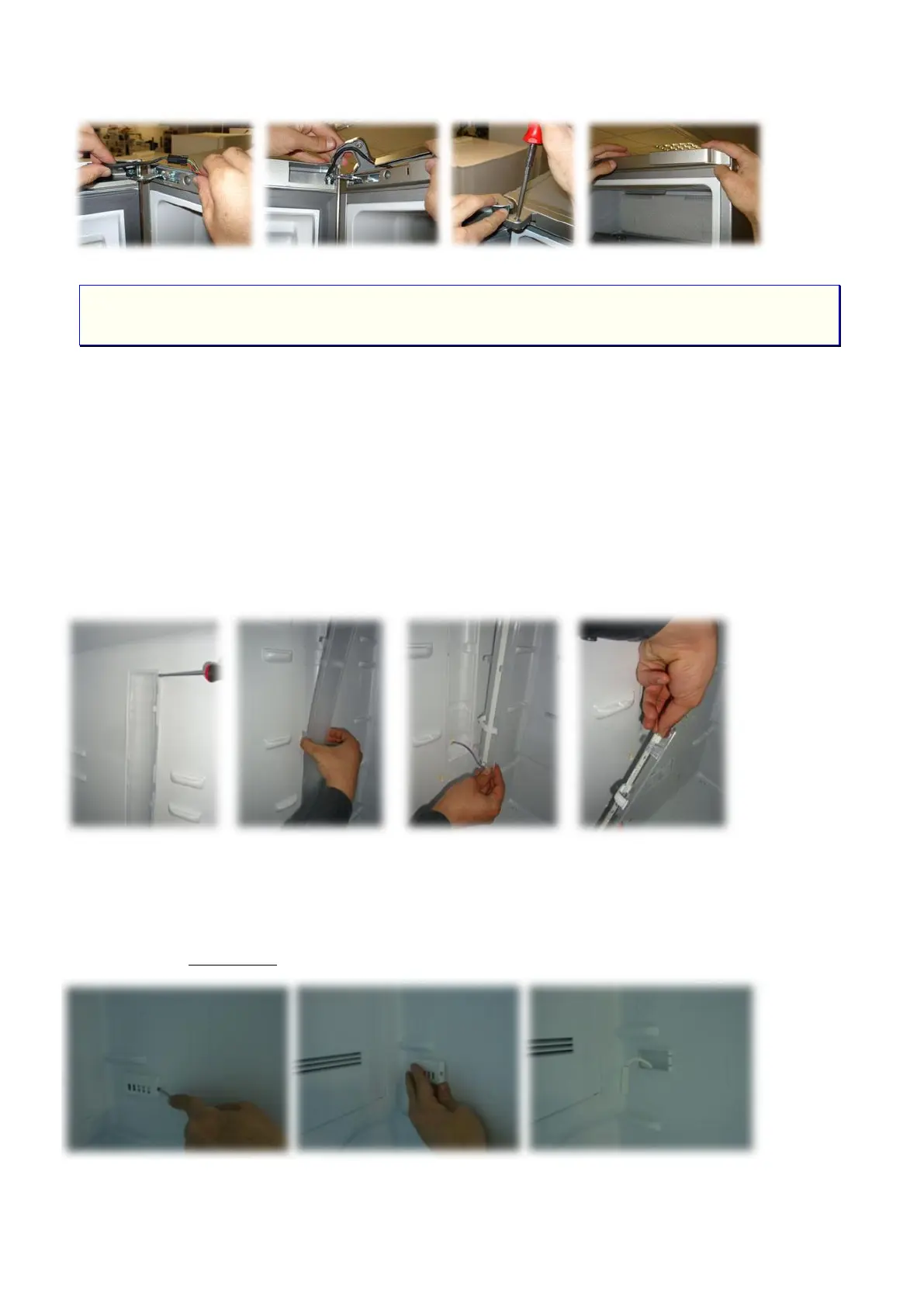
5 FRIDGE COMPARTMENT ASSEMBLY/DISASSEMBLY
INSTRUCTIONS
5.1 Replacing Fridge Compartment Illumination Glass and LED Card
The illumination glass shown in the picture is fixed on the inner body plastic by snap-fit.
Connection without a screw is used. To remove the illumination glass, it is opened from upper or
bottom section of illumination glass respectively as shown in the picture with the help of a pointed
tool, and then it is pulled by hand and removed from the interior body. Once the illumination glass is
removed, the LED card inside becomes accessible. In order to remove the LED card, the connection
with socket is removed and the LED card is removed.
5.2 Removing the Sensor Cover
The sensor cover is secured with a tab connection. To remove it, the tab seen at the side will
be pressed and the cover is pulled out to detach. The sensor part that is visible after the cover has
been removed is serviceable.




 To Next Page