18
Compact Printer Series - User’s Manual
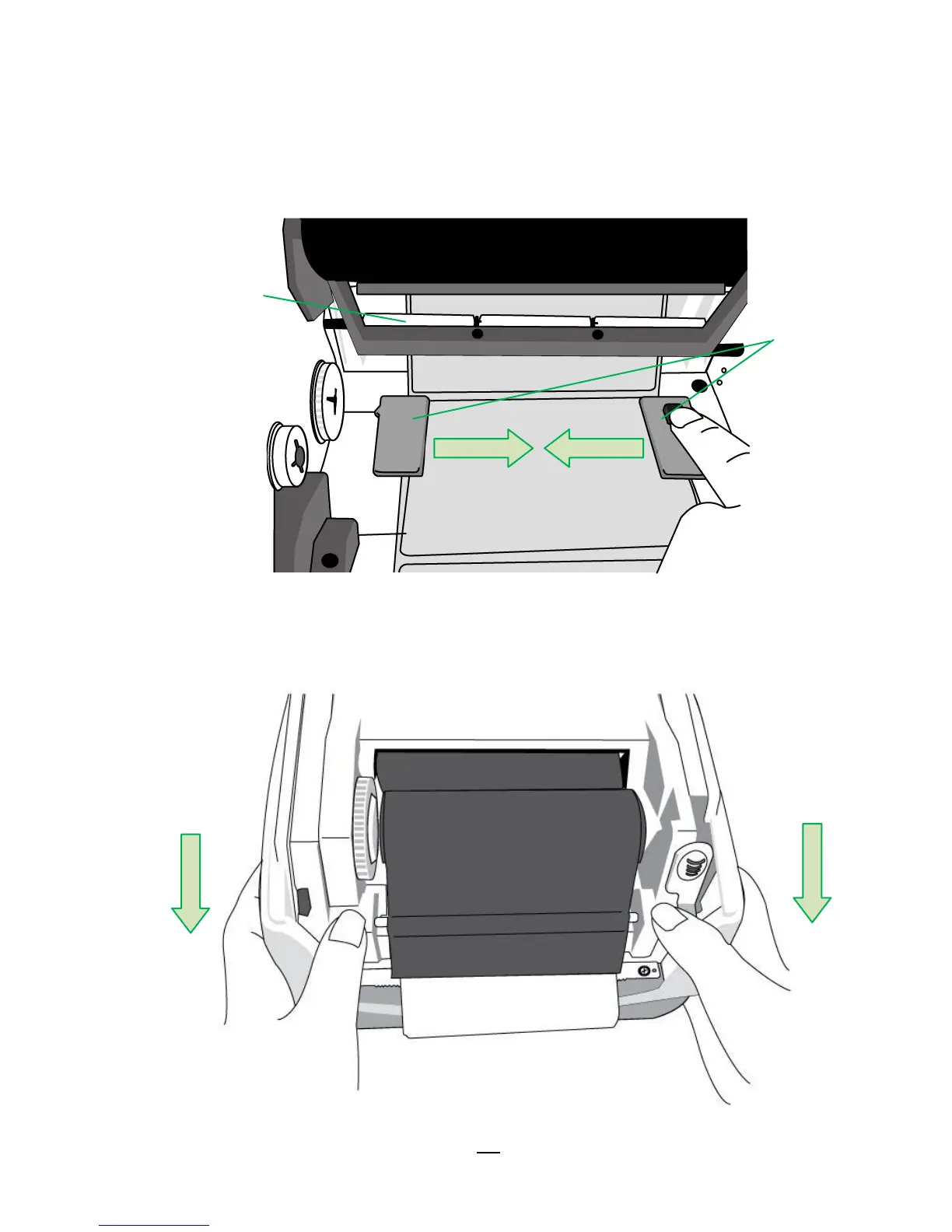
6. Press the lock of Media Guide at the right to adjust media guides’
positions. Make sure media stays under the Media Shaft and
centrally under both of the Media Guides.
7. Close the printer module and then press firmly at the both sides to
properly latch until you hear a click.



 To Next Page