83
Compact Printer Series - User’s Manual
Rotary Cutter with Paper Jam
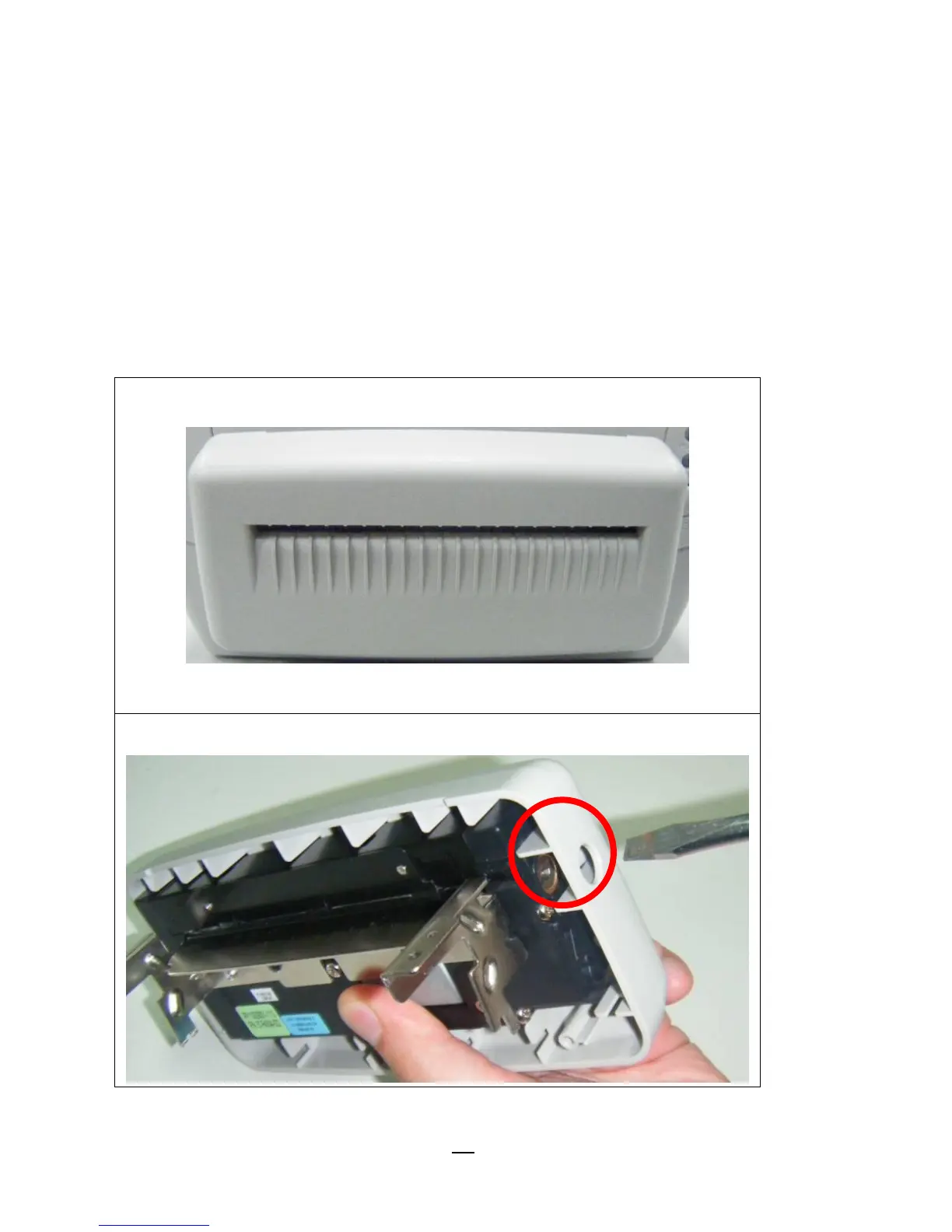
If there is paper jam inside rotary cutter, refer to Rotary Cutter
Installation section to remove the rotary cutter. Check the Cam as
marked in Figure 1; find a slotted screwdriver to turn
counter-clockwise as Figure 2. During turning the Cam of cutter,
release the blade from paper and them remove the paper from the
cutter.



 To Next Page