24
Compact Printer Series - User’s Manual
Step 3.
M
Mode B. After manually setting Reflective Sensor Force Mode, if it is
needed to reset the printer to its default Transmissive Sensor and exit
from Force Mode, refer to the steps below:
1. Push the Release Latch to open the printer module. Ready LED
will start flashing.
2. Press and hold Feed button for about 5 seconds, when Power
LED and Ready LED start to flash simultaneously, the setting is
complete. Release Feed button immediately.
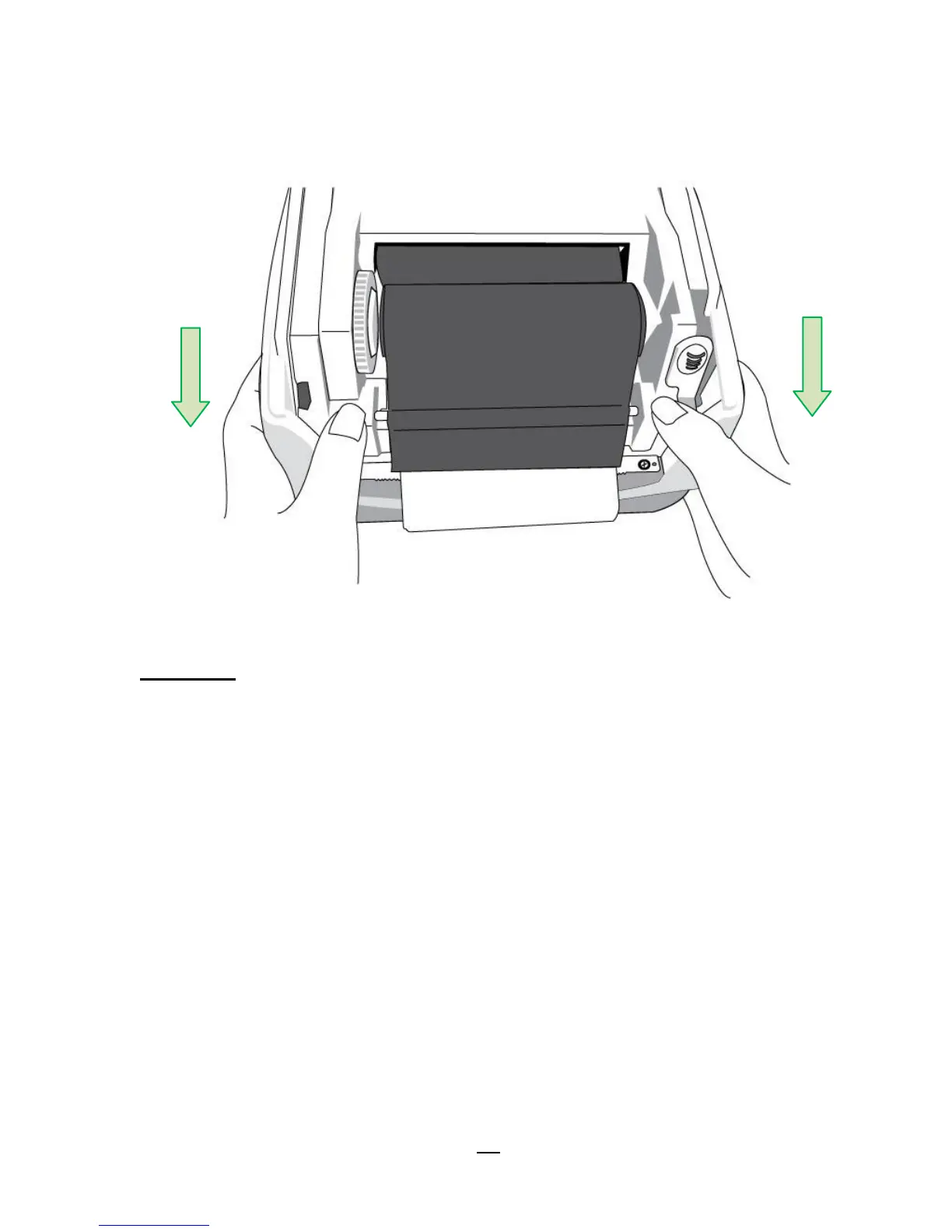
3. In about 3 seconds, Ready LED will be flashing again. Close the
printer module and then press firmly at the both sides to properly
latch it until you hear a click.
4. I
※ Printer transfers between the two modes as described above.



 To Next Page