User’s Manual 21
3.6 Power Management
3.6.1 Power Status Indication
Checking main and Backup Battery Status
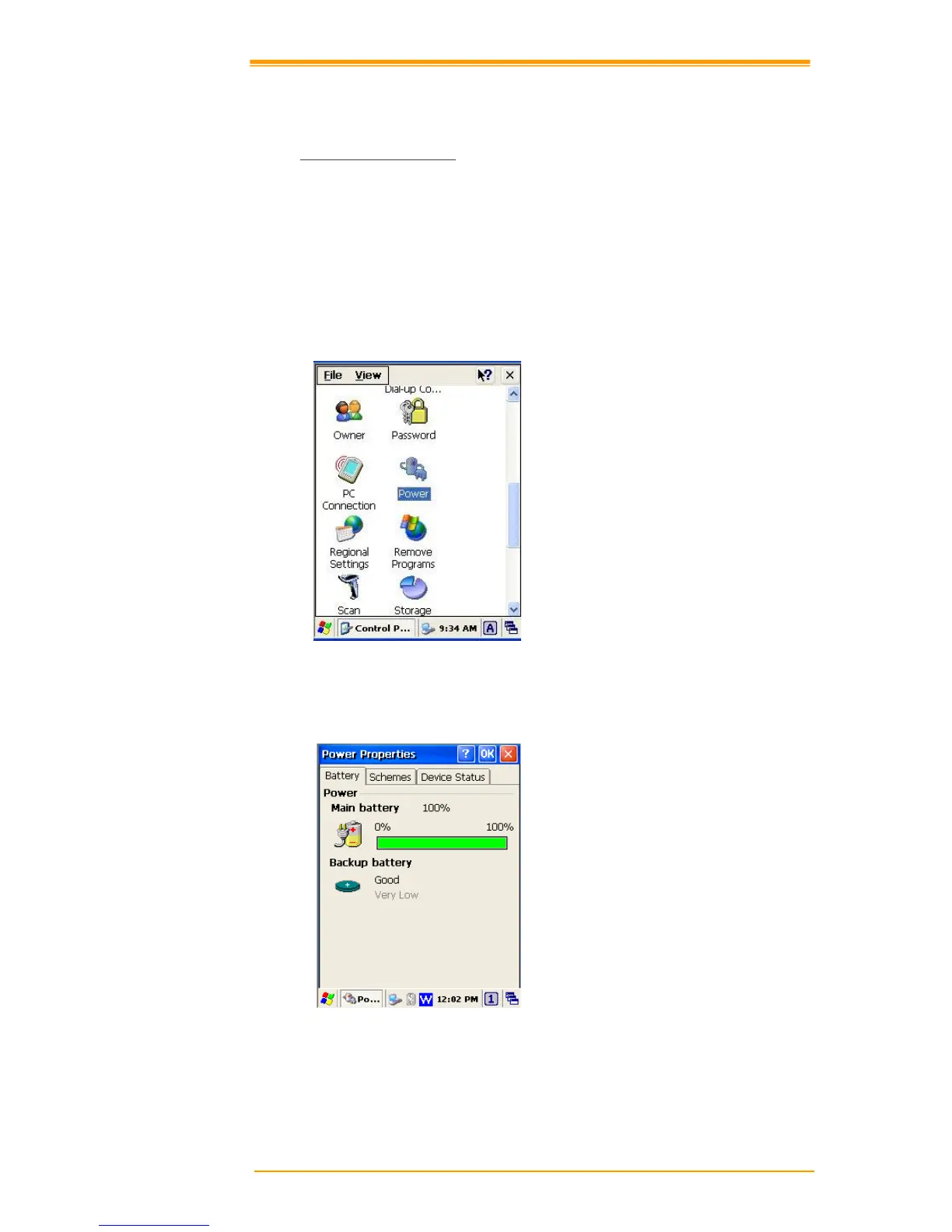
Enter “Power Properties”
If the above mentioned Plug or Battery icon is displayed, double tap this icon to bring up the
Power Properties screen.
Or, select Settings → Control Panel from the Start menu and then double tap the Power
icon to display Power Properties.



 To Next Page