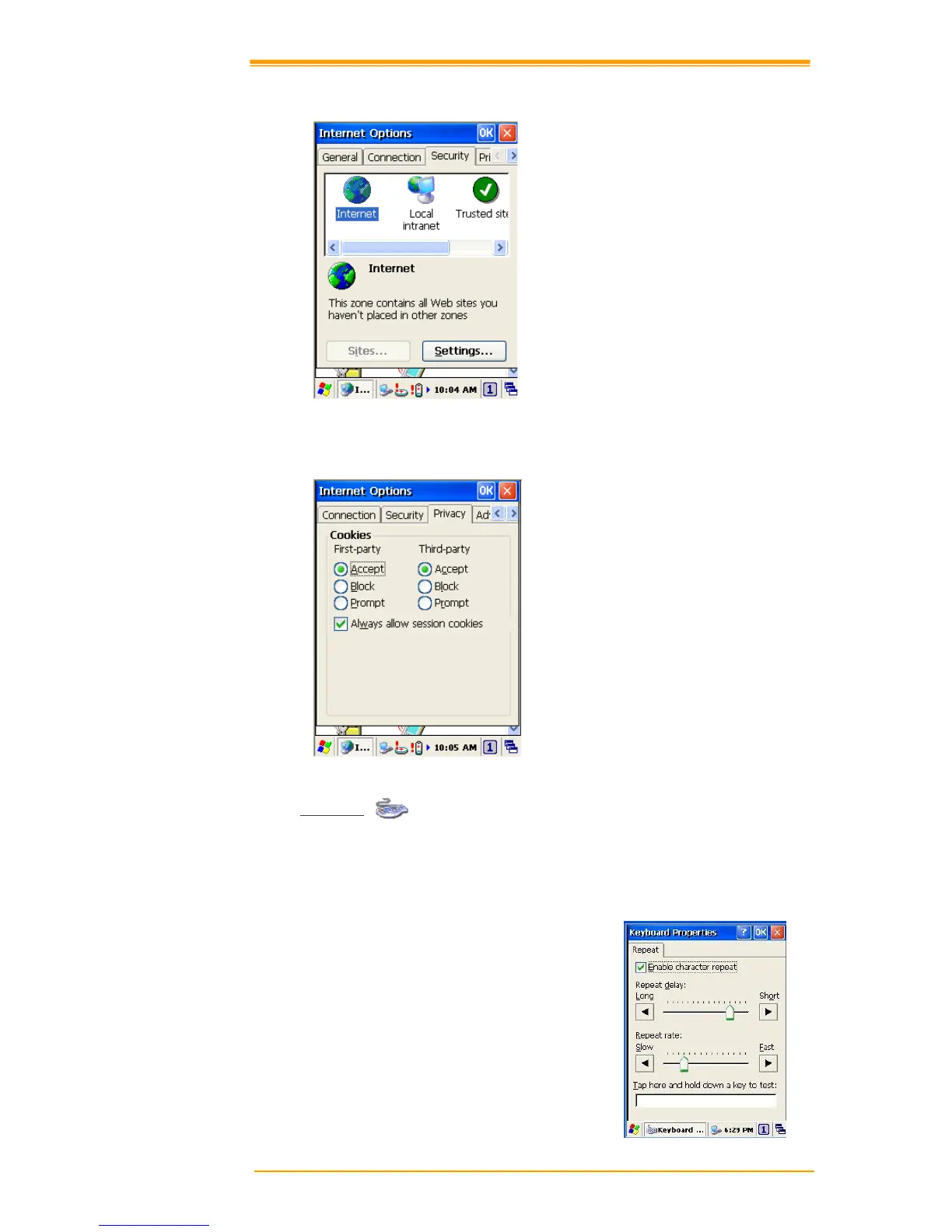
Figure 8-19 Internet Options-3
Privacy
Under Privacy page, specify the cookies setting include of privacy level.
Figure 8-20 Internet Options-4
8.3.8 Keyboard
Repeat Tab
1. To change the amount of time between taps before repetition starts, adjust the Repeat
delay slider
2. To change the repeat rate, adjust the Repeat rate slider.
3. Test your new setting.
4. Tap OK to exit the Keyboard properties.
Figure 8-21 Keyboard Properties



 To Next Page