User’s Manual 35
4. Scanning
The PT-90 has an integrated laser scanner that reads all major bar code labels with excellent
performance. The trigger key is located in the middle of the unit. There are also two side-keys
to trigger scanner. Press trigger key to activate the laser scanner.
4.1 Scan Configuration
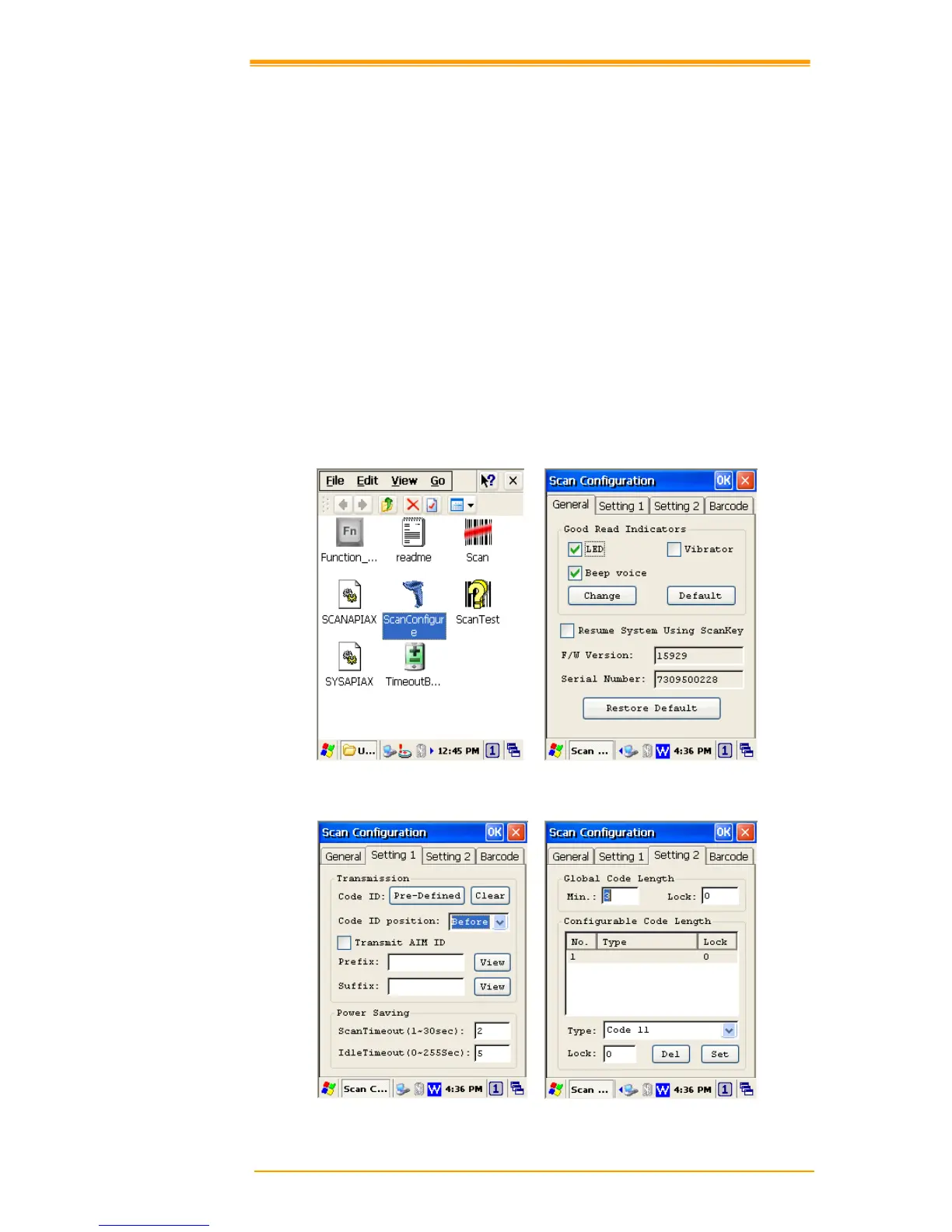
When it is necessary to change the default barcode symbology for a different application, use
Scan Configuration to change default symbology, place delimiter characters behind scanned
data, and save the settings.
Run this program from Desktop→Utility→Scan Configuration.exe which is also accessible
via Start→Settings→Control Panel→Scan Configuration.



 To Next Page