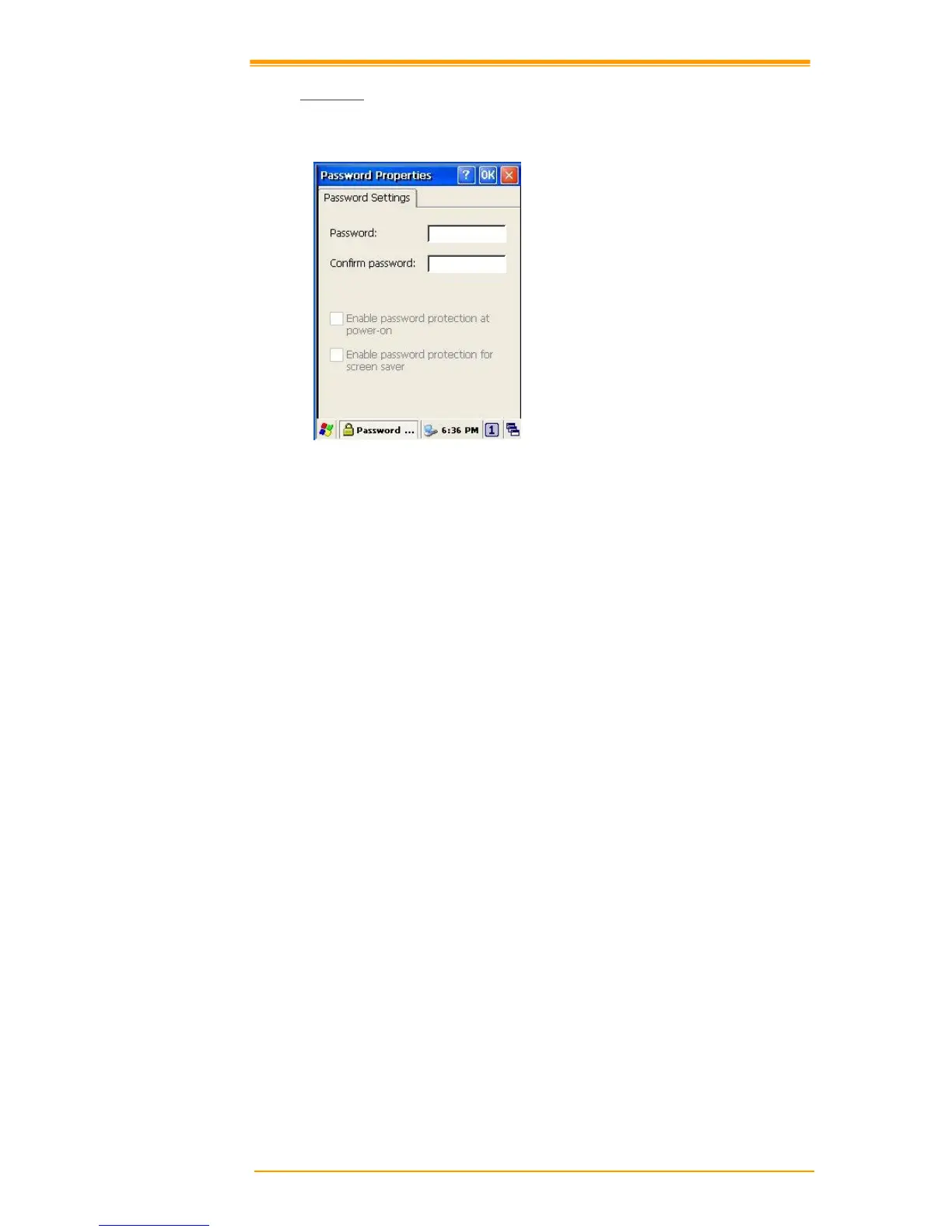
Figure 8-25 Password Properties
To set up a password:
1. Select the Password Setting tab.
2. Enter the password in the password box.
3. Re-enter the password in the password confirmation box.
4. To enable the password protection when the power on, click on the Enable password
protection at power-on.
You may encounter a request to enter the password if resume or warm/cold boot PT-90. If you
forget the password and enter the system you may have to do a clean boot. A clean boot erases
all files, data, as well as programs. Please consider using a password that is easy to remember
and leave a record easy to access. To deactivate a Password, delete the Password in the
password feature window.



 To Next Page