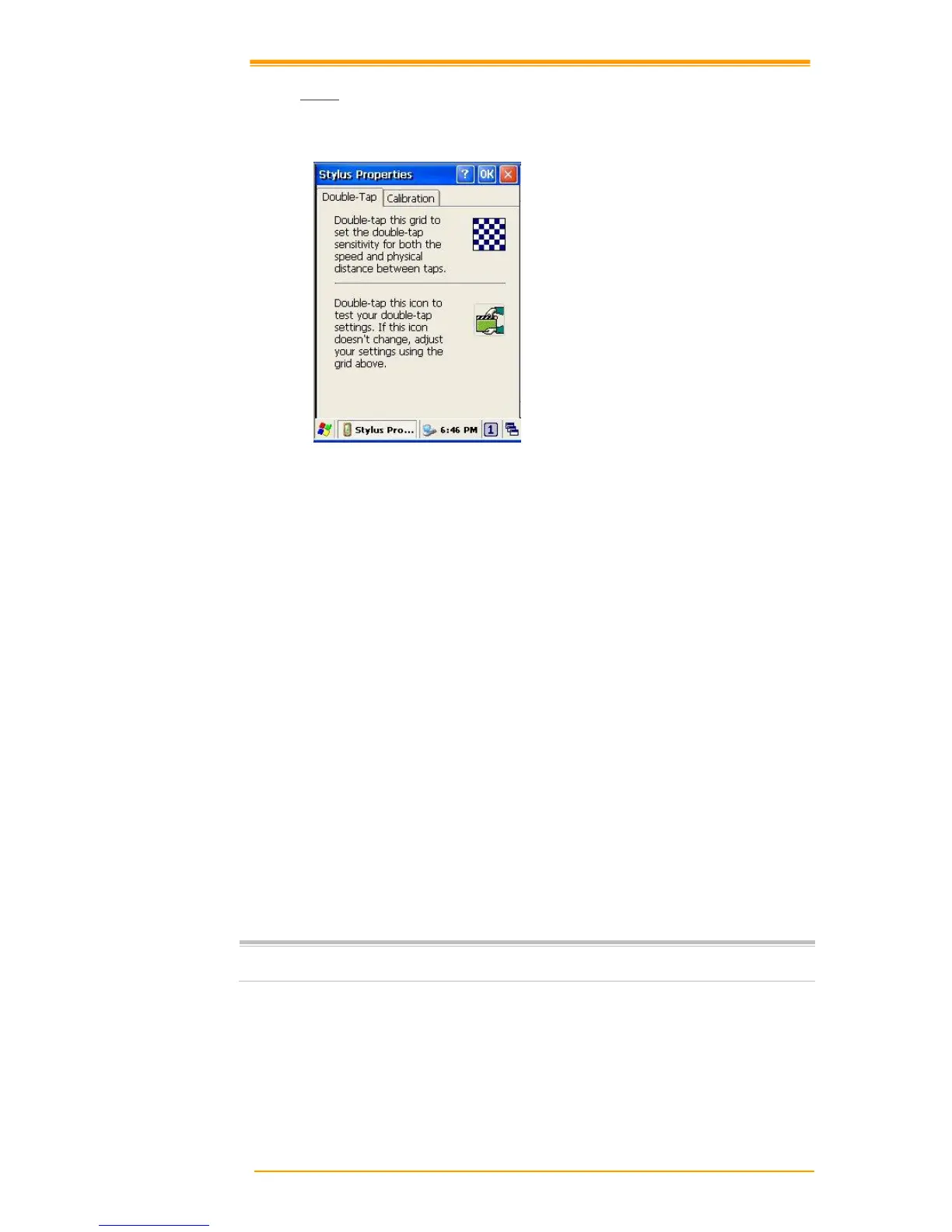
Figure 8-30 Stylus Properties
Double Tap
To set and test Double-Tap sensitivity:
1. Select Go to Start → Settings → Control Panel.
2. Activate the Stylus and select Double-Tap. Tap the grid and the color of the grid changes.
3. It automatically records the speed of the Double-Tap.
4. Double tap the bottom icon to test the double-tap sensitivity.
5. If the bottom icon does not change, adjust the setting using the grid icon above.
Calibration
If the PT-90 screen does not respond properly, adjust the screen with the calibration function.
To start Calibration:
1. Select Go to Start → Settings → Control Panel.
2. Activate the Stylus and select Calibration tap.
3. Press Recalibrate button and the adjustment process begins.
Sometimes touching the screen with the stylus triggers the right mouse function.
You can solve this problem by adjusting the double touch sensitivity.



 To Next Page