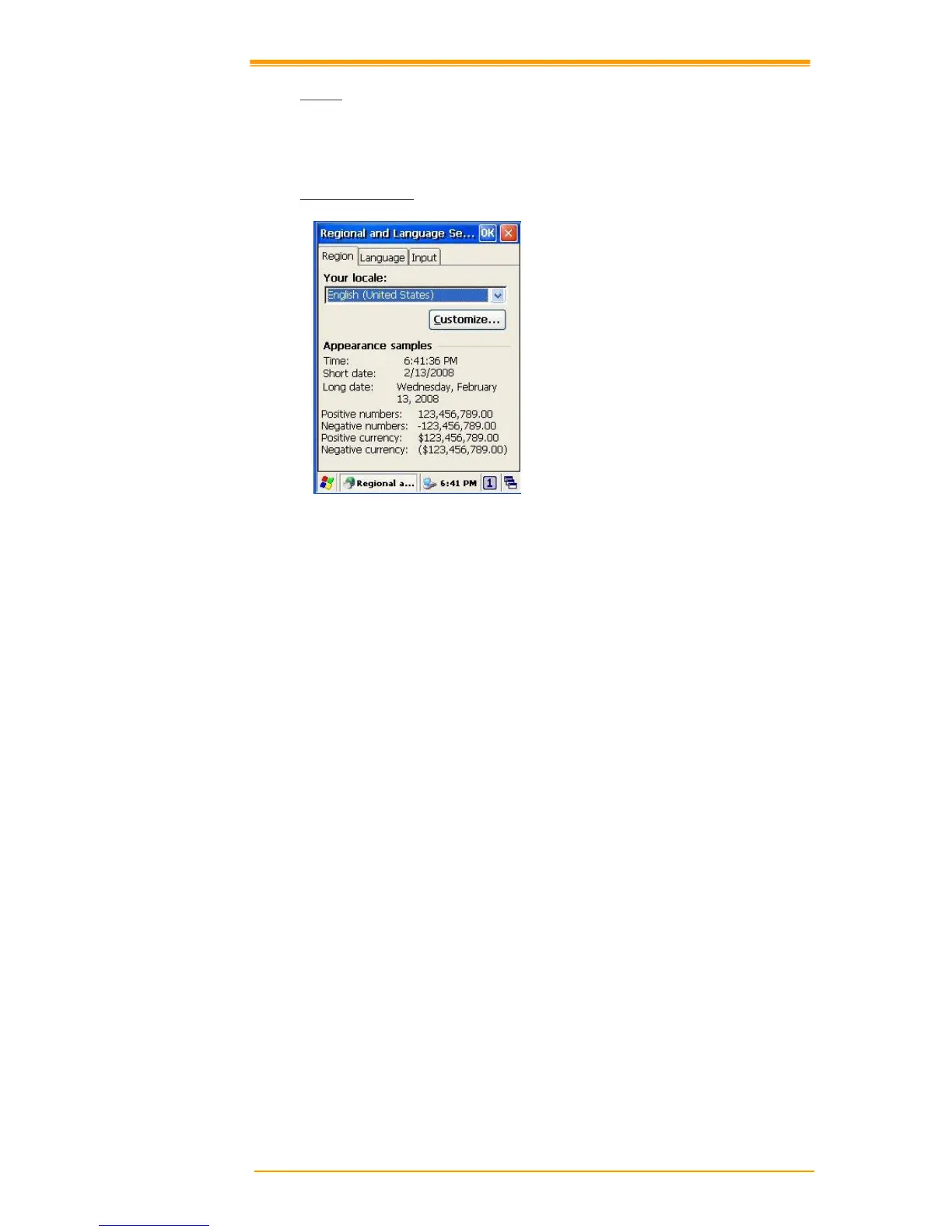
Figure 8-27 Regional Setting Properties
You can set up region, numbers, currency, time, and date.
1. Select Go to Start → Settings → Control Panel.
2. Open Regional Settings icon.
3. Select the tab for information to change.
4. Select the < Preferred> option. Available features are dependent on which region you
have chosen in the region tab.(REMOVE)



 To Next Page