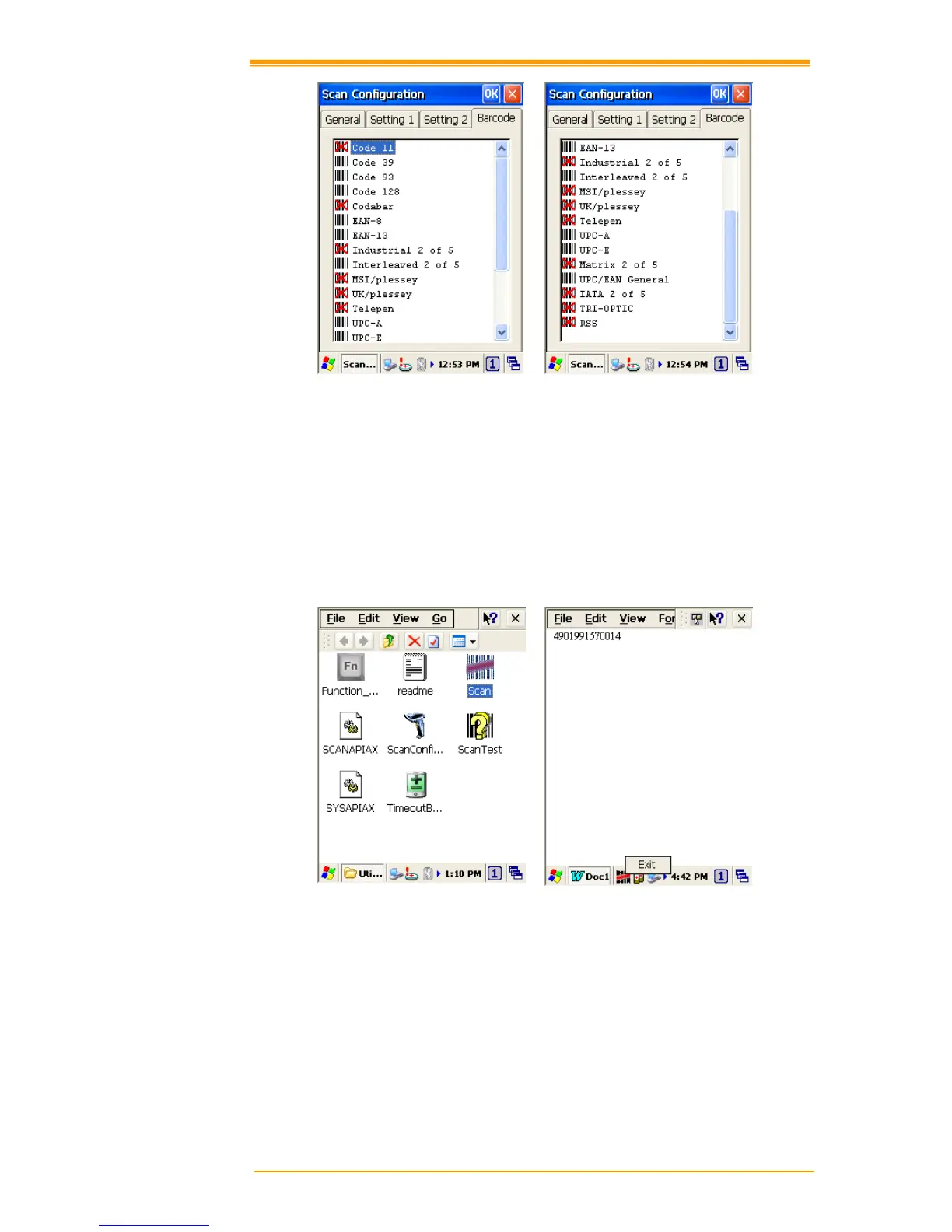
After you change settings, press the OK button to configure, or press Restore Default to
return to the scan default settings.
4.2 Scan driver
Scan driver lets you put data into Microsoft Wordpad. Open scan driver and the scan module
powers on the scanner. You can then scan barcode. To turn off the power, press Exit on the
task bar.



 To Next Page