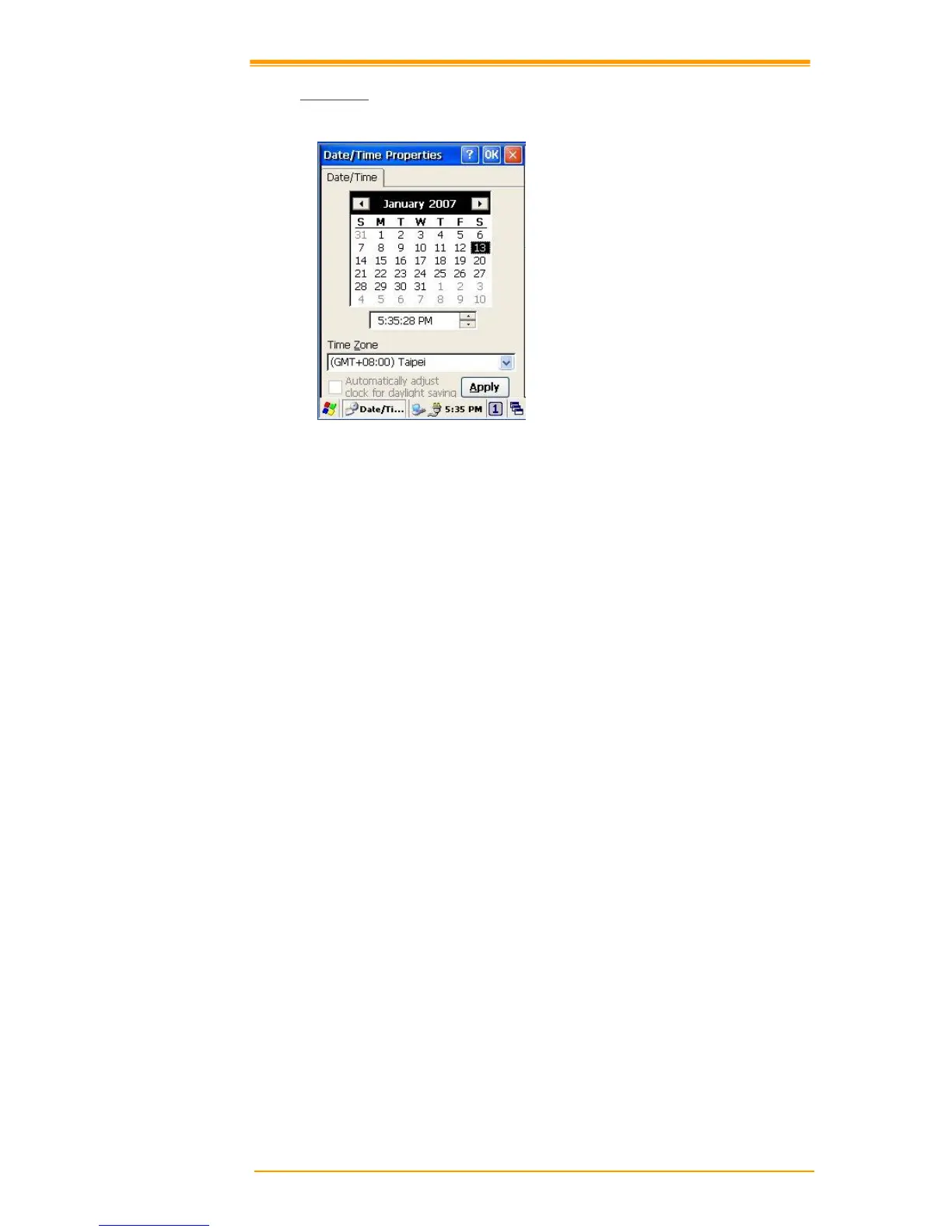
Figure 8-12 Date/Time
Date/Time
You can set standard time zone, year, day and time. Set as follows:
1. Press the down arrow in the standard time zone until it reaches your location. If the
previously set value is appropriate, move on to the following.
2. Select Year and Month in the calendar. If the current year is not correct, press Year and
adjust. You can select the month using left and right arrows or the monthly tab that pops
up when pressed.
3. Press the correct date on the calendar.
4. Set time by keying in correct time in the current time box. The box shows AM/PM:
Hour: Minutes: Seconds. Press each and adjust time with arrows on the right.
5. Press Apply to save the changes. Confirm if the time is correct.



 To Next Page