User’s Manual 45
8. Overview of Microsoft Windows CE 6.0
This chapter describes Microsoft Windows CE 6.0, the operating system for the PT-90
This introduction to Microsoft Windows CE 6.0 includes:
How to use the main Windows
How to use a taskbar
How to use settings
8.1 Main Windows
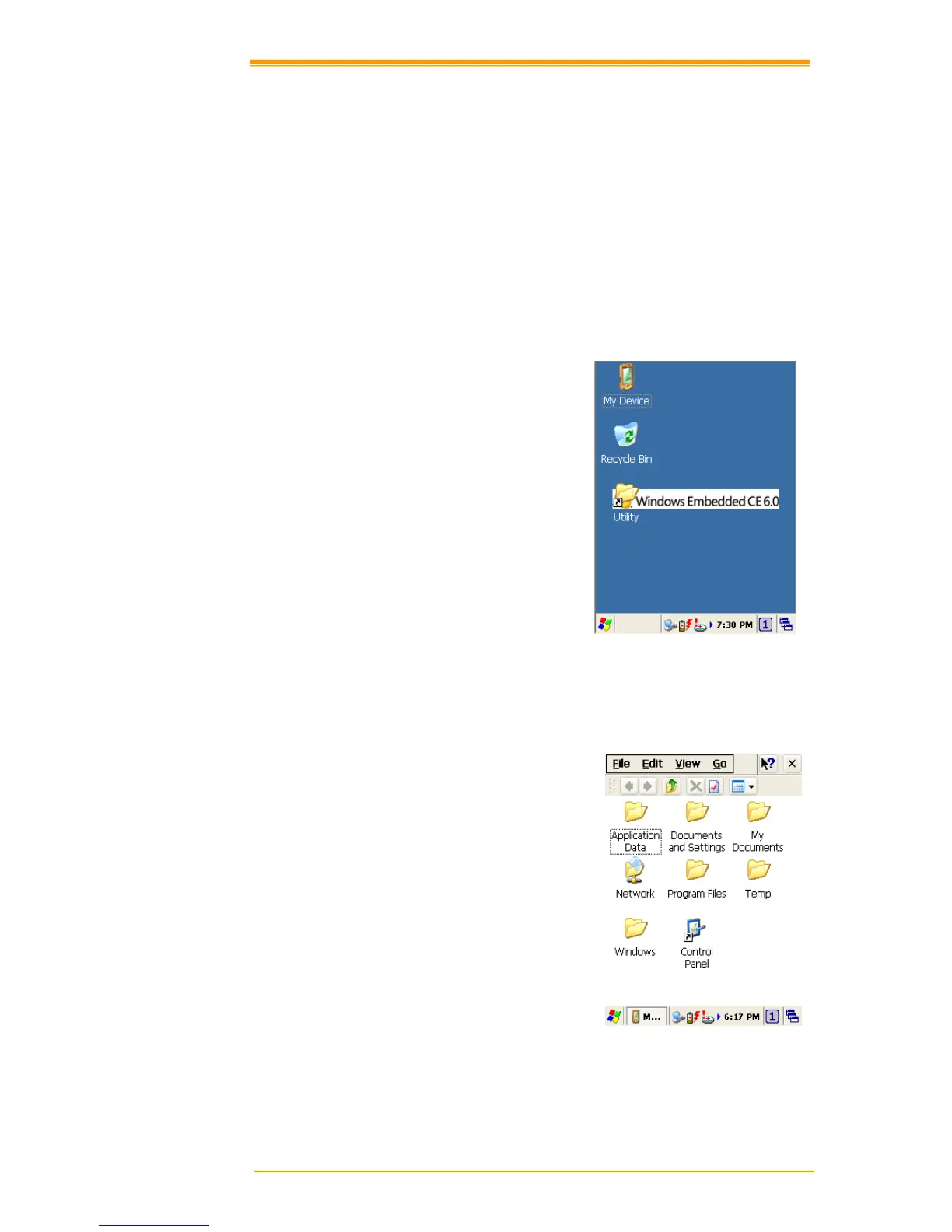
When you turn on PT-90, you will see the
main Windows of Window CE 6.0, which
is similar in appearance to Windows XP.
The main window consists of a background
screen and taskbar.
Figure 8-1 Main Window
The screen shows short cut icons for the main programs of Microsoft Windows CE 6.0. A
description of the icons follows:
My Device:
Shows the internal configuration of PT-90
and the folders and files it contains.



 To Next Page