User’s Manual 46
Recycle bin:
Completely delete or restore files and data. This folder saves deleted files from Windows
Explorer or the background screen. You can completely empty or restore files in the recycle
bin.
Once you have emptied the recycle bin, you cannot restore the files and data
previously in the recycle bin.
Taskbar
Windows CE 6.0’s taskbar is designed to be simple and user-friendly. The picture below
shows the configuration of the taskbar.
Figure 8-3 Taskbar
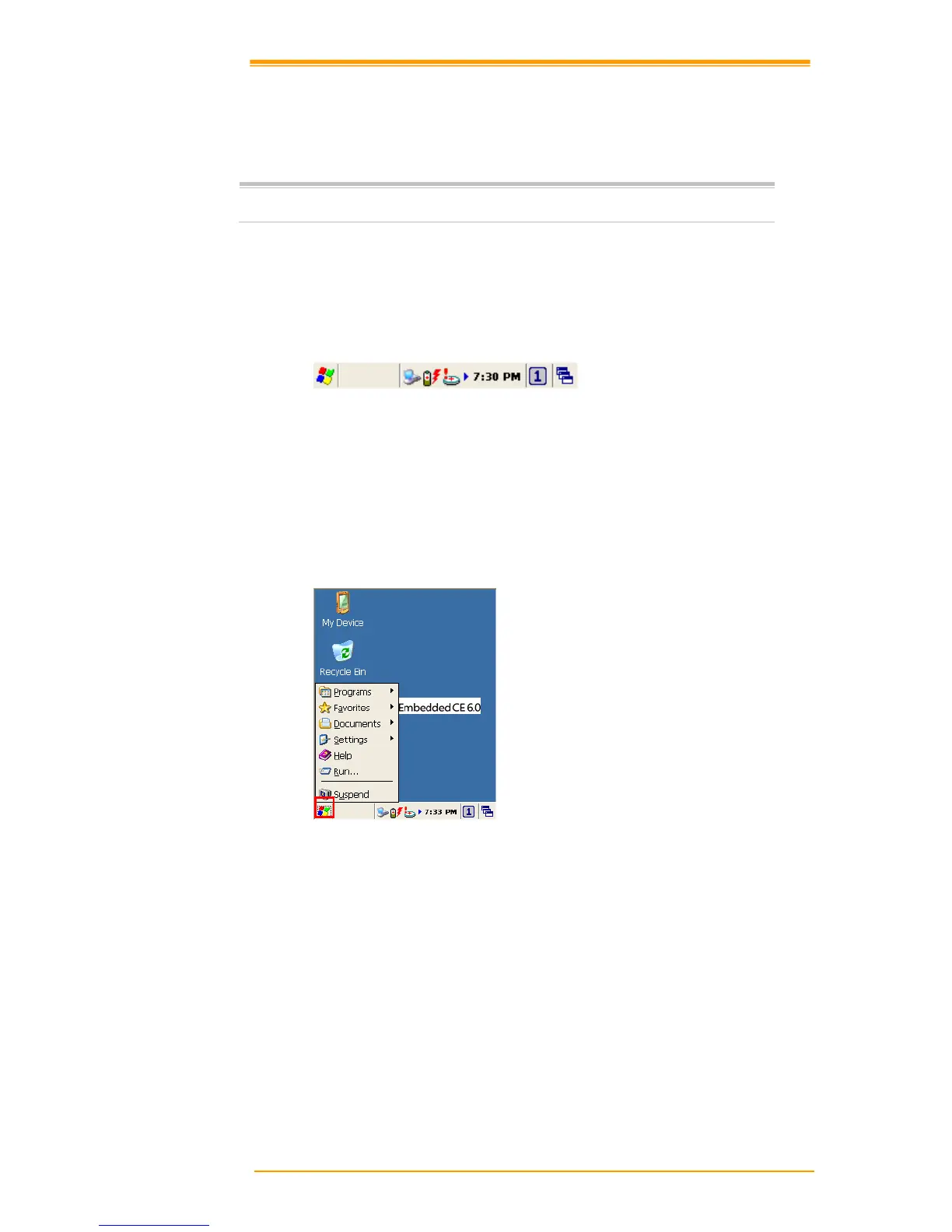
Start Icon
Start icon is the starting point for the PT-90 program. If you point at the start menu with the
stylus pen, you can see various menus including program, bookmark, document, setting, help,
and operation. If you choose each menu, detailed executable programs appear as in the picture
below. If you choose and press, you can run the program of your choice. Windows CE 6.0’s
start menu is similar to that of Windows on a desktop PC.



 To Next Page