User’s Manual 23
3.6.2 Saving Battery Power
Automatic shut-down of the PT-90
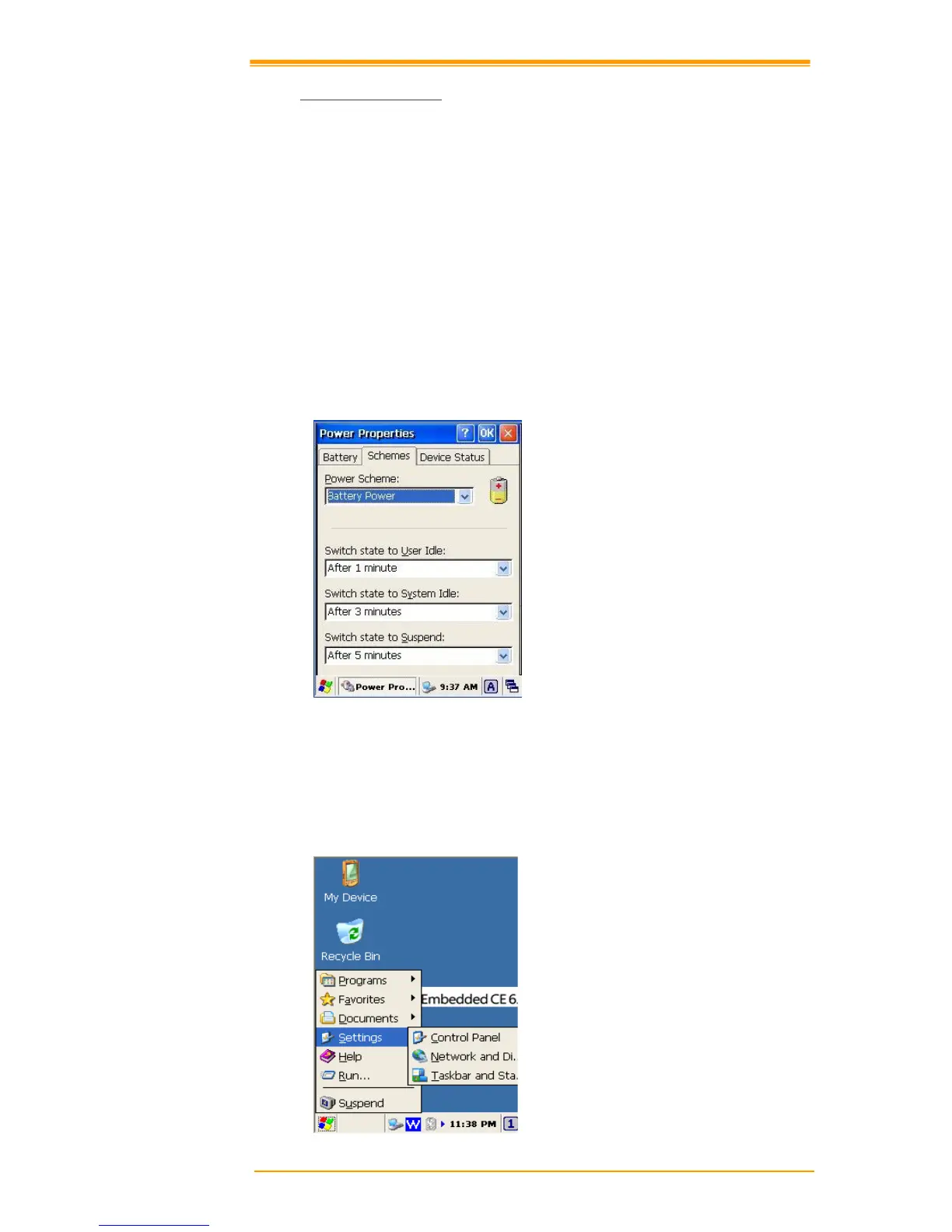
The PT-90 enters idle mode when there is no task or if all tasks are waiting for input. In
default setting, the PT-90 automatically turns itself off if idle for 9 (1+3+5) minutes and when
there is no external charging power. Press the Power button to return the PT-90 to the same
point at the time of automatic shutdown.
In Power Properties, select Schemes. Customize automatic shut off time by tapping the arrow
to select from a list of time periods. The available time periods for battery power are 1, 2, 3, 4,
5, 10, 30 minutes and never.
Activate this function when the PT-90 is plugged into the power adapter or placed in its cradle
by tapping the check box and then tapping the arrow to select from a list of time periods. The
available time periods for AC power are 1, 2, 5, 10, 15, 30 minutes and never.
Figure 3-9 Power Properties-2
Backlight Setting
Because the power consumption of the LCD backlight is high, turn off the backlight function
when it is not necessary. If a backlight is required, set “automatically turn off the back-light.”
To change the backlight setting, select Start → Settings → Control Panel, and then double
tap the Timeout&Brightness icon.



 To Next Page