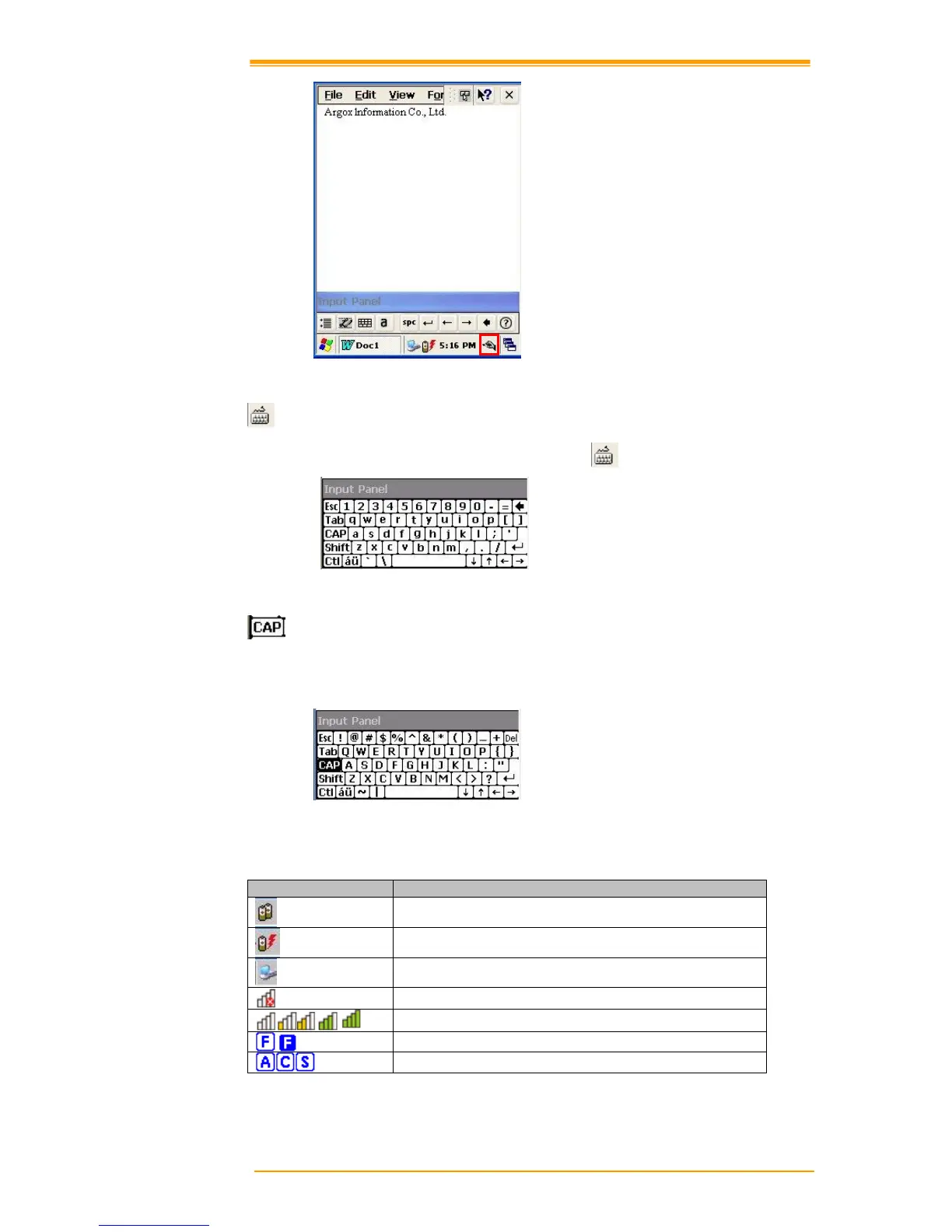
Figure 8-6 Transcriber
Keyboard:
When Keyboard input panel is running, you will see the icon located in the taskbar.
Figure 8-7 Keyboard Input Panel
Upper / lower case Selection:
Press this icon to select upper and lower case letters. If you select upper case, capital letters
and characters appear on the number key pad. It serves the same function with the Shift key.
Figure 8-8 Keyboard Input Panel -1
Status Indicator Icon:
The following is a list of icons that appear in the taskbar’s status area.
Linked to desktop PC through USB
Signal strength for WLAN connection
Alt , Ctrl and Shift status



 To Next Page