User’s Manual 67
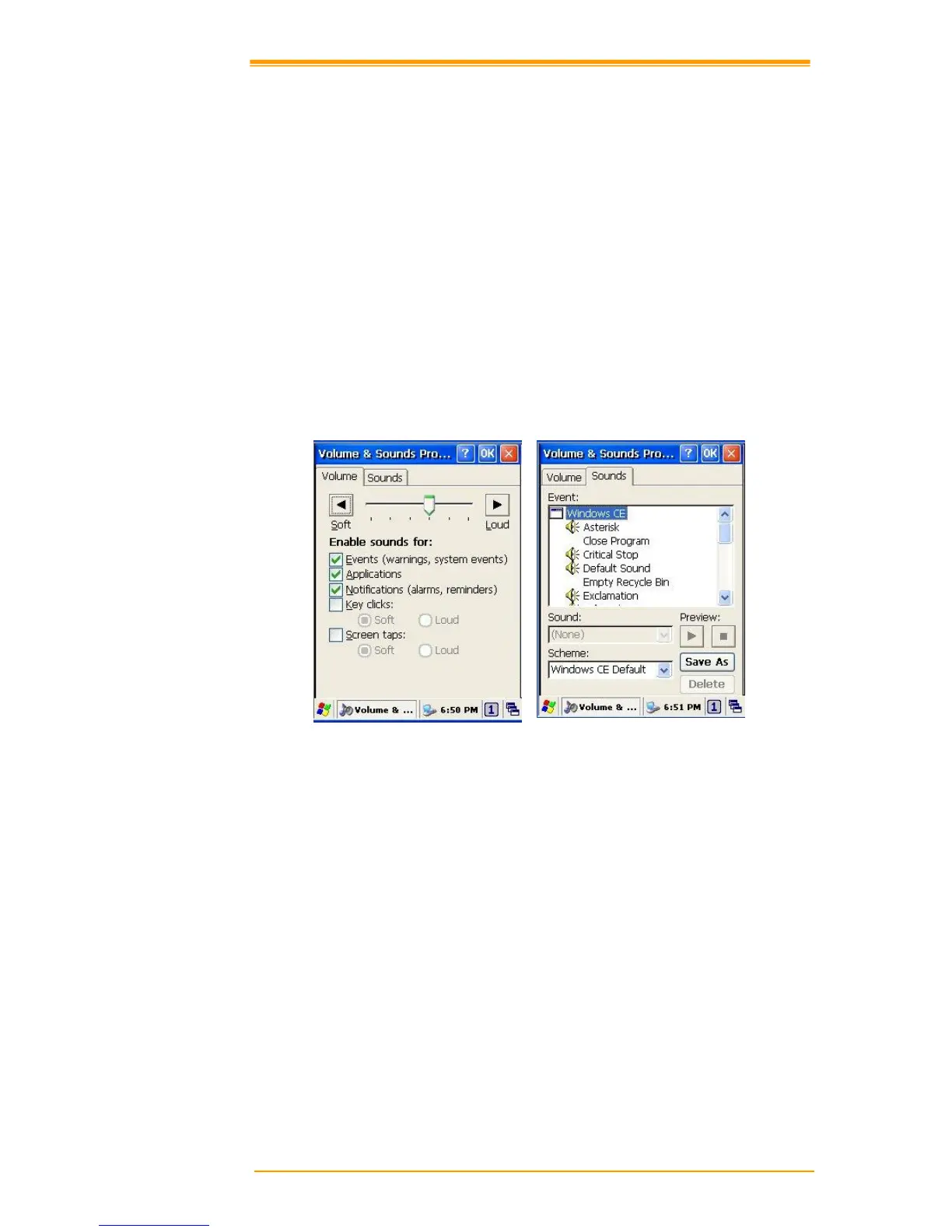
Sounds
To set the Sounds:
1. Select go to Start → Settings → Control Panel.
2. Open Volume & Sounds icon and select Sounds tab.
3. Select an Event from the event list.
4. Select a sound from the event sound list.
5. To remove the sound from the selected event, choose (None).
6. To save the changes in another scheme, select Save As in another name and name the
sound scheme.
7. To remove the sound scheme, select the scheme and then Delete.



 To Next Page