33
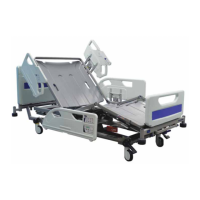
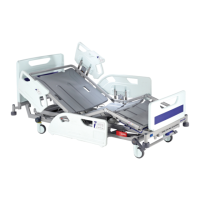
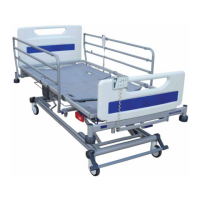
Adjusting the mattress platform
The bed is provided with two control handsets: a patient handset with
basic controls only and a more comprehensive attendant control panel
(ACP) for use by the carer. The functions on both handsets are
described separately over the next few pages.
To adjust the mattress platform: press and hold the appropriate button
until the required position is achieved. Movement will continue until the
button is released or the limit of travel is reached.
NOTE
If a warning tone (beep) sounds when pressing a button, this indicates that the bed is
operating on the backup battery – refer to the section Backup battery.
NOTE
If a button is held down for more than 90 seconds, the function will be automatically inhibited
until the button is released. The function must then be unlocked as described in the section
Function lockout.
WARNING
If the patient handset or ACP is dropped onto a hard surface, check that all the buttons
work correctly afterwards.


 To Next Page