39
Function lockout
Function lockout can be used to prevent operation of the controls, e.g.
when inadvertent movement of the mattress platform could injure the
patient.
The indicator above each function shows its status: on = function locked;
off = function unlocked.
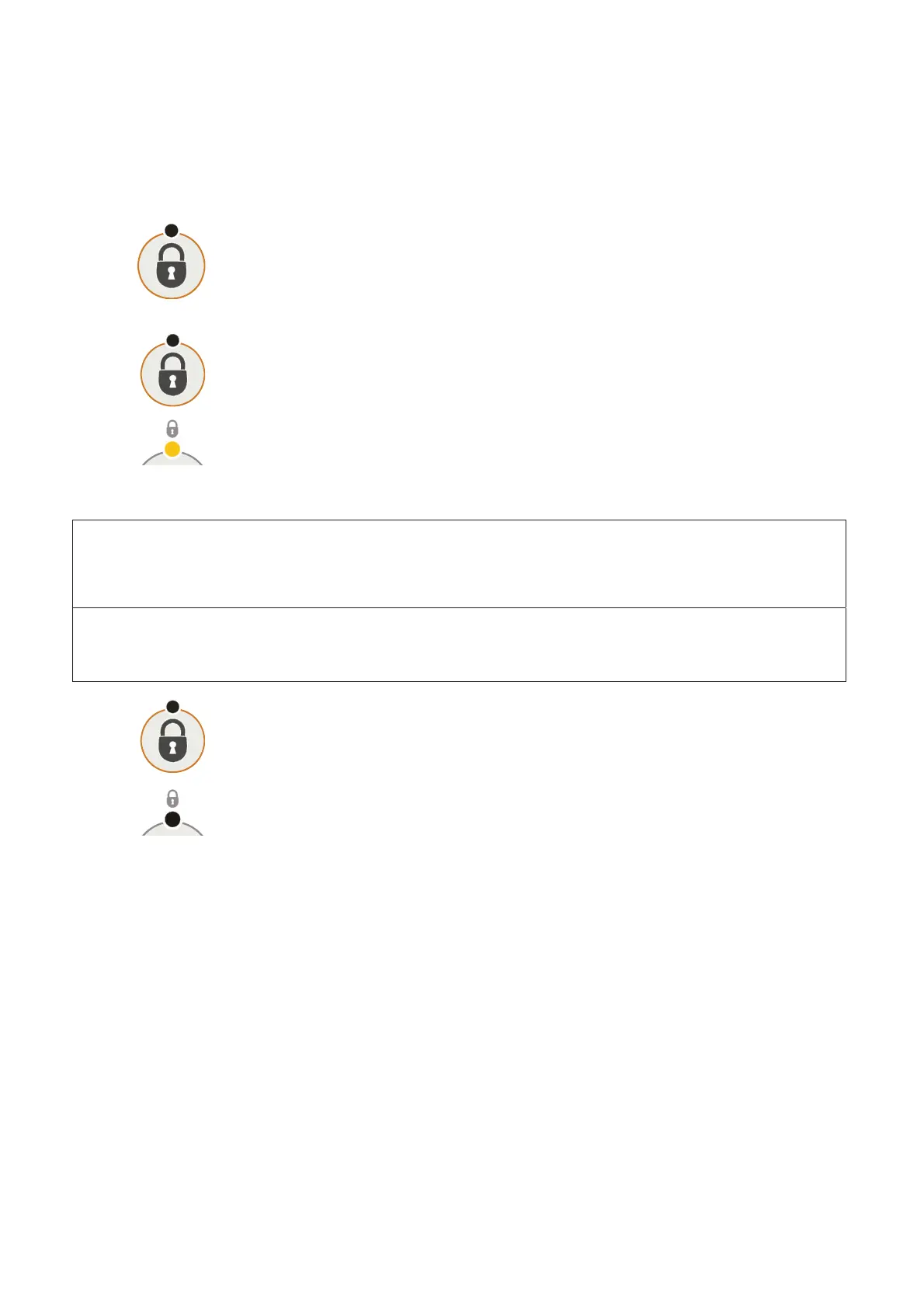
To lock (prevent) ALL functions: press and hold the Function Lock button
for five seconds. The “lock” indicator above each function button will light.
To selectively lock (prevent) functions:
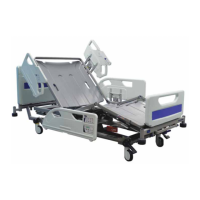
Press the Function Lock button. The indicator above the button will light.
Press the ACP button(s) corresponding to the function(s) to be locked.
The “lock” indicator above the button will light.
After five seconds, the indicator above the Function Lock button will go out
and the lockout settings are stored.
NOTE
When a function is locked, any associated functions are automatically disabled, e.g. locking
the backrest also disables Bio-Contour and Auto-Chair.
NOTE
Function lockout settings are retained if the bed is disconnected from the electricity supply.
To unlock (allow) previously locked functions:
Press the Function Lock button. The indicator above the button will light.
Press the ACP button(s) corresponding to the function(s) to be unlocked.
The “lock” indicator above the button will go out.
After five seconds, the indicator above the Function Lock button will go out
and the lockout settings are stored.


 To Next Page