ARKEL Elektrik Elektronik Ltd. Şti. www.arkel.com.tr
ARKEL 44 KM-20
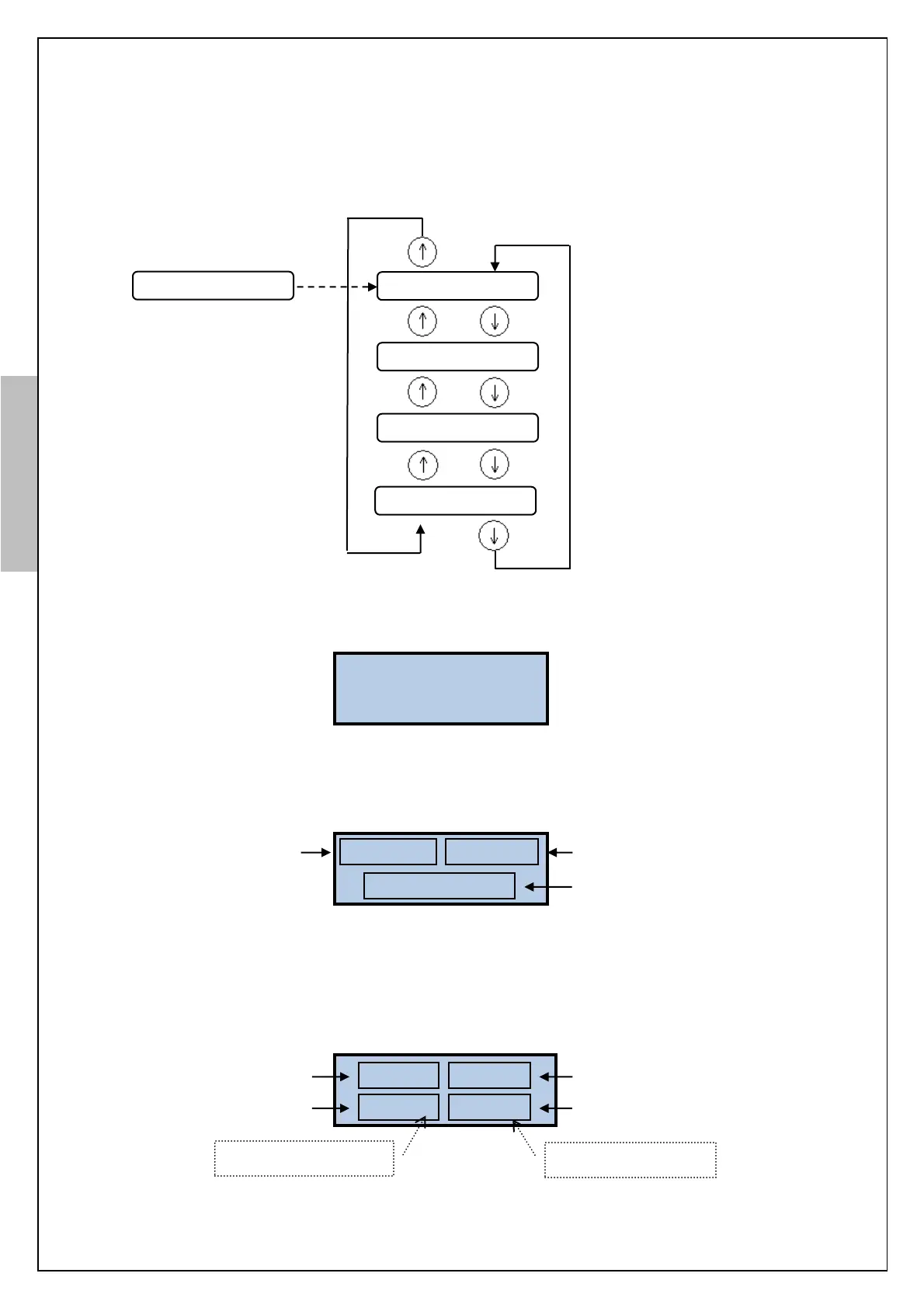
10.3. MONITORING & OPERATION SCREENS
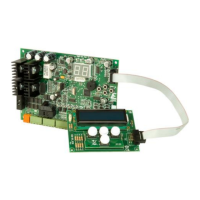
KM-20 Keypad display shows a main screen (door status), control signal screen (input signals) and
manual operation screen.
When the power is first applied, KM-20 Keypad display shows the software version.
Then the main screen is shown. In the main screen, door position, door speed and door
operating status are monitored. If an error occurs it is also shown in this screen.
On the control signals screen the status of the input signals from the lift controller opening,
closing, slow closing (nudging) and high speed signals are monitored.
P: 82cm V: 0cm/s
DOOR CLOSED
Door operating status or error
Door position
(0 cm while door is open)
OPEN:- CLOSE:-
SLOW:- FAST:X
Figure-11: Control signals from the lift controller
Figure-9: KM-20 Keypad screens
Figure-9.1: Start-up screen


 To Next Page