ARKEL Elektrik Elektronik Ltd. Şti. www.arkel.com.tr
ARKEL 46 KM-20
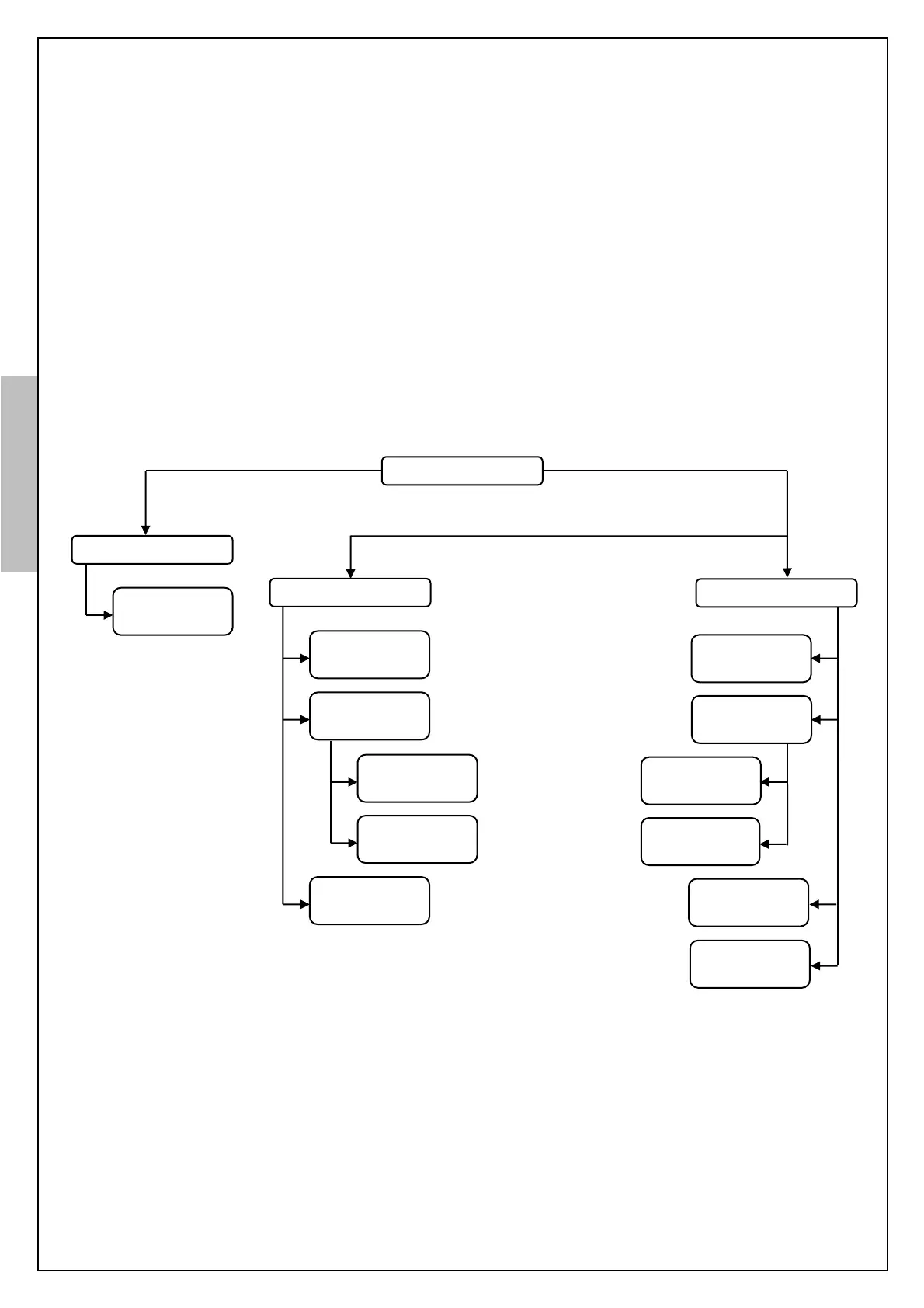
11. ACCESSING MENU
KM-20 door controller provides a parameter menu which has access levels for security,
user/customer needs and easy adjustment. These access levels are limited level, basic level and
manufacture level.
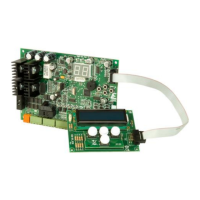
Accessing menu with the keypad on board is limited level. KM-20 Keypad is required for accessing
menu in a basic level or in a manufacture level.
Note: Following steps should be done via KM-20 Keypad to enter menu in a manufacture level.
- Deenergize KM-20.
- Energize KM-20 while pressing and holding UP and DOWN buttons together.
- KM-20 will directly enter to the advanced menu. The parameters like “ENCODER PULSE”
and “GEAR RATIO” become visible and available to be changed from this menu.
Optional (via KM-20 Keypad)
Figure-13: Accessing menu


 To Next Page