3600 SERIES USER MANUAL
3600 Series Programmable DC Power Supply
VERSION 2.10 2006.03
13
Chapter 3 Installation of the PowerMS Software
3.1 Connect the Power Supply to PC
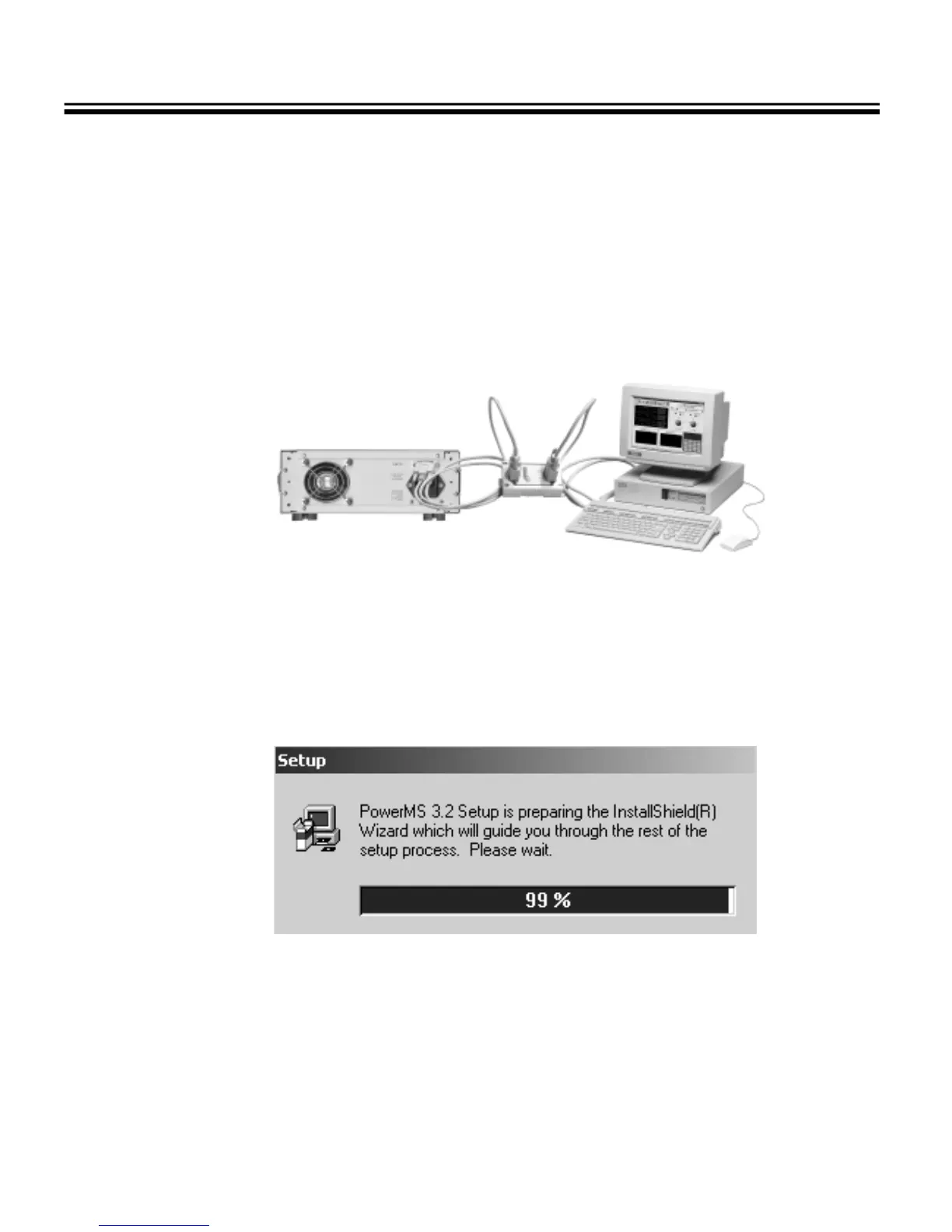
With the optional communication adapter, you can connect the 3600 power supply to your computer through
RS-232, USB or RS-485 port. Connect the 3600 to a RS-232 port with the 3311 adapter, to a USB port with the 3312,
to a RS-485 with the 3314. If your computer doesn’t have an RS-485 port, you may choose the 3313
RS-232=>RS-485 adapter.
Fig. 3-1Connect the power supply to PC
3. 2 Software Installation
3.2.1 Insert the Array software CD into the CD-ROM drive, double-click My Computer => Array CD =>
PowerMS
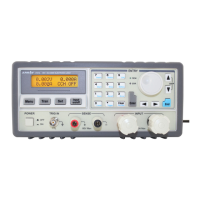
=> Setup.exe to start the installation, the Fig. 3-2 will be displayed.
Fig. 3-2 The Initialization of the Installation



 To Next Page