3600 SERIES USER MANUAL
3600 Series Programmable DC Power Supply
VERSION 2.10 2006.03
15
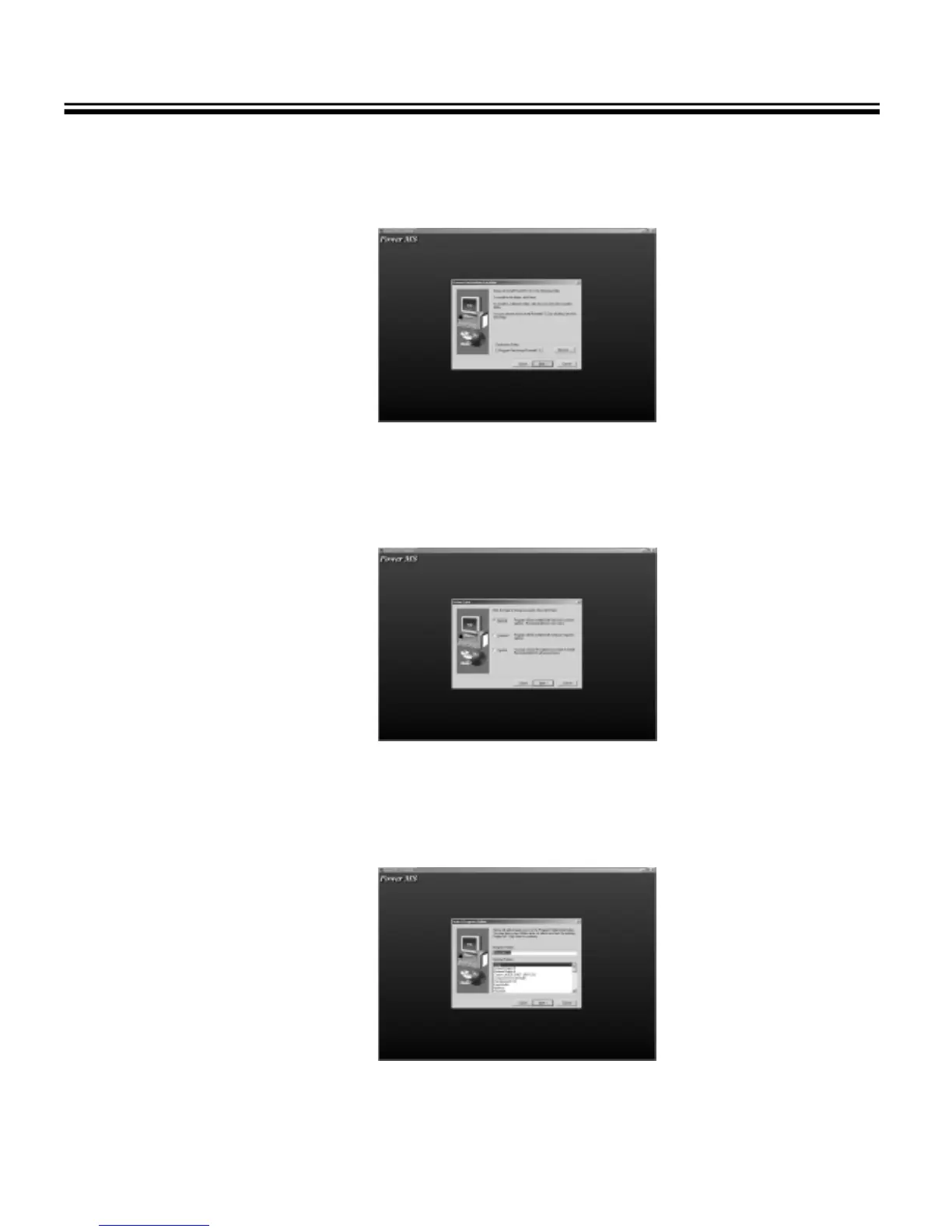
3.2.5 The destination folder dialog box displays. The default folder is “C:\Program Files\Array\PowerMS”. You
may click “Browse” to select other installation path.
Fig. 3-6 The destination folder dialog box
3.2.6 The installation option dialog box displays. Select “Typical” to install all components or select “Custom” to
select installation components.
Fig. 3-7 The Installation option dialog box
3.2.7 The Select Program Folder dialog box displays. Specify a program folder (or leave the default folder), then
click “Next”.
Fig. 3-8 The Select Program Folder dialog box



 To Next Page