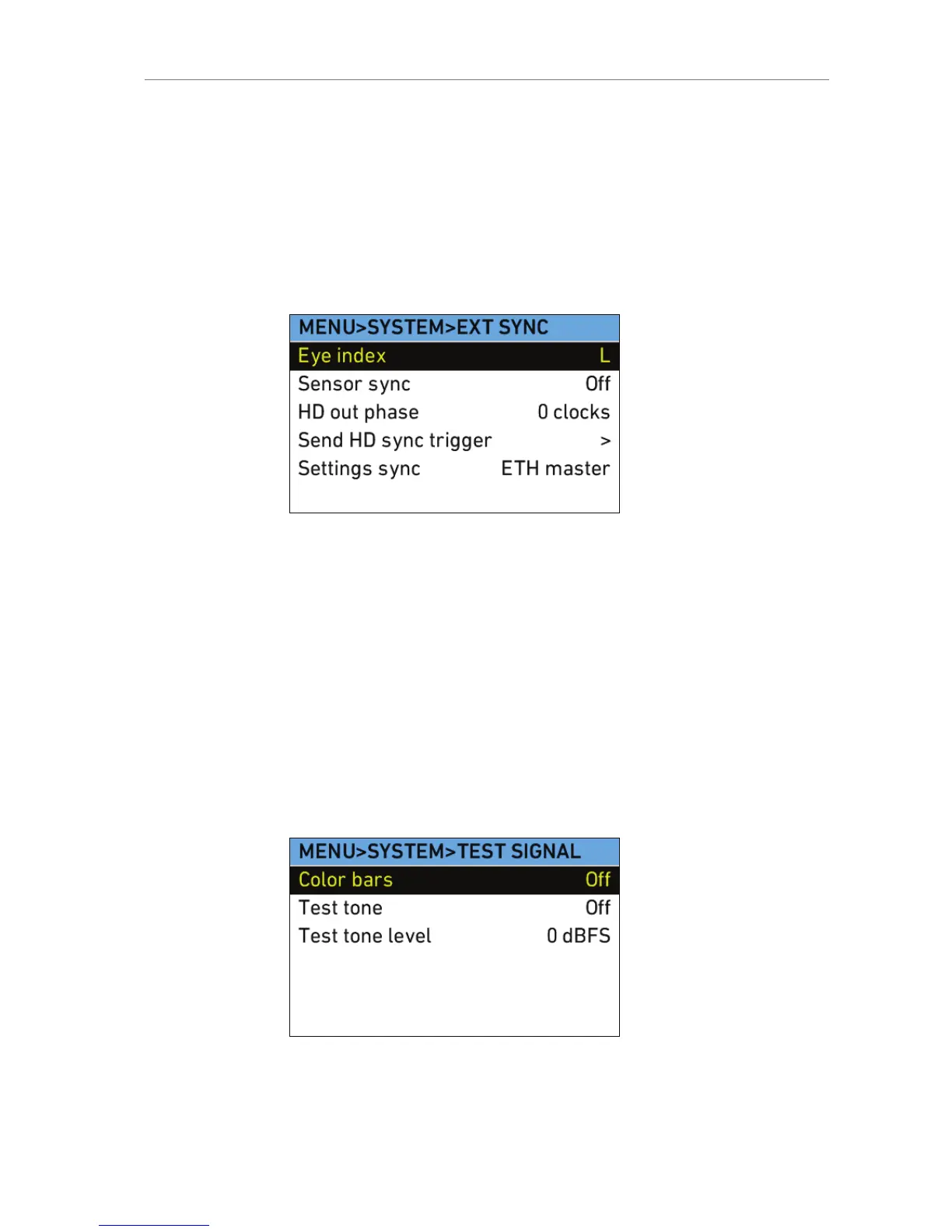
must send a trigger to the EXT SLAVE camera to
ensure the HD outputs of the cameras are synced.
Press the jogwheel to send the trigger.
Settings sync ALEXA cameras can be operated in synced-
settings mode, where the settings of two cameras
can be synced via Ethernet. See Settings sync (on
page 161) for more information.
Test Signal
Color bars Select to activate SMPTE color bars on MON OUT
and REC OUT. The color bars are a 10-bit signal
according to SMPTE RP 219-2002.
Note: Color bar is switched off when recording is
started.
Note: When REC OUT is set to ARRIRAW, REC
OUT is set to black while color bar is active.
Test tone Select to activate a 1 kHz audio test tone on all
channels when color bar is active.
Note: Test tone is only active when audio
recording is on and possible.
Test tone level Select to sets the level of the audio test tone to 0
dbFS, -9 dBFS or -18 dBFS.










 To Next Page