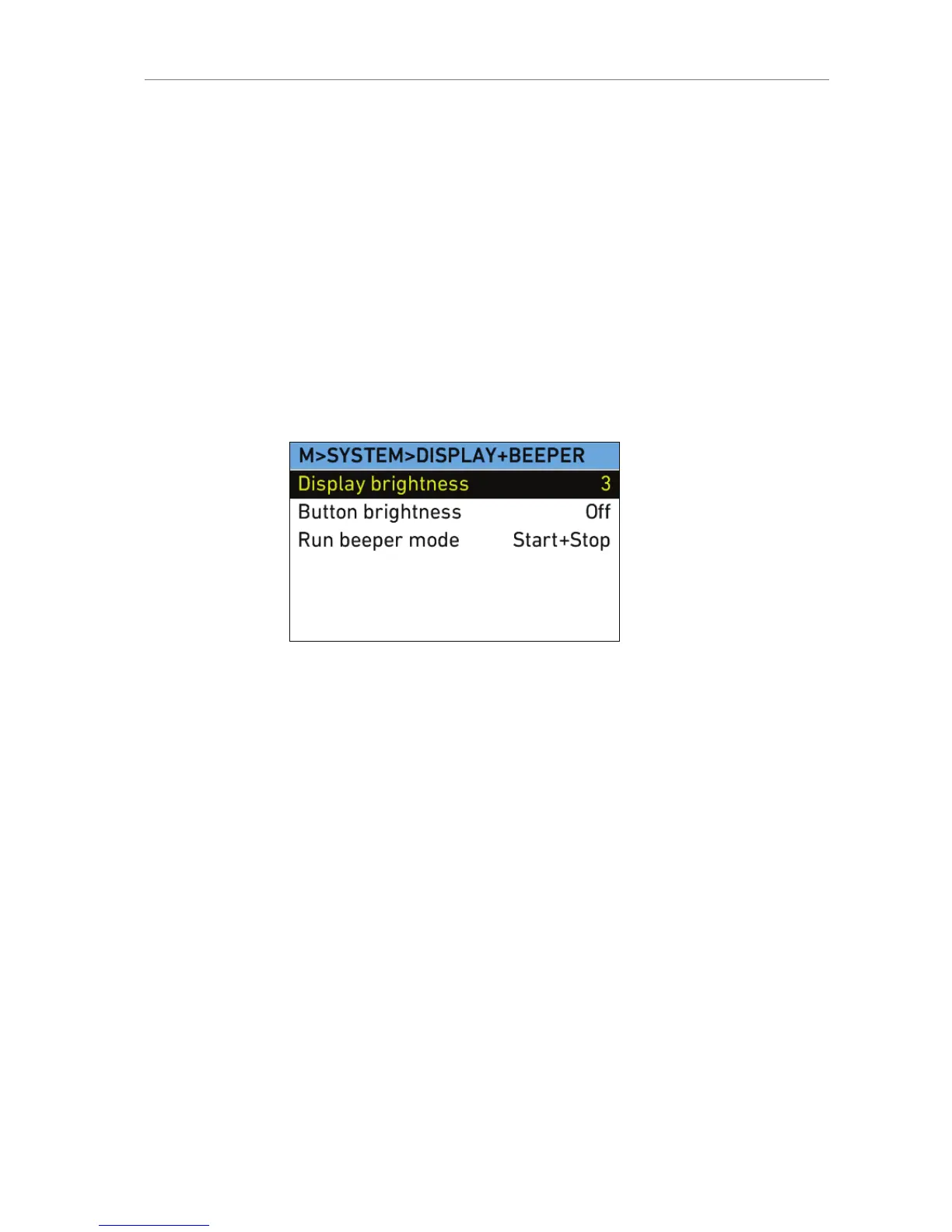
Display + Beeper
Display
brightness
Select to adjust the brightness of the LCD display
on the camera-right side. To adjust the display
brightness when the HOME screen is displayed,
press and hold the BACK button while rotating
the jogwheel.
Button
brightness
Select to adjust the brightness of the button
illumination.
Run beeper
mode
Select to set the Run beeper mode to:
Off
Start
Stop
Start+Stop
System Time + Date
Time Displays the current time (read-only).
Date Displays the current date (read-only).
Set time + date Select to set time and date.
Time zone Select to set the time zone to match your current
location.
DST Select to set daylight savings time.










 To Next Page