Note: When starting a motor calibration, make sure each motor's gear wheel is
connected properly to the lens. Pay extra attention that no one is close to the
motors or holding them. Catching a finger, cloth or anything else on the
motor's gear wheel can cause severe body harm as well as damage to the
system (and not to mention hurt like hell).
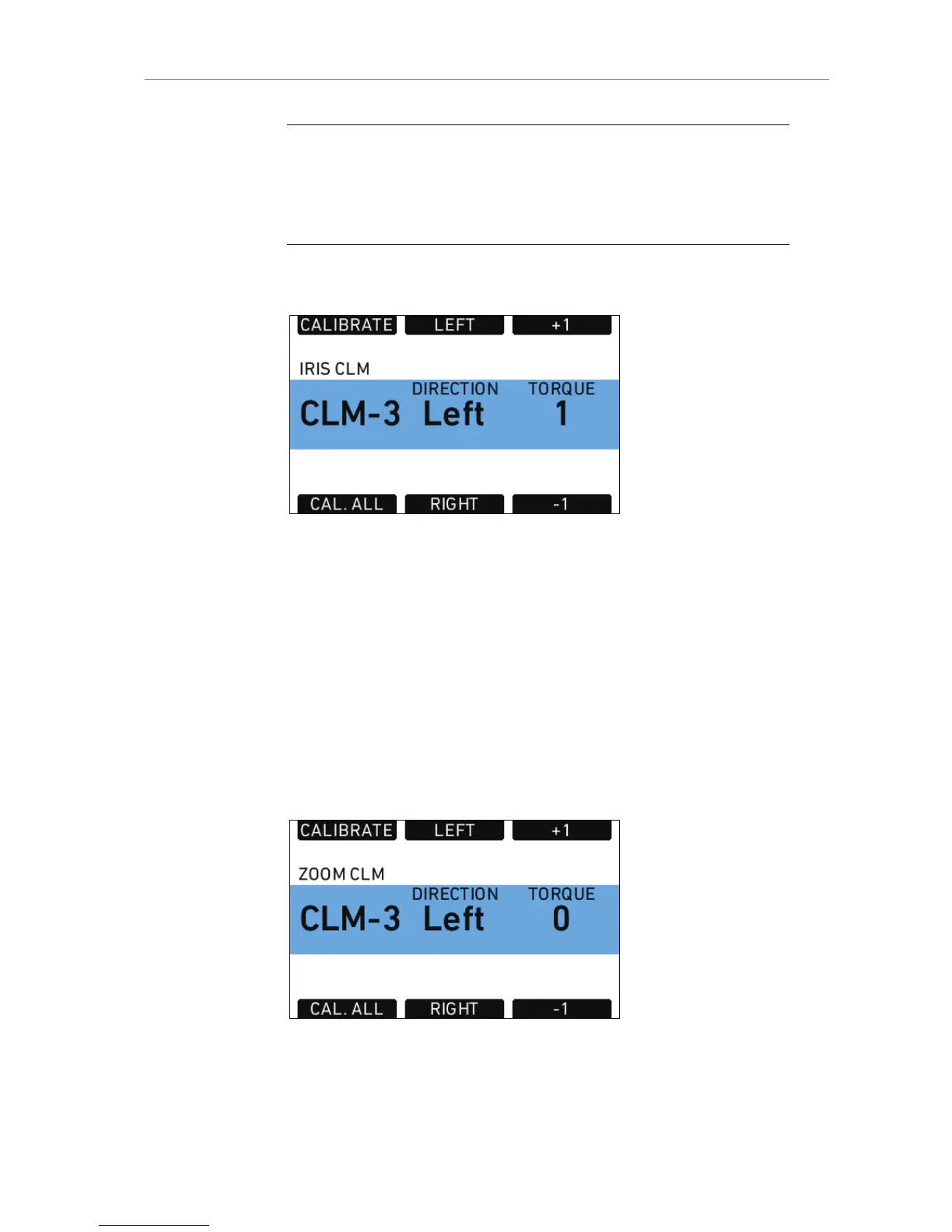
IRIS CLM
Figure 86: Iris CLM screen
Shows status, direction and torque of the CLM connected to the IRIS
socket.
Press the IRIS CLM screen button to access the IRIS CLM screen. This
screen shows the type of motor connected to the IRIS socket, its
direction and torque. Direction and torque can be changed by the
screen buttons below and above the value. The upper left screen button
calibrates only the iris motor.
Pressing the lower left screen button starts calibration of all connected
lens motors.
ZOOM CLM
Figure 87: Zoom CLM screen










 To Next Page