Shows status, direction and torque of the CLM connected to the ZOOM
socket.
Press the ZOOM CLM screen button to access the ZOOM CLM screen.
This screen shows the type of motor connected to the ZOOM socket, its
direction and torque. Direction and torque can be changed by the
screen buttons below and above the value. The upper left screen button
calibrates only the zoom motor.
Pressing the lower left screen button starts calibration of all connected
lens motors.
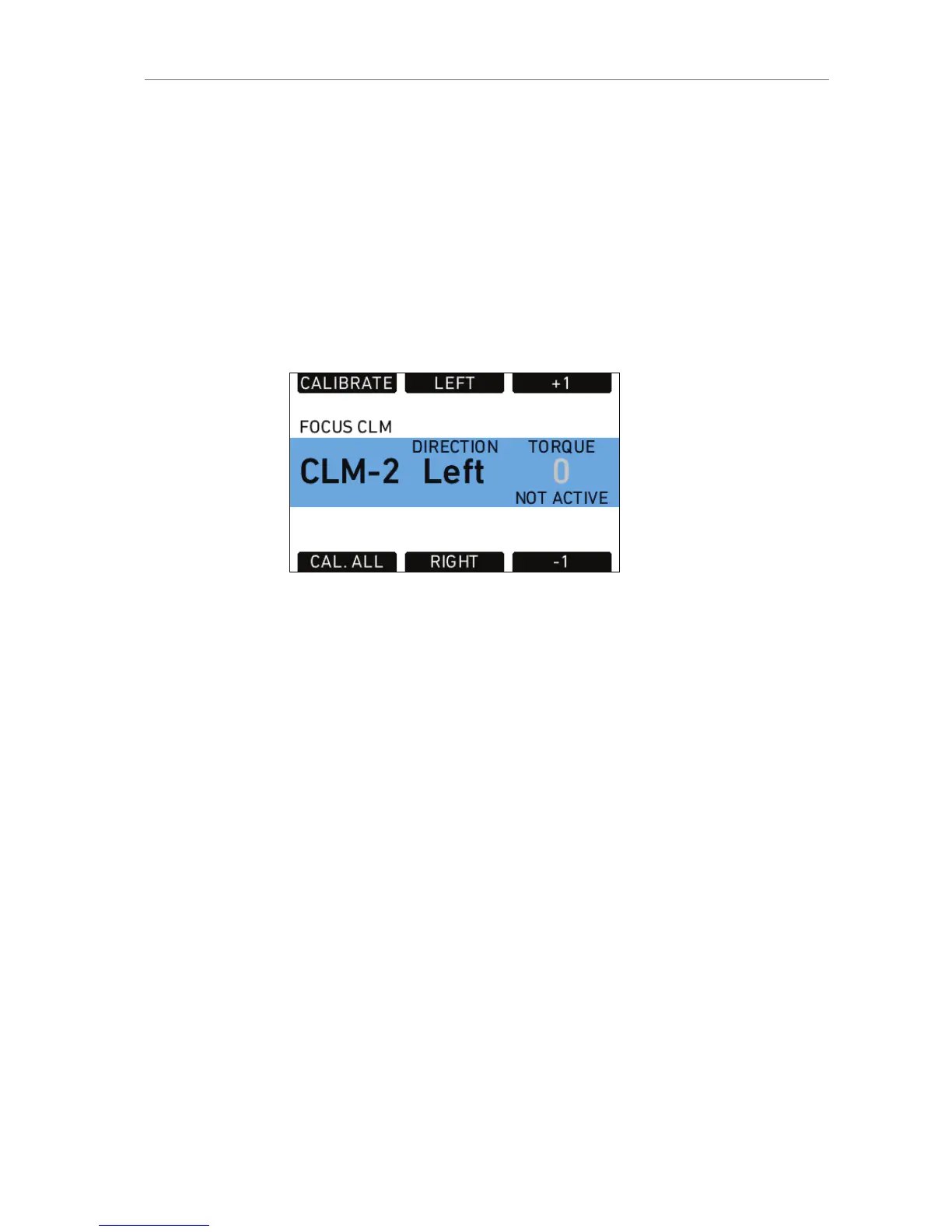
FOCUS CLM
Figure 88: Focus CLM screen
Shows status, direction and torque of the CLM connected to the FOCUS
socket.
Press the FOCUS CLM screen button to access the FOCUS CLM screen.
This screen shows the type of motor connected to the FOCUS socket,
its direction and torque. Direction and torque can be changed by the
screen buttons below and above the value. The upper left screen button
calibrates only the focus motor.
Pressing the lower left screen button starts calibration of all connected
lens motors.
3D Lens Sync
When two cameras are connected and their sensors are synced with via
the EXT connectors, the slave camera will receive its motor commands
from the master camera. Its radio module switches automatically off.
Calibration of lens motors must happen individually for each camera.










 To Next Page