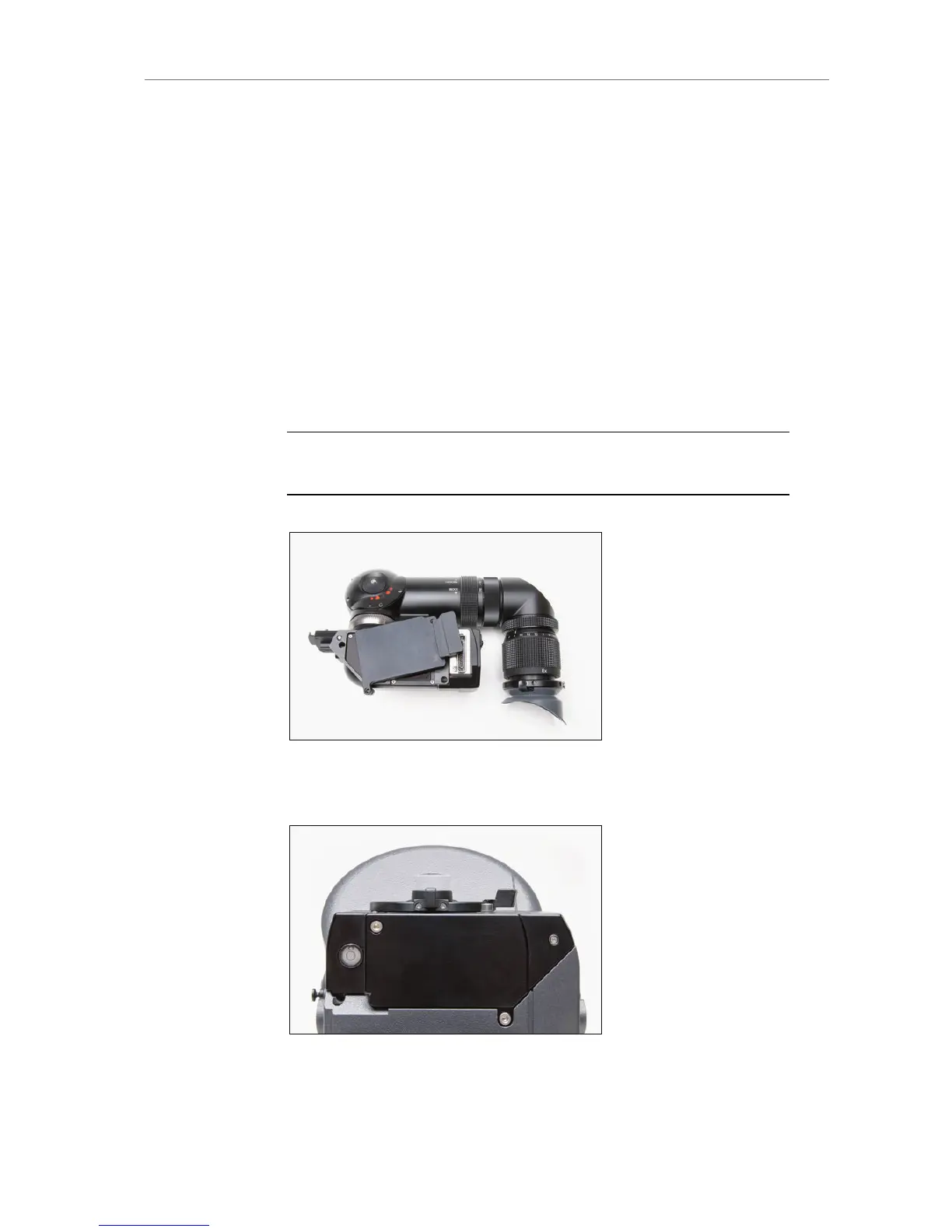
Attaching the optical viewfinder
Upon delivery, the OVF is not connected to the camera and must be
installed by the user.
Remove the protective cover from the OVF by loosening its 2x
3mm allen screws.
Remove the cover plate from the camera by loosening its 2x
3mm allen screws.
Place the OVF on the camera.
Take special care that the electronic connectors of camera and
viewfinder are connected before pushing the OVF in place.
Tighten the 3x 3mm allen screws of the OVF (See OVF top view
image for locations of screws).
Note: The torx screws on the camera that are painted red may not be tightened
or loosened, as this would corrupt the alignment of the OVF.
Figure 110: OVF with cover plate
Figure 111: Alexa Studio with cover plate










 To Next Page