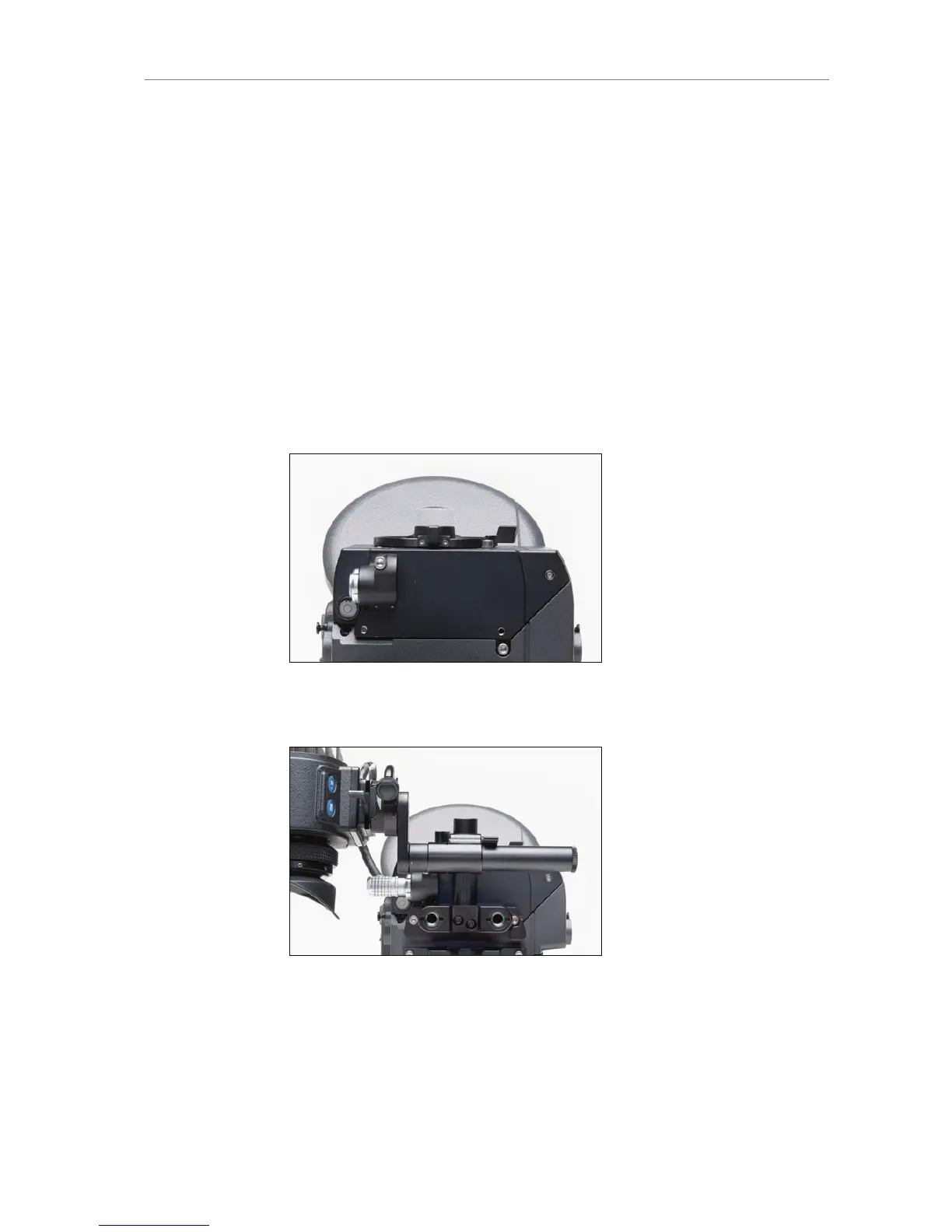
Swapping the optical viewfinder for an electronic viewfinder
EVF-1
Make sure the camera is powered down.
Loosen the 3x 3mm hex screws of the OVF completely (See OVF
top view image for locations of screws).
Remove the optical viewfinder.
Place the EVA-1 electronic viewfinder adapter plate where the
optical viewfinder was.
Tighten the 2x 3mm hex screws.
Attach the EVF mounting bracket with the EVF-1 to the camera
housing with its 2x 3mm allen screws.
Connect the EVF cable to the camera.
Power the camera.
Figure 112: Electronic viewfinder adapter EVA-1
Figure 113: ALEXA Studio with mounted EVF-1










 To Next Page