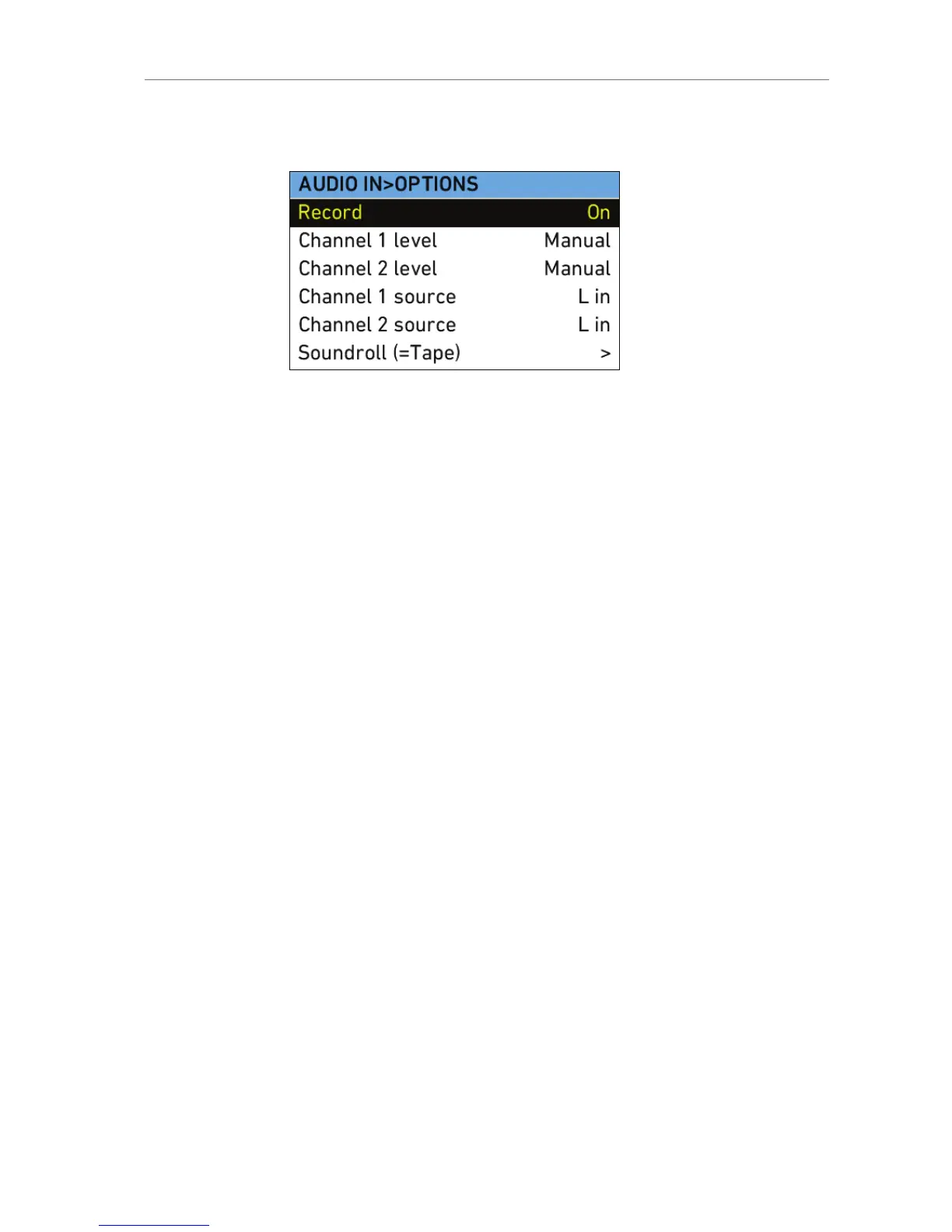
Press the OPTIONS button to open the AUDIO IN>OPTIONS screen and
set audio parameters.
Figure 47: AUDIO IN>OPTIONS screen
Option Description
Record Turns audio recording On or Off.
If audio recording is switched off, no audio
is recorded internally, the HD-SDI contains
no audio and the Audio out is muted.
Channel 1 level Manual allows the user to manually apply
gain to the input signal on channel 1 to
reach a correct level.
Unity matches a 4 dBu input signal to -20
dBFS. This setting leaves enough headroom
for recording and avoids audio clipping.
When Unity is selected, audio levels cannot
be adjusted by the user.
Channel 2 level Manual allows the user to manually apply
gain to the input signal on channel 2 to
reach a correct level.
Unity matches a 4 dBu input signal to -20
dBFS. This setting leaves enough headroom
for recording and avoids audio clipping.
When Unity is selected, audio levels cannot
be adjusted by the user.
Channel 1 source Select the left or right input signal as the
source for Channel 1.
Channel 2 source Select the left or right input signal as the
source for Channel 2.
Soundroll (=Tape) Enter a name for the sound roll (also known
as Tape in the menus of some recorders) of
an external audio recorder, for easier sound
synching in post-production. The name will
be written to the FCP XML file and the Avid
Log Exchange (ALE) file on the recording
media.










 To Next Page