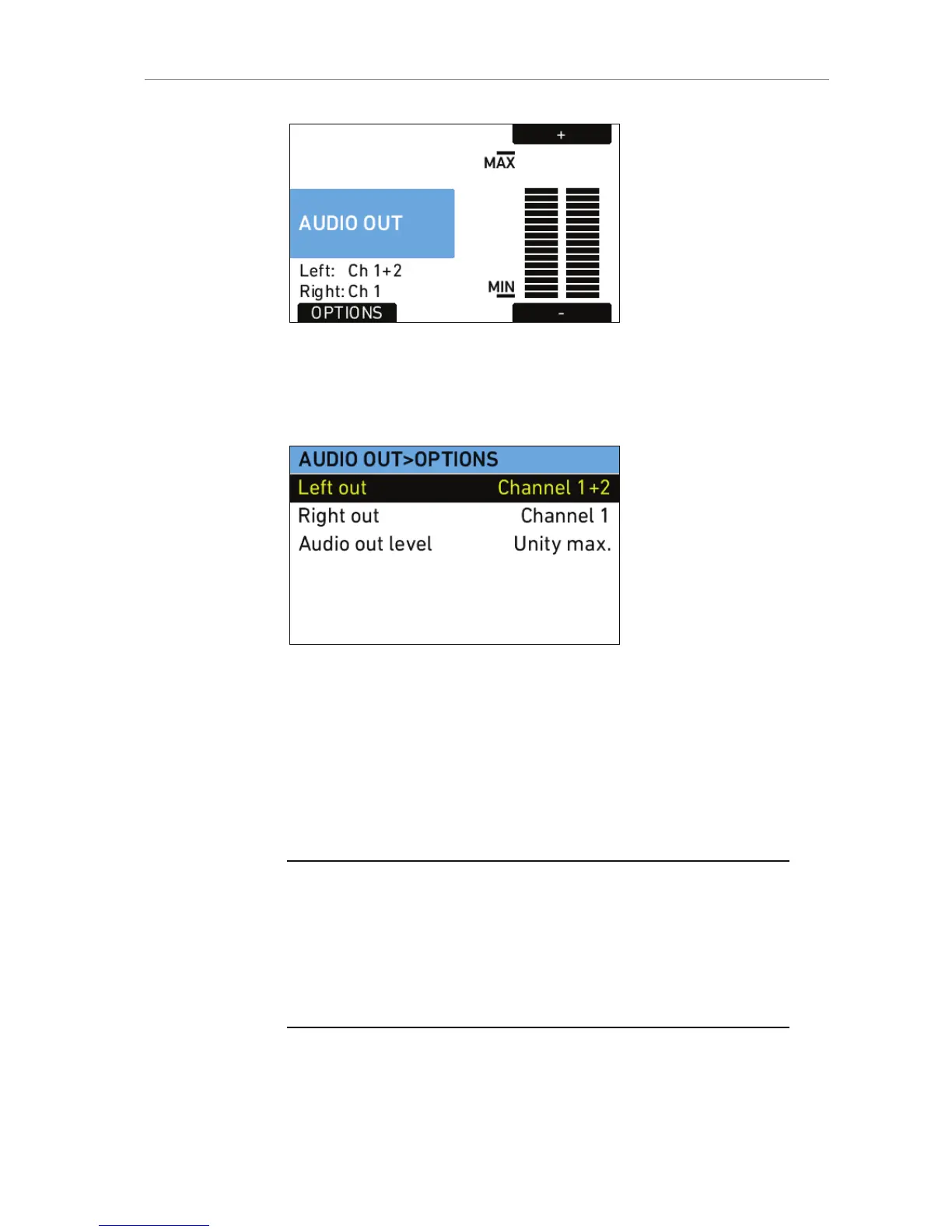
Figure 48: Audio out screen
Press the AUDIO OUT button to open the AUDIO OUT>OPTIONS screen
where the global volume for both Audio out channels can be adjusted.
The OPTIONS button opens a list of AUDIO OUT options.
Figure 49: AUDIO OUT>OPTIONS
Left out Sets which channel is routed to the left
output.
Right out Sets which channel is routed to the right
output.
Audio out level Set the level of the audio out channels
manually, or set it to fix the maximum
output.
Note: These settings do not influence the audio signal embedded in the HD-SDI
connectors or recorded in QuickTime clips. They only affect the AUDIO OUT
connector!
Note: ALEXA automatically determines the internal signal run time and
matches audio and images so they are always in sync. When changing sensor
fps or project fps, it may take up to 2 seconds for the camera to resync image
and audio signals.










 To Next Page