Internet | Television | Telephone
3
DG860
Power
Ethernet
DS
Online
WiFi
Secure
US
Reset
Ethernet
10/100/1000
Cable
2
1
4
3
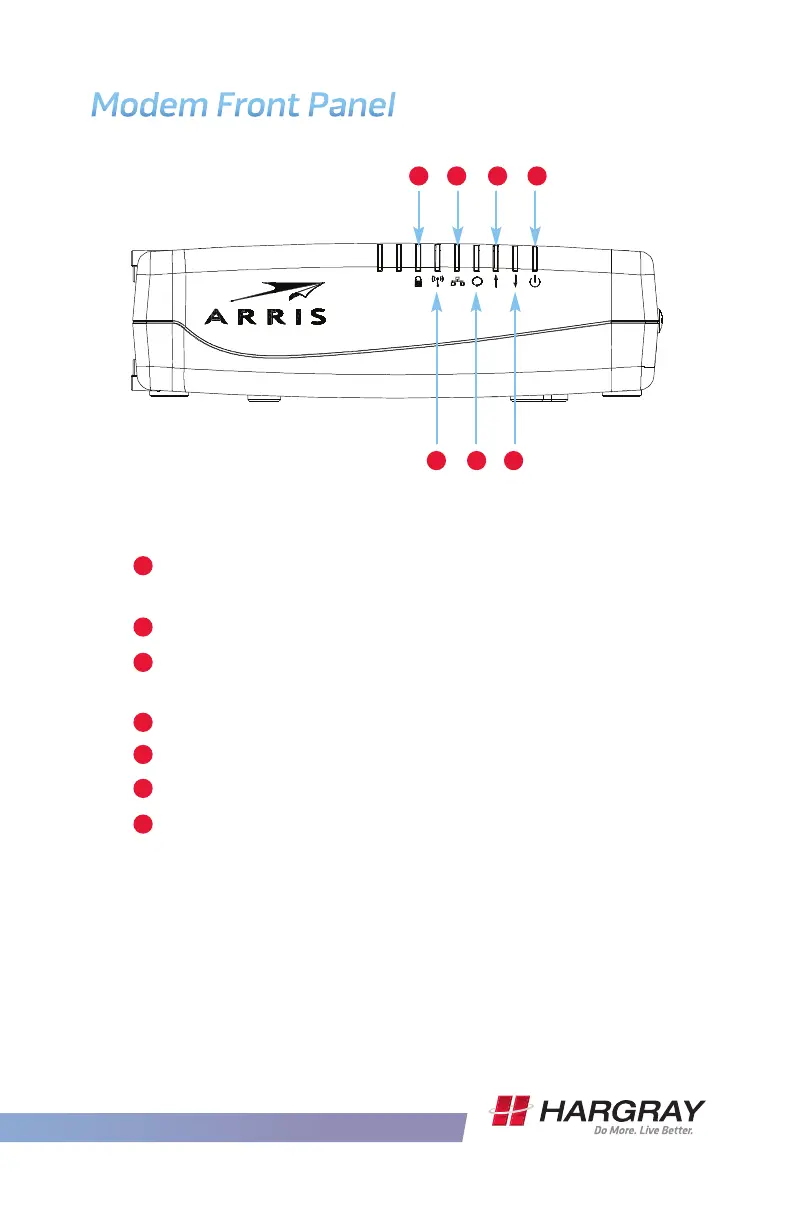
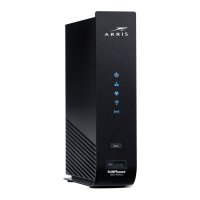
Modem Front Panel
A
e front of the modem has the following indicators:
C E G
B D F
B
Secure: Indicates Wireless Production Setup
(WPS) is active.
WiFi: Indicates the status of the wireless LAN.
Ethernet: Indicates Ethernet connectivity between
the modem and computers.
Online: Indicates internet data transmission status.
US: Indicates upstream connectivity.
DS: Indicates downstream connectivity.
Power: Indicates whether AC power is available
to the unit.
A
C
D
E
F
G









 To Next Page