11
Safety
Getting
Started Installation
Ethernet
Configuration Usage Troubleshooting Glossary
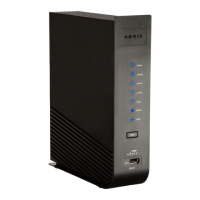
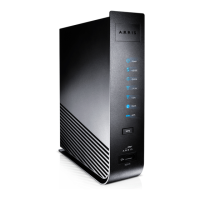
Touchstone DG1660 Data Gateway User’s Guide
System Requirements
The Touchstone Data Gateway operates with most computers. The following de-
scribes requirements for each operating system; see the documentation for your
system for details on enabling and configuring networking.
To use the Data Gateway, you need DOCSIS high-speed Internet service from your
cable company.
Recommended Hardware
The following hardware configuration is recommended. Computers not meeting this
configuration can still work with the DG1660, but may not be able to make maxi-
mum use of DG1660 throughput.
• CPU: P4, 3GHz or faster
• RAM: 1GB or greater
• Hard drive: 7200 RPM or faster
• Ethernet: Gig-E (1000BaseT)
Windows
Windows XP , Windows Vista, or Windows 7. A supported Ethernet or wireless LAN
connection must be available.
MacOS
System 7.5 to MacOS 9.2 (Open Transport recommended) or MacOS X. A supported
Ethernet or wireless LAN connection must be available.
Linux/other Unix
Hardware drivers, TCP/IP, and DHCP must be enabled in the kernel. A supported
Ethernet or wireless LAN connection must be available.



 To Next Page