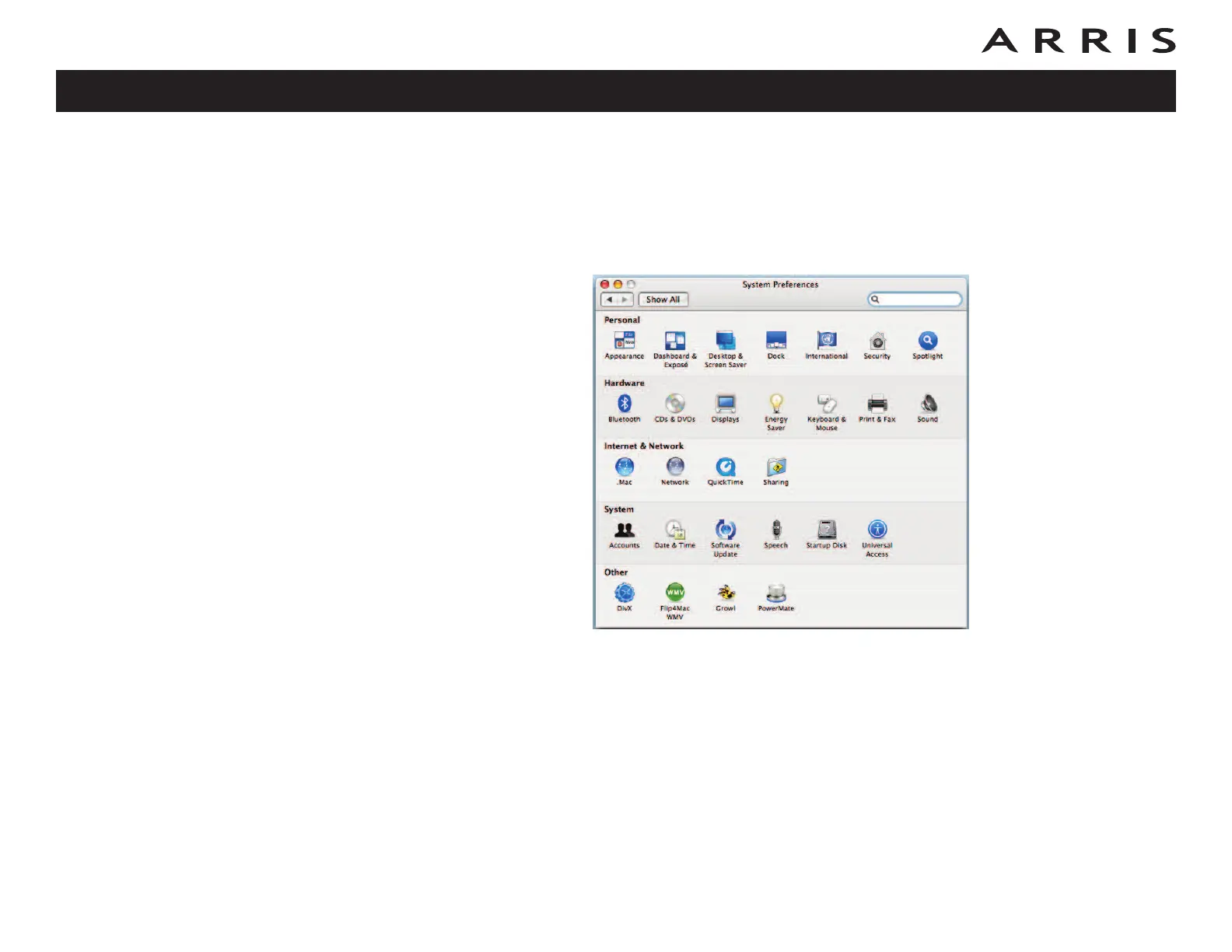
TCP/IP Configuration for MacOS X
Follow these steps to configure the Ethernet interface on a MacOS X operating sys-
tem.
1 Open System Preferences, either by choosing System Preferences from the
Apple menu or by clicking the System Preferences icon in the dock.
Touchstone DG1660 Data Gateway User’s Guide
Safety
Getting
Started Installation
Ethernet
Configuration Usage Troubleshooting Glossary
33















 To Next Page