EasyManua.ls Logo

Arris Touchstone DG1660 - User Manual

Arris Touchstone DG1660
48 pages
Print Icon
To Next Page IconTo Next Page
Loading...
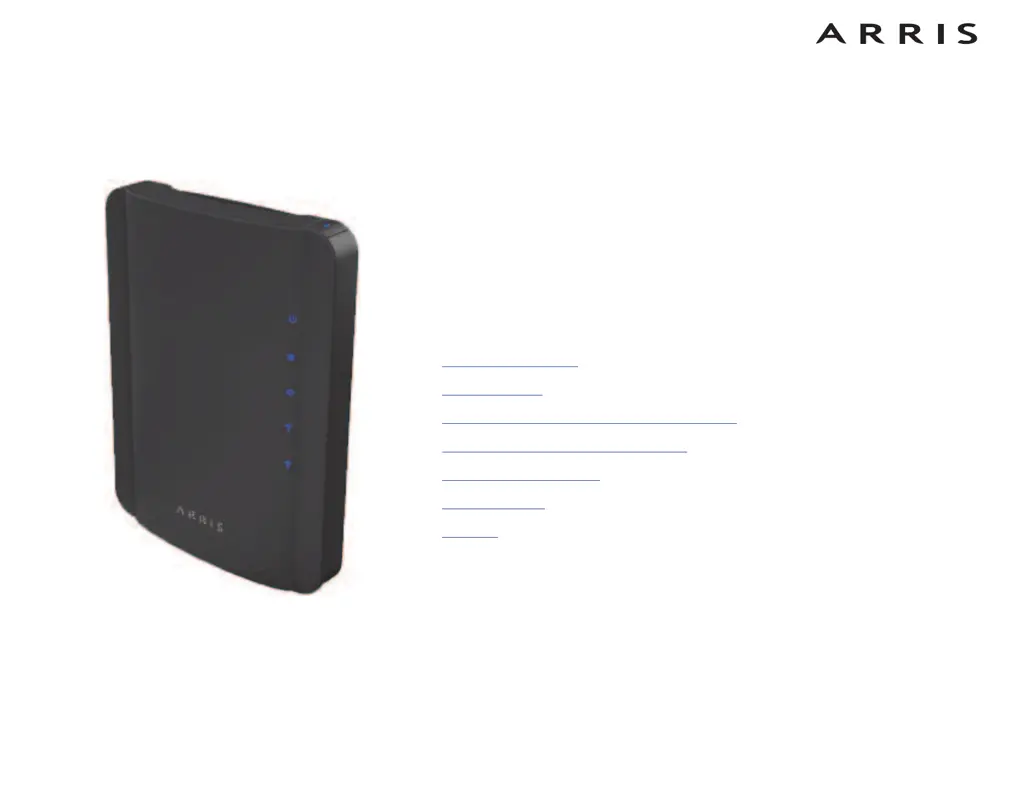
Touchstone
®
DG1660
Data Gateway
User’s Guide
Get ready to experience the Internets express lane! Whether you’re checking out
streaming media, downloading new software, checking your email, or talking with
friends on the phone, the Touchstone DG1660 Data Gateway brings it all to you
faster and more reliably with both wired and wireless connectivity.
The Touchstone Data Gateway provides four Ethernet connections for use as the
hub of your home/office Local Area Network (LAN). The Data Gateway also pro-
vides 802.11b/g/n wireless connectivity for enhanced mobility and versatility.
Installation is simple and your cable company will provide assistance to you for any
special requirements. The links below provide more detailed instructions.
Safety Requirements
Getting Started
Installing and Connecting Your Data Gateway
Configuring Your Ethernet Connection
Using the Data Gateway
Troubleshooting
Glossary

Questions and Answers

  • J
    James HuntAug 18, 2025
    Why am I not getting on the internet with my Arris Touchstone DG1660 Gateway?
    • C
      Cheryl ChristensenAug 18, 2025
      Several factors could be at play. It might take more than 30 minutes to establish a connection when you power up your Arris Data Gateway for the first time. Ensure you always leave it plugged into AC power and connected to the cable system. Check that the Power and Online lights are on. If the Power light blinks for over 30 minutes, contact your cable company. Also, verify that your cable connections are tight and that the coax cable isn't pinched, kinked, or bent sharply. If splitters are present, remove them and connect the Data Gateway directly to the outlet.
  • A
    Ashley GibsonAug 20, 2025
    What to do if my Arris Touchstone DG1660 wireless internet connection stops working?
    • F
      Frank LeAug 21, 2025
      This issue is usually due to interference, commonly from 2.4GHz 'remote' telephones and microwave ovens. If you can't remove the source of interference, consider using a different channel or setting Protected Mode on your Arris Gateway.
  • K
    Kayla CisnerosAug 23, 2025
    How to fix slow internet speed on Arris Touchstone DG1660 Gateway?
    • A
      Adam RussellAug 23, 2025
      If you are experiencing slow internet speeds with your Arris Gateway, the website you're visiting might be overloaded. If other sites load quickly, wait a few minutes and try again. Also, usage during peak hours, other communications on your LAN, or interference with wireless connections may slow down your connection.
  • J
    Joyce RiceAug 26, 2025
    What to do if I'm not getting on the internet via Ethernet on my Arris Touchstone DG1660 Gateway?
    • J
      Jacob LopezAug 26, 2025
      First, if you're using a hub, ensure it's turned on. Next, verify you're using the correct Ethernet cable. Use the supplied cable for direct connection to a computer and a cross-over cable for connection to a hub. You can also try pressing the Reset button on the back of the Arris Data Gateway.
  • K
    Kurt AndersonAug 28, 2025
    How to fix Arris Touchstone DG1660 not connecting to the internet wirelessly?
    • M
      Micheal DavisAug 28, 2025
      First, check the indicator lights on your Arris Gateway to ensure the WiFi light is on. Then, check if your connection utility discovers your wireless LAN. If you've turned off 'Broadcast SSID,' manually enter the name of your wireless LAN in the connection utility. As a troubleshooting step, change your security mode to 'WEP' or 'disabled'. If you use 'disabled,' remember to enable one of the other security modes once you've identified the problem.
  • B
    Benjamin AndersonAug 30, 2025
    Why is my Arris Gateway not connecting to the internet?
    • J
      Jason Henry PhDAug 30, 2025
      It might take more than 30 minutes to establish a connection when you power up your Arris Gateway for the first time, especially when many users are online. Ensure your Arris Data Gateway remains plugged into AC power and connected to the cable system. Check that the Power and Online lights on the front panel are on. If the Power light blinks for more than 30 minutes, contact your cable company. Also, verify that your cable connections are tight and that the coax cable isn't pinched, kinked, or sharply bent. If you have splitters between the Gateway and the CATV outlet, remove them and connect the Gateway directly to the outlet.
  • D
    Daniel WilliamsSep 2, 2025
    Why is my Arris Gateway internet so slow?
    • A
      anthonylawsonSep 2, 2025
      If a popular website is slow, it might be struggling to handle all the requests. If other sites download quickly, wait a few minutes and try again. Connection speed can also be affected by usage during peak hours. Other network communications or wireless interference may also slow down your Arris Gateway connection.
  • K
    Kristen BentonSep 4, 2025
    What to do if Arris Gateway wireless internet is not working?
    • C
      Christopher RoySep 4, 2025
      First, check the indicator lights. The WiFi light should be on. If it is off, that may be the reason. If you turned off 'Broadcast SSID', you need to manually enter the name of your wireless LAN in the connection utility. As a test, change your security mode to 'disabled'. Enable one of the other security modes as soon as you find the problem. Note that a misconfiguration could lock out all access to the Arris Gateway router.
  • A
    abigailharrisSep 7, 2025
    Why does my Arris Gateway wireless internet keep disconnecting?
    • S
      Stacy ReyesSep 7, 2025
      This is usually caused by interference from devices like 2.4GHz 'remote' telephones and microwave ovens. If you cannot remove the source of interference, try using a different channel or setting Protected Mode on your Arris Gateway.
  • T
    tayalaSep 9, 2025
    How to fix Arris Gateway Ethernet connection issues?
    • E
      Erica SchmidtSep 9, 2025
      If you're using a hub, ensure it is turned on. Verify that you are using the correct Ethernet cable. Use the supplied cable for direct connection to a computer; use a cross-over cable for connection to a hub. You can also try pressing the Reset button on the back of the Arris Gateway. Note that a misconfiguration could lock out all access to the Data Gateway router.

Arris Touchstone DG1660 Specifications

General IconGeneral
BrandArris
ModelTouchstone DG1660
CategoryGateway
LanguageEnglish

Related product manuals