EasyManua.ls Logo

Arris Touchstone DG1660 - User Manual

Arris Touchstone DG1660
48 pages
Print Icon
To Next Page IconTo Next Page
Loading...
Touchstone
®
DG1660
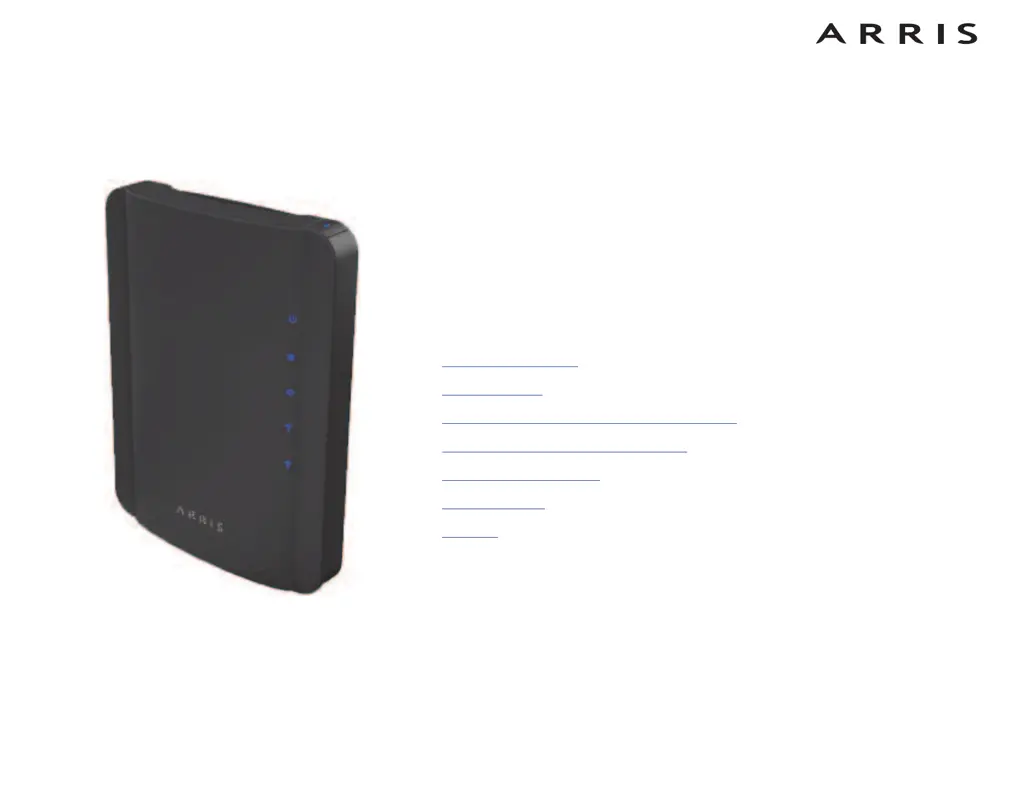
Data Gateway
User’s Guide
Get ready to experience the Internets express lane! Whether you’re checking out
streaming media, downloading new software, checking your email, or talking with
friends on the phone, the Touchstone DG1660 Data Gateway brings it all to you
faster and more reliably with both wired and wireless connectivity.
The Touchstone Data Gateway provides four Ethernet connections for use as the
hub of your home/office Local Area Network (LAN). The Data Gateway also pro-
vides 802.11b/g/n wireless connectivity for enhanced mobility and versatility.
Installation is simple and your cable company will provide assistance to you for any
special requirements. The links below provide more detailed instructions.
Safety Requirements
Getting Started
Installing and Connecting Your Data Gateway
Configuring Your Ethernet Connection
Using the Data Gateway
Troubleshooting
Glossary


Questions and Answers

  • J
    Joseph Gallagher MDSep 12, 2025
    What to do if the power light is off on my Arris Touchstone DG1660?
    • K
      Karen GeorgeSep 12, 2025
      Check all power connections to your Arris Gateway. Ensure the power cord is firmly plugged in at both ends. If you've plugged the power cord into a power strip, make sure the strip is switched on. Avoid using an outlet controlled by a wall switch, if possible. Finally, check the fuse or circuit breaker panel.
  • M
    Mrs. Robin HarperSep 14, 2025
    What to do if Arris Gateway power light is off?
    • P
      patrick07Sep 14, 2025
      Check all power connections to your Arris Gateway. Is the power cord plugged in firmly at both ends? If you plugged the power cord into a power strip, make sure the strip is switched on. Avoid using an outlet controlled by a wall switch, if possible. Finally, check the fuse or circuit breaker panel.

Arris Touchstone DG1660 Specifications

General IconGeneral
BrandArris
ModelTouchstone DG1660
CategoryGateway
LanguageEnglish

Related product manuals