Battery Installation and Removal
The TG862 Telephony Gateway supports a Lithium-Ion backup battery to provide
backup in the event of a local power loss. The battery backup is not intended to take
the place of AC power.
Note: For safety and regulatory purposes, batteries are shipped outside of the
Telephony Gateway and must be installed.
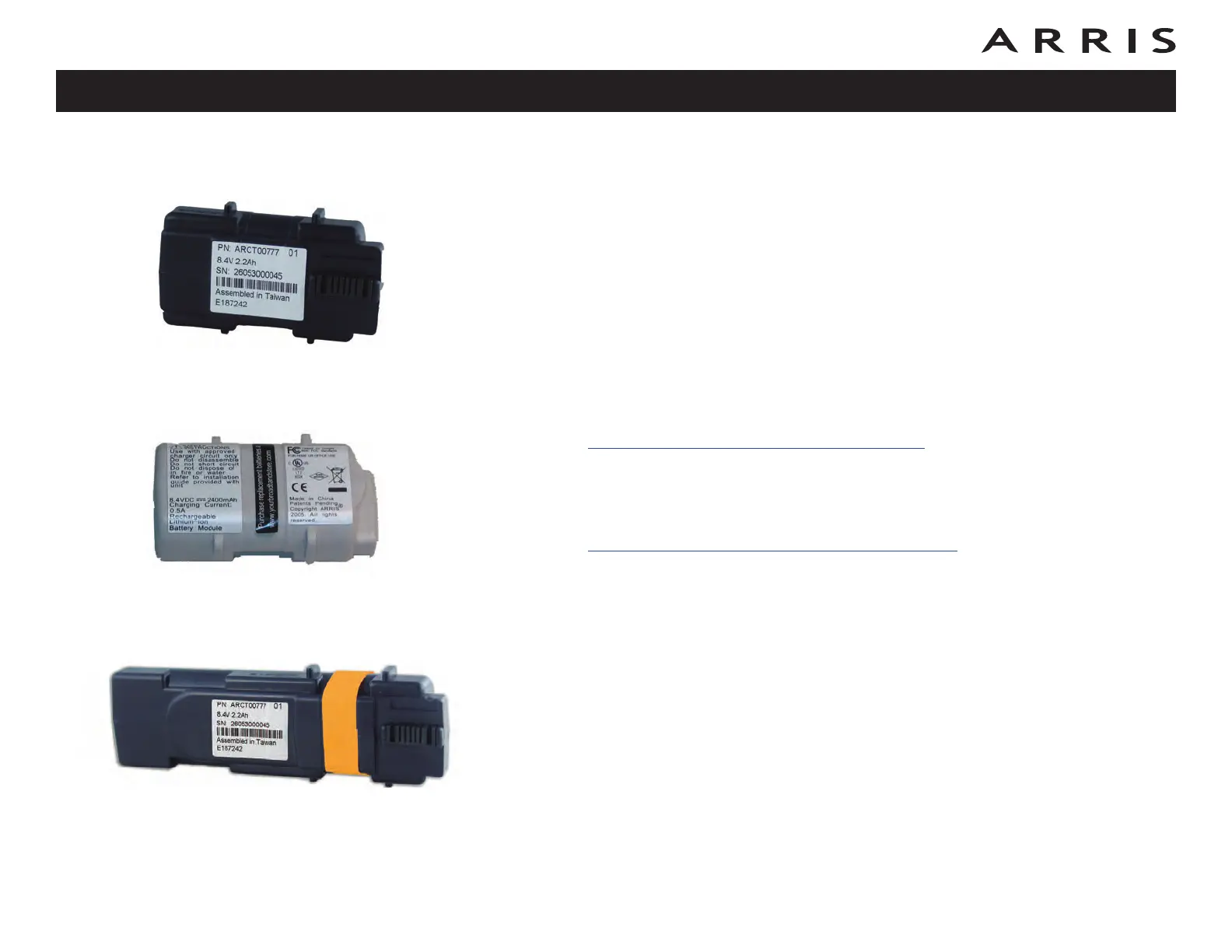
The TG862 supports the following battery models:
• Basic backup battery — provides up to 5 hours (black) or 8 hours (grey)
of backup time, depending on your Telephony Gateway model and usage. It
may be light grey (recommended battery) or black.
Basic Battery Installation and Replacement
• Extended backup battery — provides up to 12 hours of backup time, de-
pending on model and usage. It has a strap between the battery guides.
Extended Battery Installation and Replacement
Your cable company may include a backup battery with your Telephony Gateway.
You can order any of the batteries shown here at http://yourbroadbandstore.com/
Touchstone TG862 Telephony Gateway User’s Guide
Safety
Getting
Started
Battery
Installation
Installation
Ethernet
Configuration Usage Troubleshooting Glossary
14
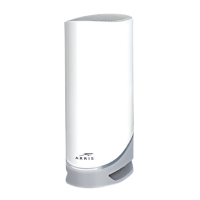
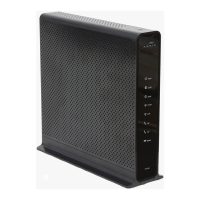
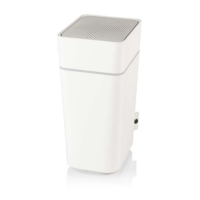
Basic Backup Battery (black)
Basic Backup Battery (grey)
Extended Backup Battery









 To Next Page