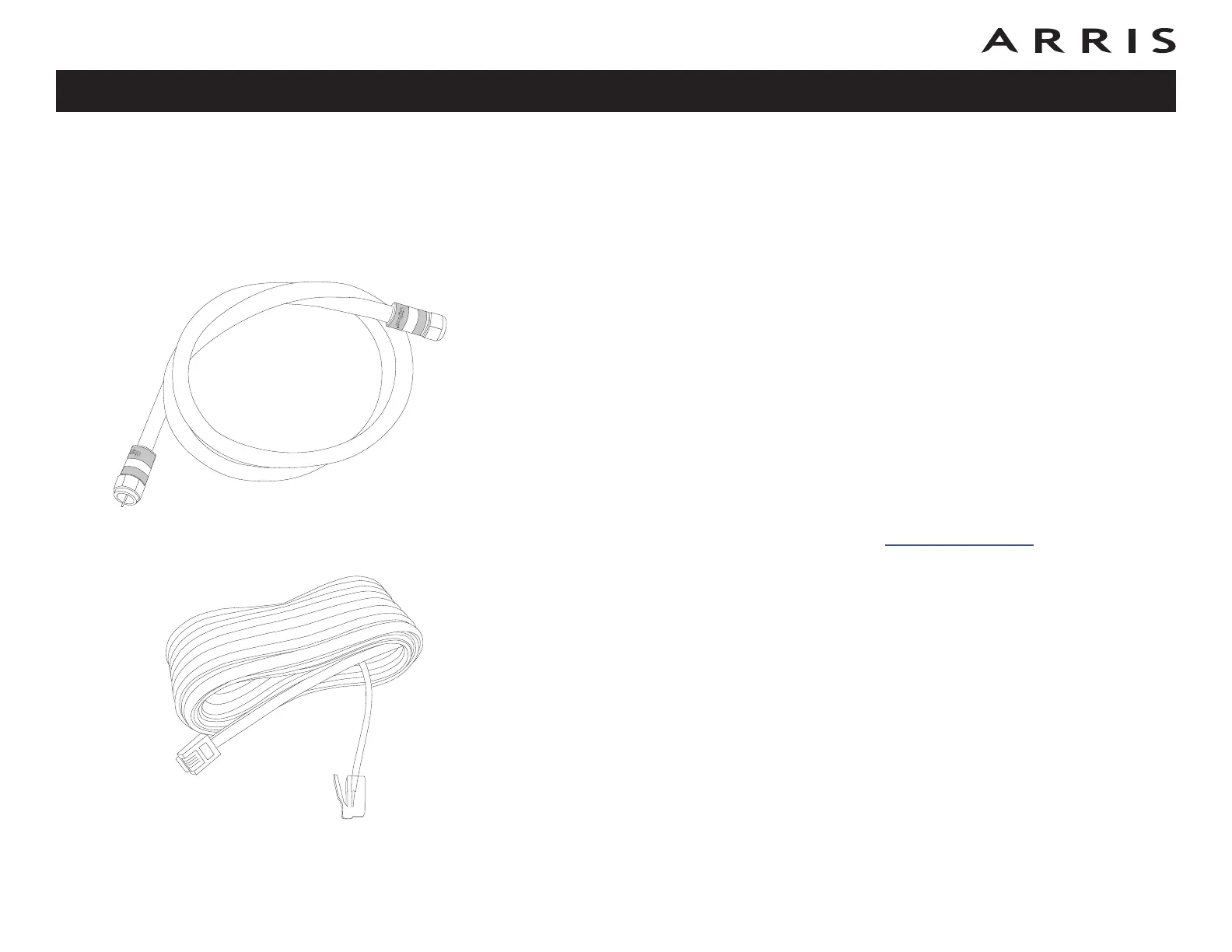
Coax Cable
9
Safety
Getting
Started
Battery
Installation
Installation
Ethernet
Configuration Usage Troubleshooting Glossary
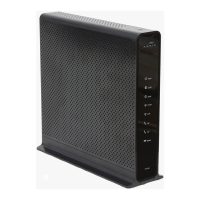
Touchstone TG862 Telephony Gateway User’s Guide
• Wall-Mounting Template and Instructions
• Quick Installation Guide
• Ethernet Cable
• Mini CD-ROM (80mm)
Note: An adapter is required for slot-loading drives. Adapter is not included.
• End User License Agreement
What’s on the CD?
The CD provides the following items:
• Quick Install Guide
• User’s Guide
Items You Need
If you are installing the Telephony Gateway yourself, make sure you have the fol-
low ing items on hand before continuing:
• Telephony Gateway package: see What’s in the Box? for a list of items
in the package.
• Coaxial cable (coax): as shown in the image to the left, this is a round
cable with a connector on each end. It is the same kind of wire used to con-
nect to your television for cable TV. You can buy coax from any electronics
retailer and many discount stores; make sure it has connectors on both
ends. There are two types of connectors, slip-on and screw-on; the screw-
on connectors are best for use with your Telephony Gateway. The coax
should be long enough to reach from your Telephony Gateway to the near-
est cable outlet.
• Phone Cable: as shown in the image to the left, this is a standard phone
cable with standard phone connectors (RJ11 type) on both ends. You can
buy phone cables from any electronics retailer and many discount stores.
• Splitter (optional): provides an extra cable connection by splitting a sin-
gle outlet into two. You may need a splitter if you have a TV already con-
nected to the cable outlet that you want to use. You can buy a splitter from
Phone Cable









 To Next Page